
You already know the symptom. A shopper lands on a product page at night, likes what they see, and has one last question before buying. Is the fabric thick or sheer? Will this work for sensitive skin? Does it arrive before the weekend? No one answers, so they leave.
That’s usually treated as a support problem. In fact, it’s a sales problem.
A strong chatbot knowledge base gives your store a way to answer buying questions the moment they appear. Not tomorrow morning. Not after a ticket gets assigned. Right when purchase intent is highest. The merchants who get the most value from chat don’t treat it like an FAQ wrapper. They treat it like a digital sales floor, where every answer removes friction and moves the customer one step closer to checkout.
Why Your Knowledge Base Is a Sales Tool Not a Cost Center
Most stores build a knowledge base to reduce repetitive tickets. That’s fine, but it’s too narrow.
A buyer rarely asks a question because they enjoy asking questions. They ask because something is blocking the order. If your chatbot can answer that blocker clearly and in context, it does more than deflect support. It protects demand that already exists. That’s why I look at a chatbot knowledge base as part of conversion infrastructure, just like product pages, reviews, and checkout flow.
The difference between a weak and strong setup is simple. A weak setup waits for support questions and gives static replies. A strong setup listens for buying intent, understands where hesitation happens, and answers in a way that helps the customer keep shopping.
Great knowledge bases start with listening
Before you write articles, you need to hear the objections hidden inside customer questions.
“Do you ship to Canada?” might really mean “Can I trust this store to deliver quickly?”
“Is this true to size?” often means “I want to buy, but I’m afraid of getting stuck with a return.”
“Is this restocking?” can mean “Should I wait or choose another product now?”
Practical rule: If a question appears near a product page, cart, or checkout, treat it as a conversion event, not a support event.
That’s why the best knowledge work starts with customer language, not internal documentation. Once you adopt that mindset, every answer becomes an opportunity to reassure, guide, compare, upsell, or redirect to the right product. If you want a broader view of how AI can assist revenue conversations on storefronts, this overview of sales assist AI for e-commerce is useful context.
Sourcing Your Core Knowledge Before You Build
The fastest way to create a bad chatbot knowledge base is to start writing from memory. Teams usually miss key friction points and overproduce generic content like “How shipping works” while ignoring the questions that prevent purchases.
Start with real customer language
Your raw material should come from places where shoppers already reveal confusion, hesitation, and buying intent.
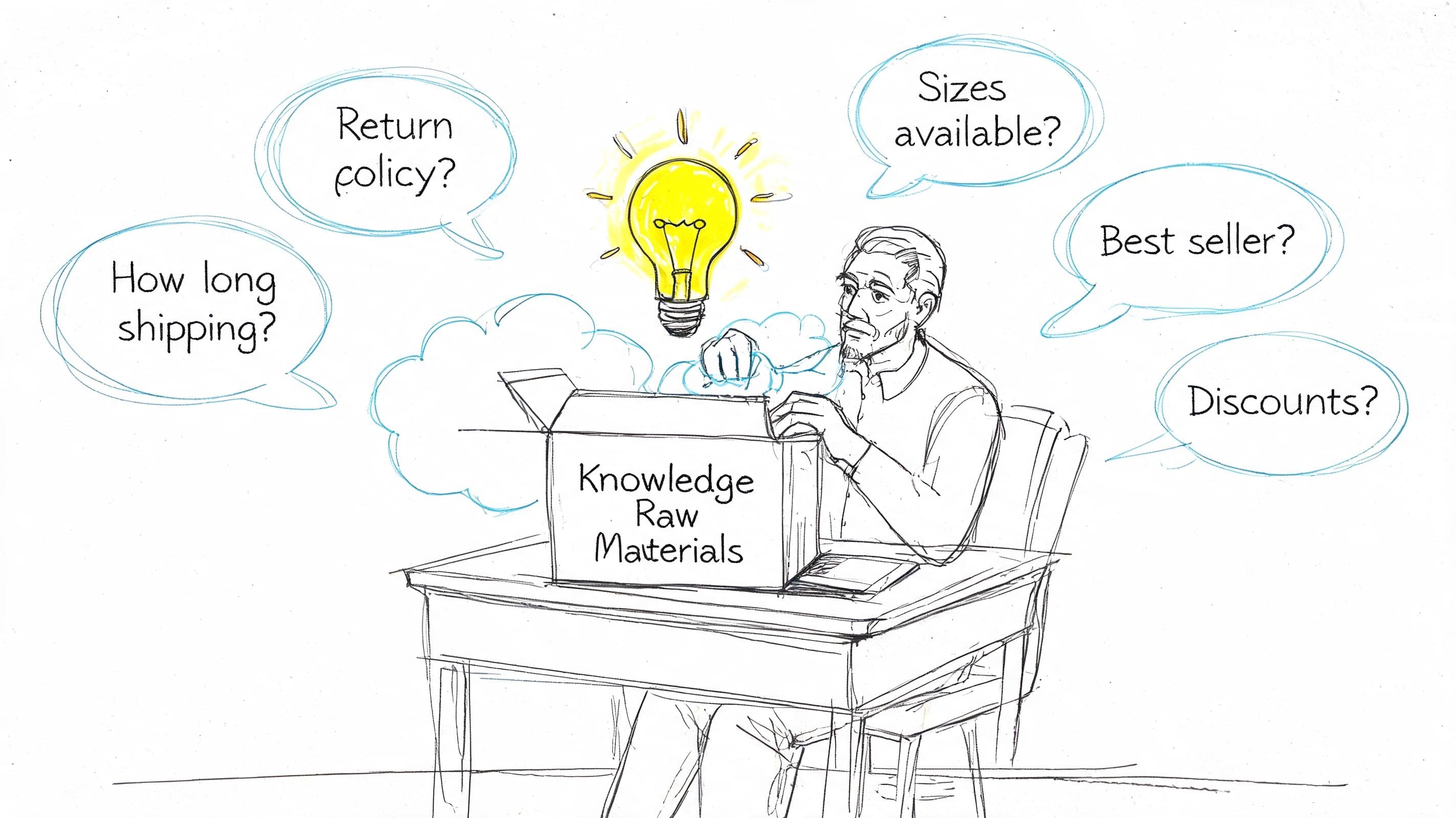
Pull from these sources first:
-
Support tickets and chat transcripts: Look for repeated pre-purchase questions, not just post-purchase complaints.
-
Product reviews: Reviews often reveal gaps like sizing confusion, finish expectations, scent strength, compatibility, and use cases.
-
Sales and CX team notes: Ask what prospects repeatedly need before they buy.
-
Product pages and abandoned cart sessions: Check where people stall, then ask what information was missing.
-
Competitor Q&A sections: Not to copy, but to find buying objections common in your category.
If your AI stack needs fresher retrieval from changing web content, this guide on web context for large language models is worth reviewing. It’s especially relevant when your store updates product pages, promos, or policy details frequently.
Build for memory not just retrieval
A lot of teams assume the chatbot can hold all operational knowledge for them. That backfires. Without structured human-curated knowledge bases, teams cognitively offload to chatbots and forget key information within an hour, leading to repeated queries according to the Stack Overflow article on knowledge bases and Gen Z. For Shopify teams, that matters because merchandising decisions often depend on retained knowledge about catalog changes, bundles, returns patterns, and seasonal objections.
So don’t just dump content into a bot. Curate it.
A support-focused entry might say:
| Format | Example |
|---|---|
| Weak Q&A | “Do you offer returns?” → “Yes, see our return policy.” |
| Strong Q&A | “What if the size doesn’t work?” → “You can return eligible items within the policy window. If you’re between sizes, check the fit note on the product page first. If you want, I can help compare sizes before you order.” |
That difference matters. The first answer closes the question. The second preserves the sale.
Your knowledge base should store how your store sells, not just what your store policies are.
When merchants build with that standard, the chatbot starts to sound less like a help center search bar and more like a competent store associate.
Structuring Content for Higher Conversions
A chatbot knowledge base fails when it’s organized around internal departments instead of customer intent. Shoppers don’t think in folders like Shipping, Returns, and Policies. They think in moments: “Can I trust this?” “Will this fit?” “What should I buy?” “What happens if it goes wrong?”
Organize by buying intent
The cleanest structure I’ve seen is to split knowledge into pre-purchase, purchase-stage, and post-purchase intent.
Pre-purchase content should handle product discovery, sizing, ingredients, compatibility, gifting, use cases, and comparison questions. Purchase-stage content should answer delivery timing, promo eligibility, bundles, stock, and checkout friction. Post-purchase content can cover tracking, returns, exchanges, and care instructions.
That sounds obvious, but it changes how answers are written. A support-first answer ends at resolution. A conversion-first answer keeps the shopping journey alive.
A few categories that belong in a revenue-minded chatbot knowledge base:
-
Product confidence questions: fit, texture, dimensions, ingredients, use cases, compatibility
-
Risk-reduction questions: returns, exchanges, shipping speed, warranty, first-order uncertainty
-
Decision questions: bestsellers, comparisons, alternatives, recommendations
-
Urgency questions: low stock, restocks, delivery deadlines, seasonal relevance
If your chat experience sits inside the storefront, your answer structure also needs to fit the widget environment. This guide on designing a better web chat widget for e-commerce is helpful for thinking about how those interactions appear to buyers.
Conversion-Focused Q&A Structures
A weak answer gives facts. A strong answer gives facts plus direction.
| Customer Question | Weak Answer (Just Solves) | Strong Answer (Sells) |
|---|---|---|
| Do you ship internationally? | Yes, we ship internationally. | Yes, we ship internationally. If you tell me your country, I can point you to the best products for delivery there and help you check availability first. |
| Is this true to size? | Yes, it’s true to size. | Most shoppers choose their usual size. If you prefer a looser fit or plan to layer, size up. I can also compare this item with another style on the site. |
| What’s your return policy? | You can return items within our policy terms. | Eligible items can be returned within the policy terms. If you’re unsure before ordering, I can help you choose the right size or product first so you’re less likely to need a return. |
| Is this good for sensitive skin? | Please review the ingredients. | You should review the ingredient list on the product page. If you want, I can also show you options with simpler formulations or products shoppers often choose when they want a gentler option. |
| This item is sold out. Will it come back? | It may restock soon. | That item may restock. If you want something similar now, I can show close alternatives with a similar look, use case, or price point. |
A few writing rules make these answers perform better:
-
Lead with the direct answer: Don’t hide the yes or no.
-
Add one reassuring detail: Timing, fit guidance, material note, or policy context.
-
Offer the next best action: Compare, recommend, suggest an alternative, or guide to a collection.
-
Keep the reply open: The best answers invite another buying question.
For merchants who want cleaner machine-readable documentation alongside their public content, this explanation of an llms.txt file is a useful reference. It can help you think more carefully about what information AI systems should retrieve first.
A good answer removes friction. A great answer removes friction and creates momentum.
Writing Q&A That Sells Not Just Solves
Once the structure is right, the writing itself has to carry the sale. Often, many chatbot knowledge base projects go flat at this point. The answers are accurate, but they sound like policy excerpts pasted into a chat box.
Use retail language that reduces hesitation
A customer asking about a product doesn’t want “Please consult the relevant product information.” They want fast clarity in plain English.
Use language that sounds like a confident store associate:
-
Be specific: “This runs slim through the waist” is better than “See sizing details.”
-
Acknowledge concern: “If you’re buying for a warm climate, this fabric is lighter than our brushed version.”
-
Guide the decision: “If you want a similar look with more structure, try the alternative style.”
That tone matters just as much for service language. If you need examples of how to keep helpfulness high without sounding mechanical, this piece on customer service etiquette in digital support is a strong practical reference.
Write answers for scanning
Most shoppers won’t read a long paragraph in chat. They scan.
So format answers like this:
-
Short first sentence: Give the answer immediately.
-
One or two supporting details: Add context that helps the purchase.
-
A next step: Link to the relevant product, category, or comparison path.
For richer onboarding or product education, some brands also include multimedia sources in their support stack. If that applies to your catalog, this video knowledge base implementation guide offers a useful approach for turning video into searchable answers.
A practical template looks like this:
“Yes, this works well for dry skin. The product page lists the full ingredients, and if you want a richer option for nighttime use, I can show you the closest match.”
That reply does three jobs at once. It answers, reassures, and advances the sale.
The Workflow for Training and Testing Your AI
A chatbot knowledge base can be beautifully written and still fail in production if the bot can’t retrieve the right answer at the right time. Training and testing are where essential quality control happens.
Train on what buyers actually ask
Start with your core sources: product catalog, policy pages, shipping information, collection descriptions, FAQ content, and any internal notes that explain common objections. Then test with real phrasing, not internal terminology.
Use a checklist that includes:
-
Straightforward product questions: materials, sizing, compatibility, ingredients
-
Messy phrasing: slang, misspellings, shorthand, and incomplete questions
-
Multi-part requests: “Do you ship to Germany and can I return it if the color looks different?”
-
Sales-oriented prompts: “What should I buy if I liked this but want something cheaper?”
-
Edge cases: out-of-stock items, promo exclusions, unusual combinations of policy and product questions
The point isn’t to see whether the bot recognizes keywords. It’s to see whether it understands intent and can retrieve the best answer without drifting into vague language.
Test the chatbot the way customers behave when they’re distracted, uncertain, and ready to buy. That’s the environment that matters.
Use analytics as merchandising input
Testing shouldn’t stop at answer accuracy. Watch what repeated questions reveal about your store.
If many buyers ask whether a serum is safe for sensitive skin, your product page may be underspecified. If shoppers repeatedly compare two similar jackets, your assortment or collection filtering may be unclear. If they ask whether an item works as a gift, that’s a merchandising cue you can use in PDP copy, bundles, and seasonal campaigns.
A well-run chatbot knowledge base becomes a listening system. It doesn’t just answer demand. It helps you spot where demand gets stuck.
Maintaining and Optimizing for Higher Sales
A shopper opens chat with one question. “Will this arrive before Mother’s Day?” If the bot answers vaguely, the sale stalls. If it answers clearly, offers the right shipping option, and suggests a gift-ready alternative when timing is tight, the knowledge base has done sales work.
Watch the gaps that hurt revenue
After launch, the job is to find the conversations that block checkout. Support teams often track containment. Merchants should also track buying friction.
The highest-value gaps usually show up in a few places. Pre-purchase questions with no clear answer. Repeated escalations tied to the same SKU or collection. Comparison chats where the bot describes products but never helps the shopper choose. Policy questions that appear right before checkout, especially around delivery dates, returns, and promo exclusions.
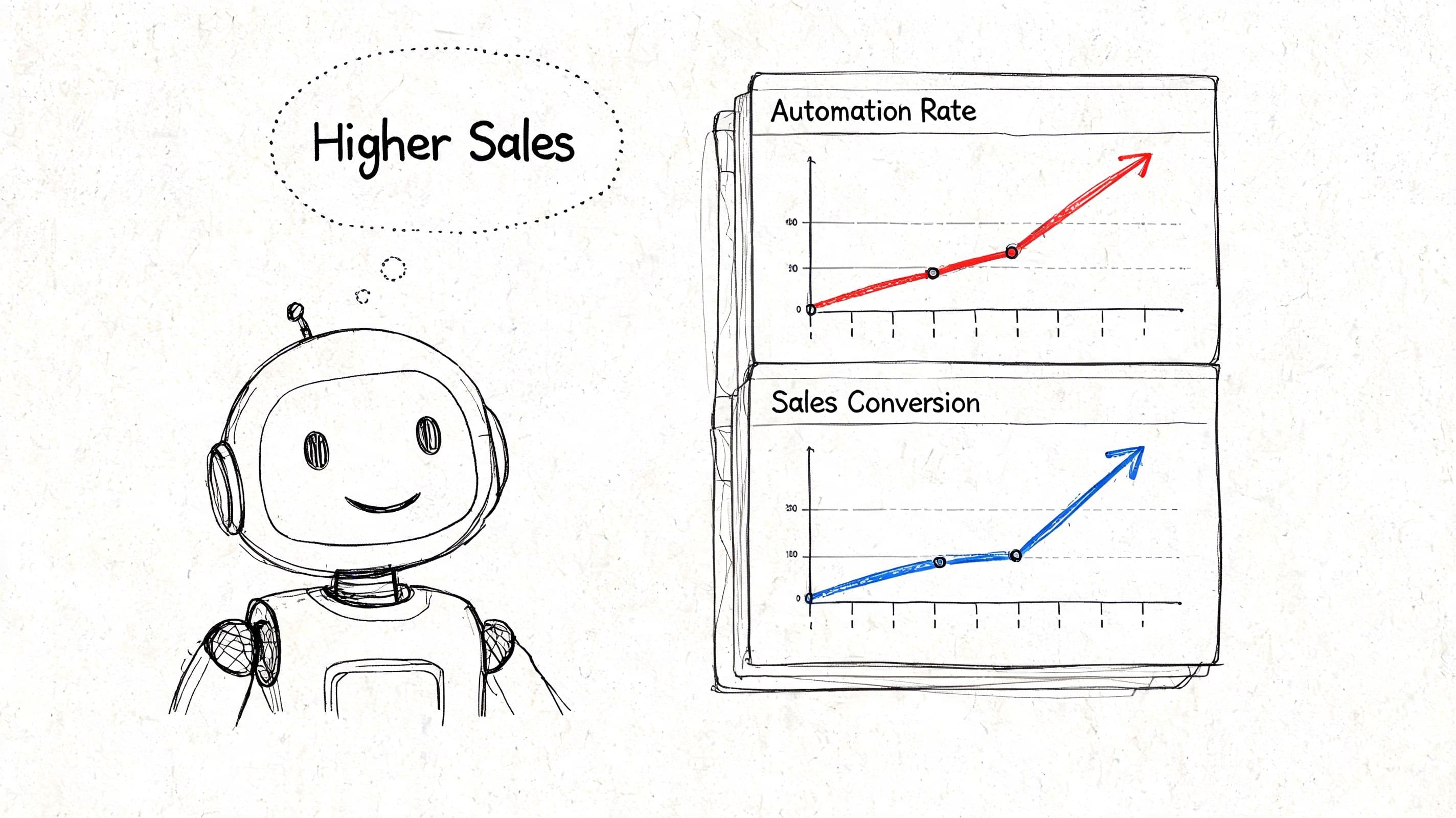
AgentiveAIQ describes this workflow in its AI chatbot KPI analysis: review conversation logs, isolate recurring unresolved queries, and add targeted knowledge that improves both automation and conversion outcomes. The lesson is practical. Missed questions tend to cluster around missing sales knowledge, not random edge cases.
Run a monthly review around questions that affect purchase intent:
-
Product hesitation: fit, ingredients, compatibility, care, gifting, setup
-
Choice friction: “Which one is better for me?”, “What’s the difference?”, “What should I buy instead?”
-
Checkout trust blockers: shipping cutoffs, returns, duties, warranty, promo rules
-
Inventory detours: out-of-stock items that need substitutes, not dead-end replies
Turn unanswered questions into sales assets
A repeated question should trigger more than a patched reply. It should trigger a store improvement.
If shoppers keep asking whether a dress is lined, add it to the product page and train the bot to use that detail in recommendation answers. If buyers ask whether a supplement is safe to take with another product, create an approved compatibility answer and link that logic to related SKUs. If a product is sold out, give the bot replacement rules by price band, style, margin tier, or use case so it can keep the customer shopping.
This work pays off because the same fix can improve three things at once. Chat accuracy improves. PDP clarity improves. Conversion path friction drops.
A short operating cadence works well here. Review unresolved chats once a week during peak season and at least monthly the rest of the year. Look for patterns by product line, campaign, landing page, and traffic source. Paid traffic often exposes different knowledge gaps than repeat customers do. That distinction matters if the goal is revenue, not just fewer tickets.
A walkthrough like the one below can help teams think through optimization from both service and conversion angles.
Field note: The strongest chatbot improvements often start with merchandising decisions. Clearer PDP copy, sharper comparison guidance, and better substitute logic give the bot better material to sell with.
Common Chatbot Knowledge Base Questions
A lot of implementation problems come down to a few recurring decisions. Here are the ones Shopify merchants ask most often.
| Question | Answer |
|---|---|
| How should I handle out-of-stock questions? | Don’t let the chatbot stop at “sold out.” Give it approved alternatives by product type, style, price range, or use case. If restocks are common, let it explain that path too, but keep the immediate focus on preserving the sale. |
| Should my chatbot knowledge base mirror my help center? | No. Your help center is one input. Your chatbot knowledge base should also include product nuance, comparison guidance, objections, and approved recommendation logic. |
| Do I need separate content for support and sales? | Usually yes. Support content resolves issues. Sales content reduces hesitation and guides choice. Some topics overlap, but the wording and next step should be different. |
| How do I manage multi-language support without duplicating everything? | Keep one strong source knowledge base, then use tooling that can localize answers reliably. The important part is that the base content is clear, current, and structured well before translation happens. |
| How often should I update the knowledge base? | Update it whenever catalog, policies, shipping windows, promotions, or recurring objections change. In practice, that means treating it as a living operating asset, not a one-time setup project. |
| What should I do when the bot gives a technically correct but unhelpful answer? | Rewrite the source content. Add the missing context, preferred phrasing, and next step. Most “bad AI answers” are really weak source answers. |
| What’s the best starting set of content? | Start with product questions that block purchase, then move to shipping, returns, sizing, compatibility, and alternatives for unavailable items. |
| How do I keep the chatbot synced with a changing catalog? | Connect it to the live sources you already maintain, then review unresolved questions regularly. The process matters as much as the integration. Fast-changing stores need a habit of updating source content as inventory and campaigns change. |
If you want a Shopify chatbot that learns your catalog and policies quickly, answers shoppers in 92 languages, and helps turn support conversations into sales opportunities, Carti is built for that job. It’s designed to act like a storefront sales associate, not just a ticket deflector, so you can give buyers instant answers, smarter product suggestions, and a smoother path to checkout.

Written by
Daniel AndersonFounder of Carti. 10+ years building ecommerce brands in apparel and supplements. Still runs a Shopify store and built Carti to help merchants convert more browsers into buyers.
Ready to boost your store's sales?
Install Carti in 5 minutes and let AI handle customer questions, recommend products, and close sales 24/7.
Start Free Trial14-day free trial