
Your inbox already tells you what kind of week this is. A customer wants to know why their package hasn’t moved. Another says the serum arrived cracked. Someone else is angry about a duplicate charge. These moments feel expensive because they are. They pull your team off revenue work, trigger refunds, and put repeat purchase behavior at risk.
A good email apology to customer workflow does more than smooth things over. It protects trust, shortens resolution time, and gives the buyer a clear next step. A bad one does the opposite. It sounds canned, arrives too late, or apologizes for something the customer barely noticed and turns a minor issue into a bigger one.
That last point matters. A 2026 Northeastern University study found that sending apology emails to customers for minor service failures can backfire, creating a revenue gap of $65,171 for a typical small to mid-sized business cohort over 90 days when the apology makes customers aware of a problem they might not have noticed (Northeastern University research on apology emails). Timing matters as much as tone.
This guide gives you eight practical templates you can use right away, plus the business logic behind each one so you know when to apologize, when to fix first, and when automation should stay in the background. Before you send anything, check your subject line and email content for spam trigger words.
1. Late Delivery or Order Delay Apology Email
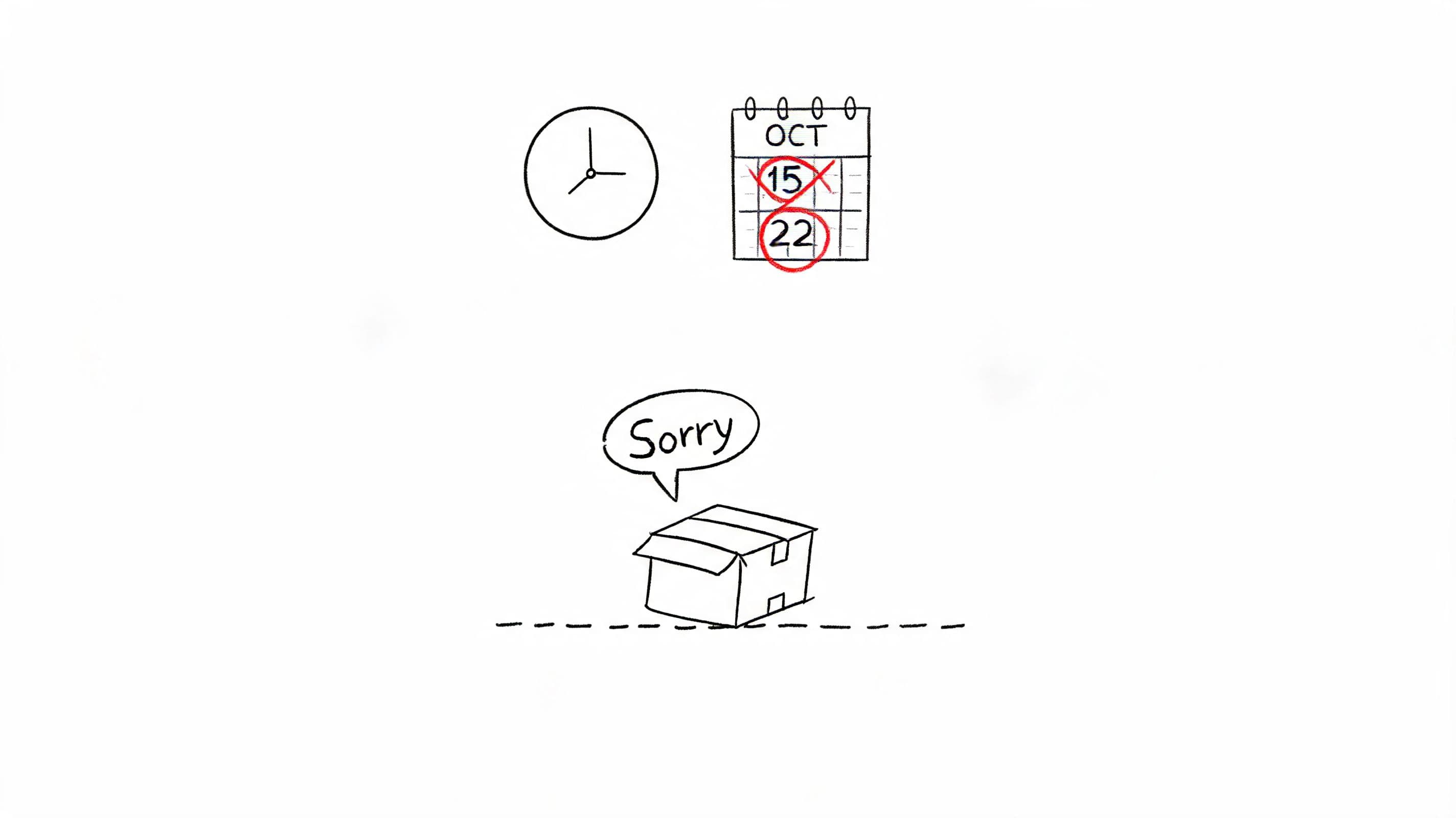
Shipping delays create two problems at once. The customer is frustrated, and your support queue fills with “where is my order?” tickets that all ask for the same thing. The fix is to be specific, not soothing. Customers want the updated delivery window, the tracking link, and a plain explanation of what happens next.
For a delay email apology to customer message, I’d only send it when the customer is likely aware of the issue or the delay is meaningful enough that silence looks careless. That distinction matters because apology timing can hurt if you surface a problem too early.
When to send it
If the package is clearly stalled, delayed beyond the promised window, or the customer has already contacted support, send the email. If the carrier scan is only slightly behind and the buyer has no visible reason to worry yet, lead with status updates inside tracking and onsite support first.
For Shopify merchants, this is also where automation earns its keep. If your bot can answer delivery questions on the order status page, you reduce panic before it becomes a complaint. That’s especially useful when you’re analyzing post-purchase behavior in Shopify and seeing support demand spike after shipping exceptions.
Practical rule: Apologize for the missed expectation. Don’t apologize for “any inconvenience.” Name the delay and give the customer the next checkpoint.
Template
Subject: We’re sorry. Your order is delayed
Hi [First Name],
I’m sorry your order #[Order Number] hasn’t arrived on time.
Your package was delayed in transit, and the latest update shows an expected delivery date of [New Date]. You can track it here: [Tracking Link].
We know delays are frustrating, especially when you planned around the original delivery window. To make this easier, we’ve [issued a refund on shipping / added a discount code / applied free shipping to your next order].
If your order doesn’t move by [Date], reply to this email and we’ll step in with the carrier directly.
Thank you for your patience, [Name] [Brand]
A few practical tweaks make this stronger:
- Use a real date: “Arriving by Thursday” is better than “arriving soon.”
- Include one resolution path: Refund, credit, or escalation. Don’t offer three options unless the customer has to choose.
- Follow up after delivery: A short check-in can recover confidence if the item arrives intact.
2. Product Quality or Damage Apology Email
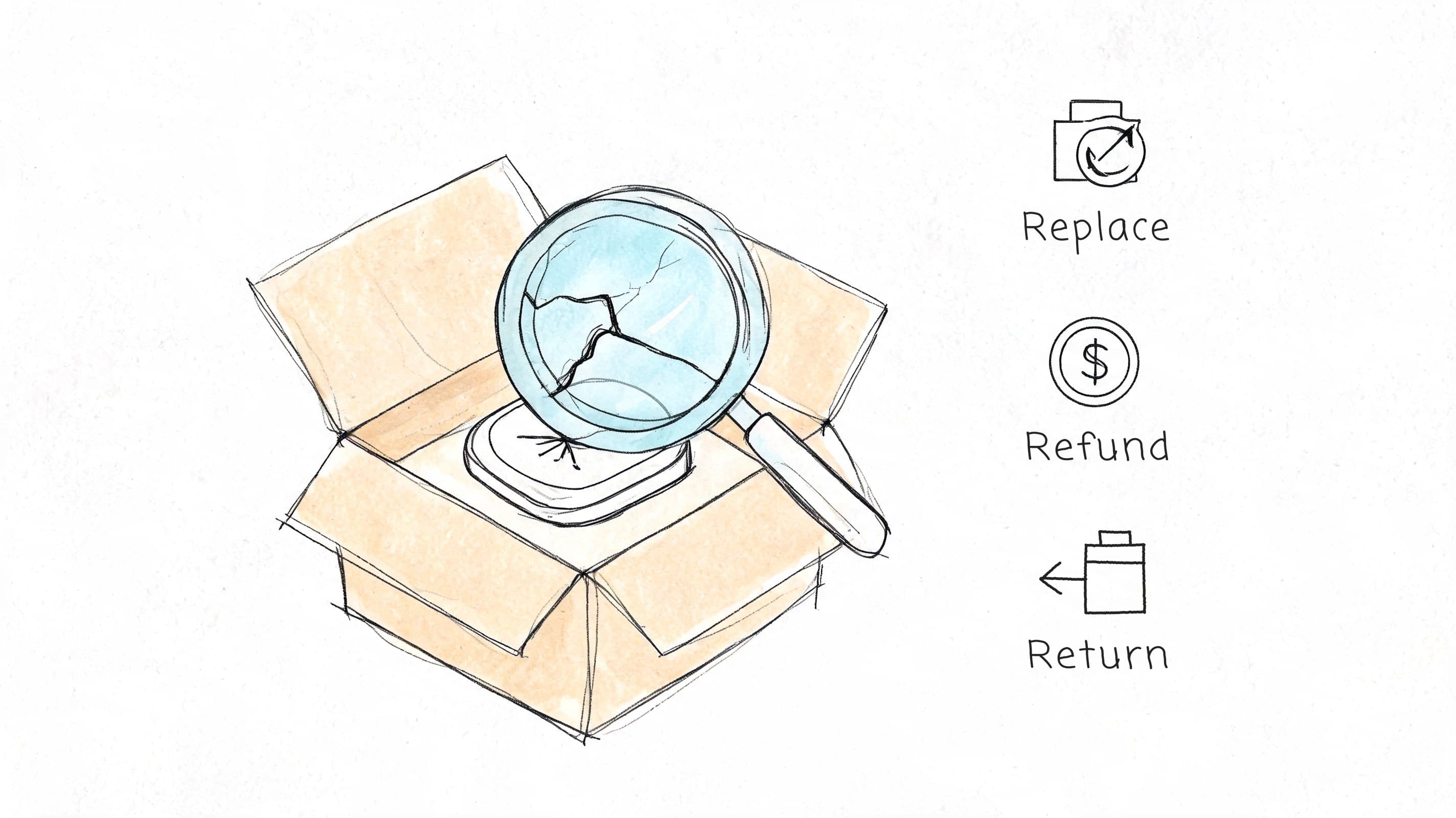
Damage complaints are easier to recover from than many merchants think, but only if you remove work for the customer. Don’t make them wait while your team debates policy. If the photo is clear and the issue is obvious, move straight to replacement or refund.
This is one of the few apology scenarios where speed beats polish. The customer already sees the failure in their hands. They don’t need a long explanation. They need confidence that buying from you again won’t create more hassle.
Fix the outcome fast
Beauty brands often do this well when a compact arrives shattered or a pump leaks in transit. The best messages are short, direct, and operational. They confirm the issue, explain the remedy, and tell the customer whether they need to return anything.
If you use chatbot support, let it collect the order number, photos, and preferred resolution before an agent reviews the case. That cuts the back-and-forth that usually makes these situations feel worse than the actual product defect.
Template
Subject: Sorry about the condition of your order
Hi [First Name],
I’m sorry your [Product Name] arrived damaged.
That’s not the condition it should have reached you in, and we’re fixing it right away. We’ve arranged a [replacement / full refund / store credit], and you’ll receive the next update at [timeframe].
If we need the item returned, we’ve included a prepaid return label below. If not, there’s nothing else you need to do.
If you’d prefer a different option, reply to this email and we’ll take care of it.
Best, [Name] [Brand]
The best recovery emails in this category usually include a few practical details:
- Acknowledge the exact product: Customers want to know you read the case.
- State whether return is required: That single line removes uncertainty.
- Offer one fast default action: Don’t force the customer to negotiate a solution.
When the product is visibly damaged, fix first and investigate second. Customers remember the order of those steps.
3. Wrong Item Shipped Apology Email
Wrong-item errors feel sloppy because they usually are. The customer doesn’t care whether the issue started in picking, packing, or barcode scanning. They care that they paid for one product and opened the box to find another.
The recovery principle here is simple. Don’t make the customer fund your internal process with their time. If the order value and fraud risk allow it, ship the correct item immediately and solve the return in parallel.
Reduce customer effort
Some merchants create friction by demanding multiple photos, a warehouse review, and a return scan before they release the replacement. That protects operations in the narrow sense, but it often costs more in goodwill than it saves in inventory control.
Fashion and footwear brands tend to handle this better because they know size, color, and SKU confusion happens. A clean email apology to customer message can turn an annoying mistake into a competent recovery if the path is obvious.
Template
Subject: We sent the wrong item. We’re sorry
Hi [First Name],
I’m sorry. We sent the wrong item in your order #[Order Number].
You ordered [Correct Item], but you received [Received Item]. We’ve started the fix and will [ship the correct item today / process a refund right away], based on your preference.
For the item you received, please use the prepaid return label below. If the return isn’t required, we’ll tell you that clearly in a separate confirmation so you don’t have to guess.
Reply to this email if you want us to switch the resolution from exchange to refund.
Thank you, [Name] [Brand]
A few things separate a strong recovery from a messy one:
- Confirm both items in writing: It prevents another mistake in the next step.
- Default to shipping the right item first: That shows urgency.
- Keep the customer on one thread: Don’t bounce them between support, warehouse, and returns.
If you run an AI assistant on your store, let it confirm what was ordered, identify the expected item, and generate the return flow automatically. The more routine the error, the less human handoff you want.
4. Cart Abandonment with Apology and Recovery Incentive
Cart recovery is where many brands overuse apology language. They assume that saying sorry will sound warm and increase conversions. Often it does the opposite. If the shopper got distracted, an apology can frame a normal pause as a broken experience.
That’s exactly where recent research matters. An April 2026 Harvard Business Review summary reported that apology-exposed customers in a field study showed 23% lower repeat purchase rates and 15% lower average order values than customers who didn’t receive the apology when the message made them aware of a failure they hadn’t clearly registered (Harvard Business Review on when apologizing hurts).
Use apology carefully in recovery emails
If checkout failed, a payment error blocked the order, or the customer complained, apology language makes sense. If they merely left the session, use a recovery email first. Lead with clarity, convenience, and motivation, not guilt.
That’s especially important in categories where abandoned carts are common. You need to recover intent, not narrate a problem that may not exist. For stores working on reducing abandoned carts on Shopify, that usually means segmenting technical failures apart from ordinary drop-off.
Don’t apologize for abandonment by default. Apologize for friction the customer actually experienced.
Template
Subject: Trouble checking out?
Hi [First Name],
It looks like you left a few items in your cart.
If something got in the way during checkout, we’re here to help. You can return to your cart here: [Cart Link].
If shipping cost, payment issues, or a technical problem stopped the order, reply to this email and we’ll sort it out. If you’re still deciding, we’ve added [free shipping / a limited-time code] to make it easier to complete your order.
Your saved items: [List of Products]
Best, [Name] [Brand]
This format works because it stays neutral. It opens the door for customers who hit friction without forcing every shopper into a service-failure narrative.
5. Billing or Charge Error Apology Email
Billing mistakes trigger a different kind of reaction than shipping or quality complaints. Customers read them as trust failures. Money left their account, and now they want certainty more than empathy.
That means your email apology to customer message should open with ownership and specifics. Include the transaction reference, what happened, what you already reversed, and when they should see the correction. Don’t hide the operational facts behind soft language.
Lead with ownership
The strongest billing apologies read like a finance update written by someone who understands customer emotion. They don’t sound defensive. They don’t ask the customer to “allow time” before confirming the refund was even initiated.
If your team catches the issue first, contact the customer before they spot it. That changes the tone of the whole exchange. It shows control instead of cleanup.
Template
Subject: We’re sorry about the billing error on your order
Hi [First Name],
I’m sorry about the billing error affecting your order #[Order Number].
We identified an incorrect charge on [Charge Date] tied to transaction ID [Transaction ID]. We’ve already [reversed the duplicate charge / issued the refund / corrected the total], and you’ll receive a confirmation as soon as the adjustment is finalized on our side.
Your bank may take additional time to reflect the update in your account. If you don’t see the correction after that processing window, reply directly to this email and we’ll investigate it for you.
We understand that billing mistakes affect trust, not just convenience, and we’re reviewing the cause internally.
Sincerely, [Name] [Brand]
For this category, a few habits matter more than wordsmithing:
- Send after action, not before: Confirm the refund is in motion.
- Include identifiers: Order number and transaction ID reduce follow-up.
- Avoid vague blame: “A system issue occurred” is less useful than a concise explanation tied to the charge.
6. Poor Customer Service or Support Experience Apology Email
When the complaint is about your support team, the apology can’t feel automated, even if the case entered through automation. The customer is already reacting to tone, delay, or lack of ownership. Sending a generic “we’re sorry for the inconvenience” email usually makes it worse.
A better approach is to acknowledge the exact miss. Long wait time. Dismissive reply. Unresolved issue after multiple contacts. Name it, then assign a person who owns the fix.
Make it personal
A signed note from a support lead or CX manager helps. Customers don’t need executive theater. They need evidence that a real person reviewed the interaction and changed the handling of their case.
If your team uses AI on the front end, it should reduce friction, not hide accountability. Good systems triage basic questions fast and give human agents context when escalation is needed. That’s part of basic customer service etiquette for ecommerce teams, especially when the first interaction has already gone poorly.
You can also sharpen your team’s drafts with a Prompt Builder for customer service if agents struggle to balance empathy with clear action.
Template
Subject: I’m sorry about your recent support experience
Hi [First Name],
I’m sorry for the way we handled your recent support request.
You shouldn’t have had to deal with [long wait times / repeated explanations / an unhelpful response] to get help. I reviewed your case, and we fell short.
I’m taking over from here. We’ve [resolved the issue / escalated your case / issued the requested adjustment], and I’ll stay on this thread until everything is complete.
If there’s anything we still haven’t addressed, reply directly and I’ll handle it personally.
Best, [Manager Name] [Title] [Brand]
A support apology should come from someone with authority to close the loop, not just acknowledge it.
7. Website Technical Issue or Shopping Experience Disruption Apology
Technical issues need operator language. Customers want to know what broke, whether it’s fixed, and whether they can safely place the order now. If your checkout failed during a sale or your product page wouldn’t load, a vague brand-toned apology only adds friction.
The practical move is to send one clean update after the issue is resolved or once you have enough certainty to explain impact. If you send too early with no useful detail, you’ll train customers to ignore future incident emails.
Communicate like an operator
For website incidents, the most effective messages include the affected function, the time window, and what you’re doing to make the interrupted shopping attempt whole. That might mean honoring a sale extension, reactivating a code, or inviting the customer to reply if they still can’t check out.
During backend issues, onsite chat can still carry a lot of weight. If your chatbot can explain that checkout is temporarily unavailable and promise a follow-up when it’s restored, you contain frustration without forcing the customer to refresh blindly.
Template
Subject: We’re sorry for the issue on our website
Hi [First Name],
We’re sorry for the disruption on our website that may have affected your shopping experience.
For a period of time, customers had trouble with [checkout / page loading / account access]. The issue has now been [resolved / stabilized while we continue monitoring], and you can return to shop here: [Store Link].
If you missed a promotion or weren’t able to complete your order, reply to this email and we’ll help you finish it. We’ve also extended [discount code / free shipping offer] so you don’t lose out because of our technical issue.
Thank you for your patience, [Name] [Brand]
This type of apology works best when it’s paired with consistency. If you promise an update, send one. If you offer a code, make sure it works on the first try.
8. Misleading Product Description or Unmet Expectation Apology Email
This category is easy to underestimate because the product may be technically fine. The problem is expectation. The color looked different. The size felt smaller. The fabric wasn’t what the customer thought it would be. That gap often starts in merchandising, not support.
Your apology should recognize that the customer bought based on the information you provided. If that information was incomplete or unclear, own the mismatch. Don’t argue the spec sheet when the shopper is describing the buying experience.
Treat this as merchandising feedback
These emails are more valuable than they look. They often point to product page fixes that can lower returns later. When several customers describe the same misunderstanding, the problem usually sits in imagery, sizing language, comparison context, or missing detail.
This is also where onsite assistance can prevent the issue before purchase. An AI assistant that answers nuanced questions about fit, material feel, shade variation, or compatibility can catch concerns the product page missed.
Template
Subject: We’re sorry the product didn’t match your expectations
Hi [First Name],
I’m sorry that [Product Name] didn’t match the expectations set by our product page.
We understand that you made your purchase based on the information and images we provided, and in this case we didn’t set the right expectation. We’d like to make it right with a [refund / exchange / store credit], depending on what works best for you.
If you’re open to sharing it, I’d also like to know what detail felt missing or misleading. That feedback helps us improve the product page so other customers have a clearer picture before buying.
Thank you for raising this with us, [Name] [Brand]
The hidden value in this template is the final question. It gives you usable copy and merchandising feedback instead of a closed ticket and a silent repeat problem.
8 Customer Apology Emails, Quick Comparison
A good apology email does two jobs. It resolves the current issue, and it feeds the cause back into the part of the business that created it.
That is the comparison point here. Some apology flows are easy to set up but offer limited learning. Others take more operational work, yet they cut repeat tickets, chargebacks, and lost repeat orders once they are wired into support, fulfillment, or finance.
| Apology scenario | Setup complexity | What you need in place | Business impact when done well | Best fit | Why operators use it |
|---|---|---|---|---|---|
| Late delivery or order delay | Medium | Carrier tracking events, clear send triggers, approved compensation rules, support macros or automation in Shopify and Carti | Cuts “where is my order” tickets, protects repeat purchase intent, and gives support fewer manual updates to send | Stores with inconsistent carrier performance, preorder windows, or split-shipment orders | Handles the issue before the customer contacts support. Keeps margins tighter by matching compensation to delay severity instead of handing out blanket discounts |
| Product quality or damage | Medium to high | Photo collection flow, replacement and refund rules, return label process, QA tagging by defect type | Speeds up resolution because support gets evidence early. Also gives merchandising and ops usable defect data instead of vague complaint notes | Teams seeing repeat breakage, leakage, shade inconsistency, or packaging failures by SKU or batch | Reduces back-and-forth by asking for the right proof up front. Helps identify whether the problem sits in production, packing, or carrier handling |
| Wrong item shipped | Medium | SKU validation rules, pick-pack checks, reship workflow, return instructions, inventory visibility | Recovers the order quickly and limits frustration before it turns into a refund request or public complaint | High-SKU catalogs, warehouses with frequent lookalike products, bundles, or rush fulfillment windows | Gets the correction started fast. Also exposes picking errors by location, shift, or product family so ops can fix the source |
| Cart abandonment with apology and recovery incentive | Low to medium | Checkout-triggered automation, abandonment segmentation, incentive guardrails, reason capture | Wins back revenue that would otherwise be lost and surfaces friction in checkout, shipping visibility, or payment options | Stores with drop-off after shipping rates appear, failed discount codes, or mobile checkout friction | Gives hesitant shoppers a reason to return without over-discounting every cart. Useful when the brand caused the friction, such as a broken promo or confusing shipping message |
| Billing or charge error | High | Payment access, refund and reversal authority, finance review process, compliance controls, account notes | Lowers dispute risk, reduces chargeback handling cost, and protects customer lifetime value after a high-trust failure | Subscription brands, stores with installment payments, duplicate-charge risk, or manual order edits | Resolves the most sensitive issue fast. Clear ownership and precise language matter here because vague billing replies often create a second support problem |
| Poor customer service or support experience | Medium to high | Escalation path, QA review, senior agent ownership, compensation thresholds, coaching loop | Saves customer relationships that standard scripts usually lose. Also highlights training gaps and broken handoff rules | Teams with outsourced support, fast growth, long first-response times, or uneven agent quality | Works best when a real person reviews the thread and responds with context. The gain is retention, but the bigger value is fixing repeat service failures at the manager level |
| Website technical issue or shopping disruption | Medium | Site monitoring, incident tags, customer audience rules, promo recovery plan, status messaging | Recovers lost sessions and abandoned checkouts after outages, broken payment steps, or mobile UX failures | Stores running launches, limited drops, paid traffic bursts, or heavy promotion days | Lets the team contact affected shoppers with a relevant fix instead of a generic blast. Strong operations teams use this to recover revenue and document what failed |
| Misleading product description or unmet expectation | Medium | PDP update process, support tagging by expectation gap, return options, cross-channel content correction | Reduces repeat returns and negative reviews by turning complaints into product page fixes | Stores selling fit-sensitive apparel, color-sensitive beauty, technical accessories, or compatibility-driven products | Ties apology handling to merchandising. The immediate save is one customer. The longer-term gain is fewer future complaints from the same product page problem |
Use this table to choose the right level of response. A delay email can run mostly on automation. A billing mistake or bad support experience usually needs human review, tighter approvals, and clearer ownership.
From Reactive Apology to Proactive Prevention
Most merchants focus on apology writing when they should also be looking at apology volume. If you’re sending a lot of delay emails, the issue probably lives in fulfillment. If you’re refunding “not as expected” orders every week, the problem may be your PDPs, not your support agents. Good apology systems don’t just resolve incidents. They reveal operational weak spots.
That’s also why not every email apology to customer message is a win. In some cases, especially low-severity issues the customer hasn’t really noticed, the apology itself can create the damage. The research mentioned earlier makes that trade-off hard to ignore. If the buyer already knows there’s a problem or has complained, apologize clearly. If they don’t, fix when possible without alerting them and communicate only when the update helps them act.
I’d treat every apology flow as a mini operating system with four parts. Trigger, message, remedy, and prevention. Trigger tells you when to send and when not to. Message sets tone and expectations. Remedy closes the immediate issue. Prevention feeds the cause back into merchandising, fulfillment, finance, or support training.
A few practical habits make this work across a Shopify store:
- Tag every apology by cause: Delay, damage, billing, support, product expectation, technical issue.
- Review repeat patterns weekly: The same complaint type usually points to one broken process.
- Separate complaint-driven apologies from proactive notifications: They shouldn’t use the same template logic.
- Keep compensation tied to impact: Bigger failure, stronger remedy. Minor friction, lighter touch.
- Let automation gather context: Order data, item details, shipping status, and previous conversations should populate before an agent writes a reply.
AI tools can help if you use them carefully. A Shopify chatbot can answer routine order questions, route returns, recover carts, and surface common themes in an insights dashboard. That makes it easier to prevent avoidable apology emails instead of just sending better ones. If you use Carti, that’s the most practical role for it here. Reduce repetitive support work, spot recurring friction, and reserve human attention for the moments where judgment matters most.
The long-term goal isn’t a beautiful library of apology templates. It’s fewer situations that require them. Until then, the best emails do three things well. They acknowledge the issue plainly, resolve it with as little customer effort as possible, and feed the lesson back into the business. For teams building that system, this guide to AI email tools is a useful starting point.
If you want to reduce repetitive support tickets and handle customer issues faster inside your Shopify store, take a look at Carti. It can answer common shopper questions, support cart recovery, and help your team spot patterns behind the apologies you keep having to send.

Written by
Daniel AndersonFounder of Carti. 10+ years building ecommerce brands in apparel and supplements. Still runs a Shopify store and built Carti to help merchants convert more browsers into buyers.
Ready to boost your store's sales?
Install Carti in 5 minutes and let AI handle customer questions, recommend products, and close sales 24/7.
Start Free Trial14-day free trial