
What grows a Shopify store. More support channels, or the right mix of channels tied to revenue?
The answer is the mix. Stores rarely lose sales because they lack another inbox. They lose sales because shoppers hit friction at the wrong moment and support is too slow, too fragmented, or too expensive to scale. A sizing question stalls checkout. A shipping concern delays first purchase. A return-policy doubt kills trust before the order is placed.
For Shopify merchants, customer service types are operating choices with clear trade-offs. Some reduce ticket volume. Some recover carts. Some protect margin by steering simple questions into automation and saving human time for high-intent buyers or messy post-purchase issues. The job is to build a stack that supports conversion, raises average order value where possible, and does not bury the team in labor.
That usually means treating support as part of the buying journey, not a separate department. AI chat can handle repetitive pre-sale questions and route stronger leads to a person. Live chat can save checkouts that would otherwise die on product detail pages. Email still works well for account issues, returns, and anything that needs a documented thread. If you want a practical view of how automation fits into that setup, this guide to an AI chatbot for ecommerce is a useful starting point.
The hard part is restraint. Adding every channel sounds customer-friendly, but many stores end up with scattered conversations, slower replies, and no clear owner for the outcome. A smaller, better-integrated service stack usually performs better than a wide one held together with manual work.
Support choices also shape how your catalog sells. Stores with technical products need better pre-purchase guidance. Stores with variant-heavy apparel need fast answers on fit, shipping, and exchanges. Stores selling bundles or accessories need support that can recommend the next product without sounding like a script. That is why product education matters as much as speed. LitPDF's guide to ecommerce product specs shows how clearer product information can reduce hesitation before a ticket is ever created.
If you are reviewing support through a retention lens, this broader view of modernizing communications for brand loyalty adds helpful context.
The sections below break down each customer service type as a growth tool for Shopify stores, with the trade-offs, use cases, and implementation priorities that matter.
1. AI-Powered Chatbots
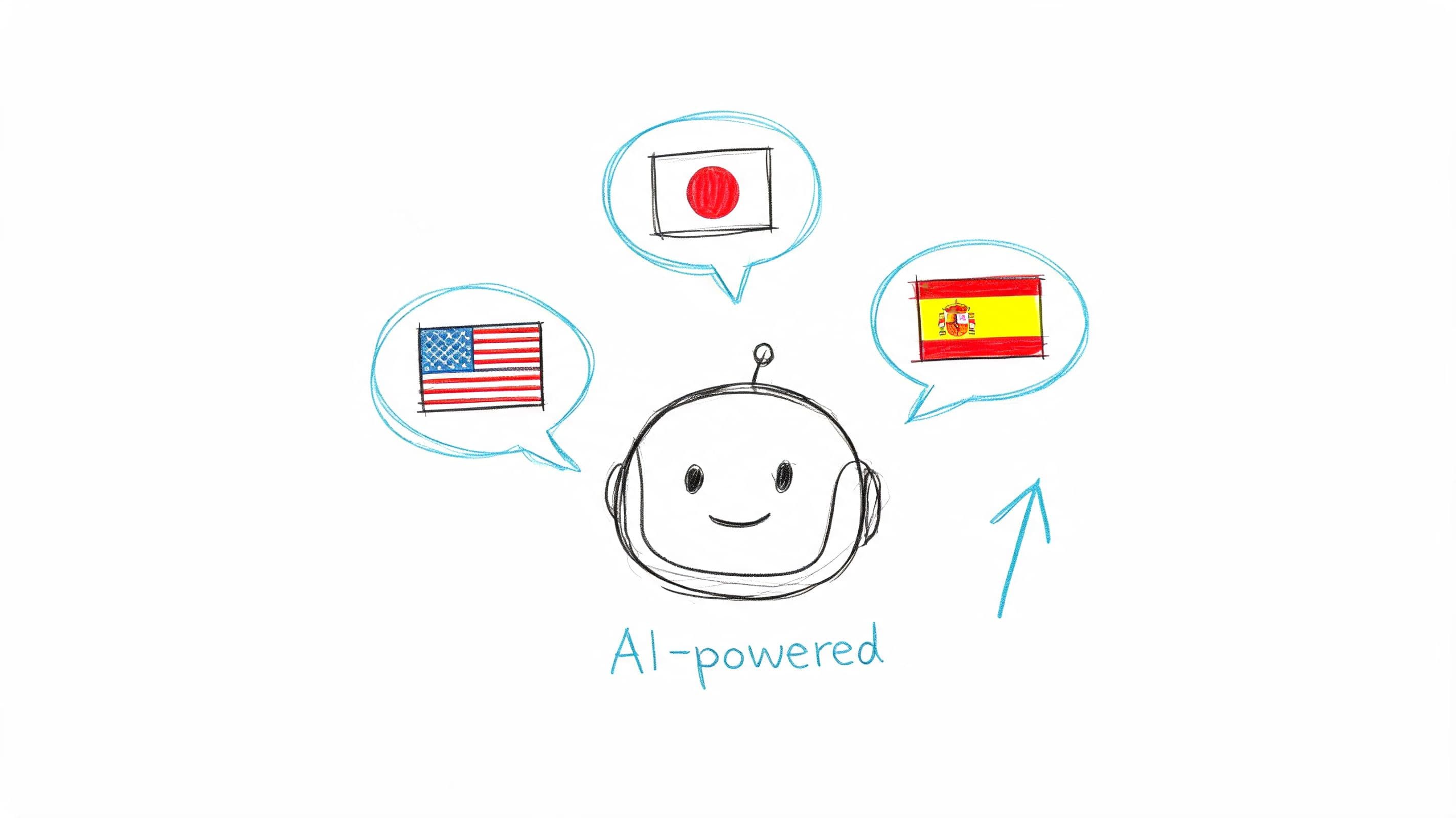
What happens when a shopper has a buying question at 11:30 p.m. and your team is offline?
For many Shopify stores, that sale goes cold unless a chatbot can answer fast and answer correctly. AI chatbots are not just a support channel. Used properly, they are a conversion tool. They reduce friction on product pages, protect margin by handling repetitive tickets, and give human agents more time for the conversations that need judgment.
The highest-ROI use cases are usually straightforward. Shipping timelines. Return rules. Order tracking. Size and fit. Ingredient or material questions. Product comparison. Bundle compatibility. These are the questions that show up every day, and they often appear right before a customer decides whether to buy.
That only works if the bot is trained on store-specific information. A generic model that writes polite nonsense will create more tickets than it resolves.
Why chatbots belong in the revenue stack
A good chatbot sits between merchandising and support. It should help shoppers choose, not just deflect tickets. On a Shopify store, that means connecting the bot to product data, policy content, and clear escalation logic. If a customer asks whether two items work together, the bot should answer from your catalog. If the question involves a damaged order or billing issue, it should hand off cleanly to a person.
That setup has direct KPI impact. Faster answers can recover hesitant shoppers. Better product guidance can lift average order value when the bot recommends the right variant, accessory, or bundle. Lower ticket volume cuts support cost per order.
I have seen stores get this wrong by treating chatbot setup like a design task. It is really an operations task. The bot needs accurate inputs, strict guardrails, and a short list of jobs it should do well.
Practical rule: Launch the bot only after it can answer your top pre-purchase and post-purchase questions, and only after you define when it should escalate.
For Shopify teams evaluating implementation, this guide to an AI chatbot for ecommerce is a useful reference. The same applies if you are deciding how the bot should appear on site. A well-placed web chat widget for Shopify stores usually does more for conversion than a bot that fires on every page with the same generic greeting.
Examples are easy to spot in practice. Beauty brands use bots for shade matching and routine product questions. Apparel stores use them for size guidance and shipping cutoffs. Brands with technical catalogs use them to surface specs quickly. If product detail is part of the sale, LitPDF's guide to ecommerce product specs can help shape the content structure behind your chatbot: LitPDF's guide to ecommerce product specs.
The trade-off is simple. Chatbots are excellent at speed, consistency, and scale. They are weak at nuance unless you configure them carefully. Start with a narrow scope, feed them real store data, review transcripts weekly, and tune them against outcomes that matter to commerce. Conversion rate. Ticket deflection. Average order value. Escalation quality. That is how AI chat stops being a novelty and starts pulling its weight.
2. Live Chat Support
Live chat is still one of the strongest customer service types for high-intent shoppers. A person can calm doubt, explain nuance, and save an order that a static FAQ or generic bot response would lose. This matters most when the buyer is close to checkout but still uncertain about fit, materials, lead times, or bundle compatibility.
The trap is overusing live chat for every incoming question. If agents spend half the day answering order-status requests and return-policy basics, you've built an expensive copy-paste team. Live chat works best when automation handles the repetitive tier-one load first.
Where live chat earns its keep
For premium beauty, fashion, and home brands, live chat often acts like an in-store associate. Zappos-style fit guidance is a good model. Birchbox-like subscription questions are another. The best teams train agents to solve the question in front of them and notice the revenue signal behind it. Someone asking about size differences may also need help choosing between two products.
A few operating rules matter more than channel availability:
- Set clear staffed hours: If chat goes dark unpredictably, customers lose trust fast.
- Use saved replies carefully: Templates speed up handling, but agents still need to sound like they read the message.
- Trigger chat intentionally: Product pages, cart pages, and return-policy pages usually produce better conversations than a sitewide pop-up.
Live chat should feel like an expert stepping in at the right moment, not a widget begging for attention.
It's also worth separating live chat from broader messaging. Traditional chat is immediate and session-based. Messaging can preserve context better across devices and time. If you're comparing approaches, this breakdown of a web chat widget helps clarify the difference for ecommerce teams.
3. Email Support
Email looks old-fashioned until you try to replace it. Then you remember why it survives. Some issues need detail, attachments, screenshots, policy references, and a written record. Refund disputes, warranty claims, damaged-order documentation, wholesale inquiries, and address corrections all fit email better than live channels.
For Shopify brands, email also creates operational breathing room. Customers don't expect the same real-time back-and-forth they expect in chat, which gives your team time to investigate before responding. That's useful when warehouse data, carrier scans, or finance approval is involved.
What email does better than faster channels
Email support tends to work best when the brand writes like a competent human, not a ticket robot. The strongest replies are structured, specific, and complete. They answer the customer's actual question, include the next step, and reduce follow-up.
Luxury and high-consideration brands often lean on email for pre-purchase guidance as well. A customer choosing between materials, finishes, or bulk order options may prefer a thoughtful answer they can revisit later.
A few practical habits keep email from becoming a backlog problem:
- Write for resolution: One strong response beats three partial replies.
- Use templates as scaffolding: Standardize the structure, then personalize the substance.
- State the next action clearly: Tell the customer what you'll do, what they need to do, and when they should expect an update.
Email doesn't win on speed. It wins on clarity, traceability, and confidence. Every Shopify store needs at least one channel where complex cases can be handled carefully without the pressure of a live queue.
4. Self-Service Knowledge Base
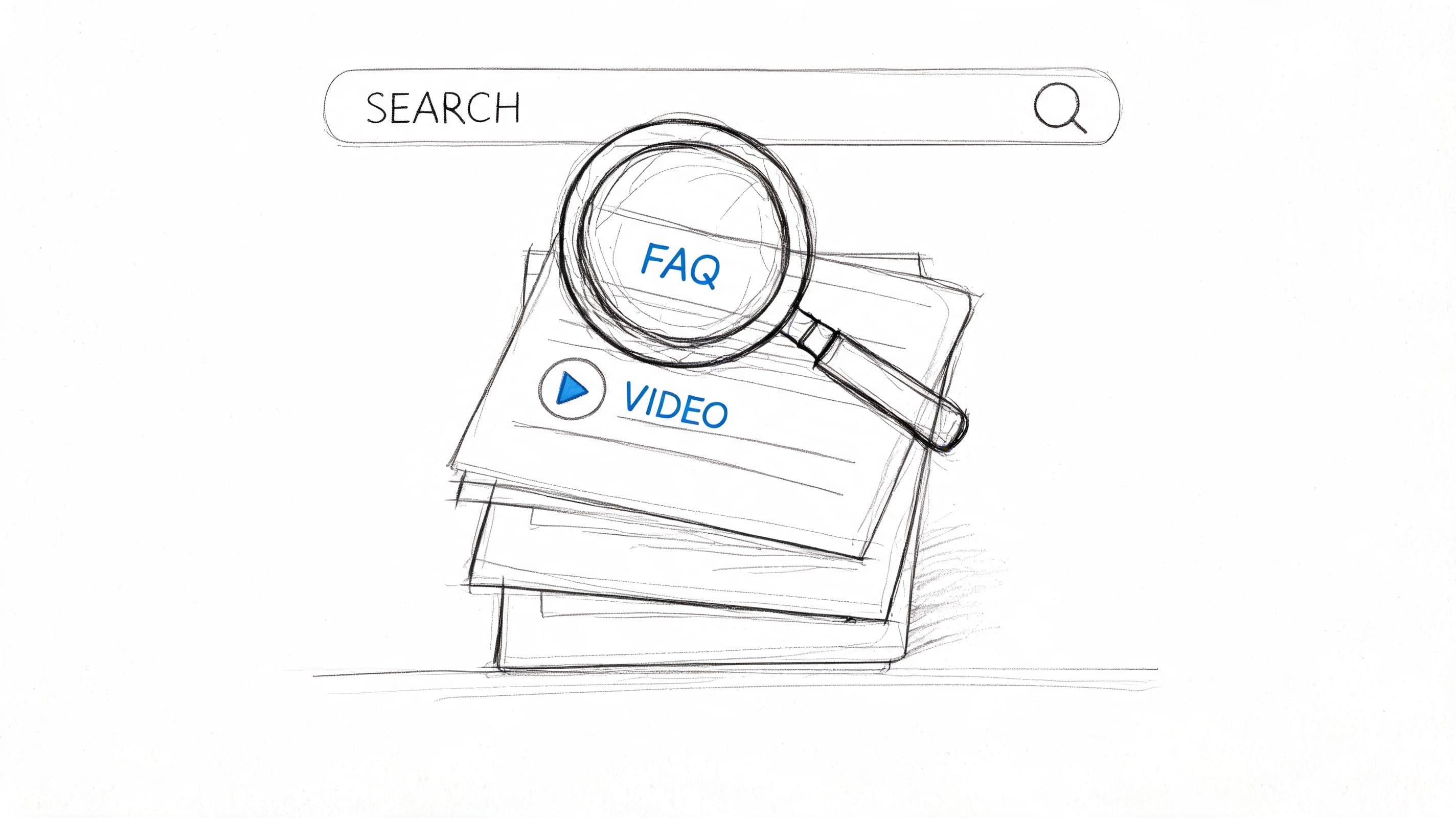
How many support tickets does your store answer every week that should never have reached a human?
A self-service knowledge base fixes that leak. It reduces repetitive tickets, shortens time to answer, and gives shoppers immediate clarity on shipping, returns, sizing, subscriptions, and product use. For Shopify stores, that impact goes beyond support efficiency. Good help content can protect conversion rate, reduce cart abandonment, and improve AOV when shoppers get the confidence to buy the right product or add the right variant without waiting for a reply.
It also strengthens the rest of your stack. Chatbots perform better when they have clean source material. Agents work faster when they can link a clear article instead of rewriting the same explanation all day. Customers get consistent answers across chat, email, and on-site search.
The trade-off is maintenance. A weak knowledge base creates more friction than no knowledge base at all. If your shipping article is outdated, your return policy page conflicts with checkout, or your size guide is vague, customers stop trusting it and open a ticket anyway. Now your team handles the ticket and the confusion.
Build the knowledge base from actual demand, not internal org charts. Start with the pages that affect revenue and ticket volume first: order tracking, delivery timing, returns, exchanges, subscriptions, sizing, care instructions, payment methods, and promo code issues. Then review search queries, chat transcripts, and macros every month to find the next gaps.
If you want a practical framework, this guide to building a chatbot knowledge base for ecommerce support shows how to turn repeated support answers into content your AI and support team can both use.
Article structure matters more than volume. The strongest help centers use customer-language titles, short paragraphs, screenshots, GIFs, and decision-based formatting. A page called "Shipping Policy" is less useful than "Why hasn't my order shipped yet?" A page called "Size Information" is weaker than "What size should I order if I wear Nike or Zara?"
A few article types pull more weight than others:
- Post-purchase deflection pages: tracking status explanations, delivery delays, return steps
- Pre-purchase confidence pages: size guides, material comparisons, compatibility questions
- Revenue-protection pages: subscription changes, bundle details, warranty terms, promo code troubleshooting
- High-friction edge cases: split shipments, address changes, failed payments, international duties
This channel also supports automation outside the help center itself. Teams that monitor repeated complaints across social can use findings from top social media sentiment analysis software to spot recurring confusion, then turn those patterns into new FAQ articles before they become a bigger ticket driver.
The standard is simple. If a shopper can solve the issue in under two minutes without contacting support, the article is doing its job. If they still need an agent, the page should at least shorten the conversation and help the agent resolve it faster.
For Shopify merchants, a knowledge base is not just documentation. It is an operating asset that lowers support cost and removes buying friction at the same time.
5. Social Media Support
What happens when a shopper's first support ticket is a public Instagram comment under your best-selling product post?
For Shopify stores, social media support is not just another inbox. It is a conversion channel, a retention channel, and a public record of how your brand handles friction. Shoppers ask about shipping delays, missing discount codes, sizing, damaged orders, and return policies where they already spend time. If your team responds slowly or gives vague answers, the cost is not limited to one frustrated customer. Other buyers see it too.
Public support changes the economics of the interaction. A reply can defuse doubt before it spreads, protect a sale that was about to die in the comments, or expose a policy problem that keeps dragging down repeat purchase rate. Social support also surfaces pre-purchase objections fast. If several people ask whether a bundle qualifies for free shipping or whether a product works with a specific skin type, that is not random noise. It is buying friction in plain view.
The practical rule is simple. Handle easy, low-risk questions in public. Move anything involving order details, account access, refunds, or personal information into DMs or email immediately.
A workable process usually looks like this:
- Triage by intent: Separate pre-purchase questions, post-purchase problems, and reputation issues so the right person answers fast.
- Protect response time on priority threads: Comments on product launches, paid social posts, and creator content can affect conversion directly.
- Use macros, but edit them: Speed matters, but canned replies that ignore the actual issue make the brand look careless.
- Tag recurring complaints: If the same issue keeps showing up, fix the policy, product page, checkout messaging, or post-purchase flow.
- Connect social conversations to customer records: If a buyer moves from TikTok DM to email, your team should see the full history.
This channel gets more valuable when you treat it as an operating signal, not just a place to put out fires. Teams that review repeated complaints and comment trends can use findings from top social media sentiment analysis software to spot patterns early. That helps merchants catch issues like confusing delivery promises, weak product education, or negative reaction to a new offer before ticket volume climbs.
For stores running high order volume, automation helps at the triage layer. Carti can handle routine questions, capture order context, and route higher-risk conversations to an agent before the thread turns into a public mess. That saves team hours, but the bigger win is faster intervention on issues that threaten conversion or brand trust.
Social support works best when it has clear ownership, response targets, and escalation rules. Without that, it turns into scattered comment replies and missed DMs. With it, it becomes a measurable support channel that protects revenue and gives you a direct read on what shoppers do not understand yet.
6. Omnichannel Support Integration
How many support hours are your team wasting because customer context breaks the moment a shopper switches channels?
Omnichannel support matters because it cuts repetition. It also protects revenue. If someone starts on Instagram, follows up by email, and calls after a delayed shipment, your team needs one shared record with the order, prior messages, and any actions already taken. Without that, agents stall, shoppers get irritated, and resolution costs climb.
Salesmate points to the gap in its customer service statistics overview. Customers prefer brands that support them across channels, but far fewer businesses keep the full conversation history connected from one channel to the next. The result is predictable. Higher effort for the customer, slower handling for the team, and more chances to lose a repeat buyer over a fixable service issue.
For Shopify merchants, this is less about adding channels and more about deciding which channels should share context first. Start with the handoffs that happen most often in your store. For many teams, that means chat plus email, or social plus email. Get those working before you add phone, SMS, or marketplace messaging.
A practical setup usually includes one customer timeline, shared tags, and clear ownership rules. If an agent opens a ticket, they should see order value, fulfillment status, refund history, and the previous conversation without hunting through separate tools. That is what improves first-contact resolution. It also creates a better moment to upsell, save an at-risk order, or stop a refund from turning into a chargeback.
This work is operational, not flashy. It pays off anyway.
I have seen stores overbuild this too early. They connect five or six channels, but nobody agrees on tags, escalation rules, or who owns the conversation after a transfer. The software looks impressive, while the customer experience still feels messy. Two connected channels with disciplined workflows usually beat a bigger stack that nobody manages well.
Automation can help at the routing layer. Carti can capture intent, attach order context, and push the conversation to the right queue before an agent gets involved. That matters for support KPIs, but it also affects conversion and AOV. A shopper who gets consistent answers across channels is more likely to complete the purchase, add a related item, and come back after the first order.
7. Proactive Support and Engagement
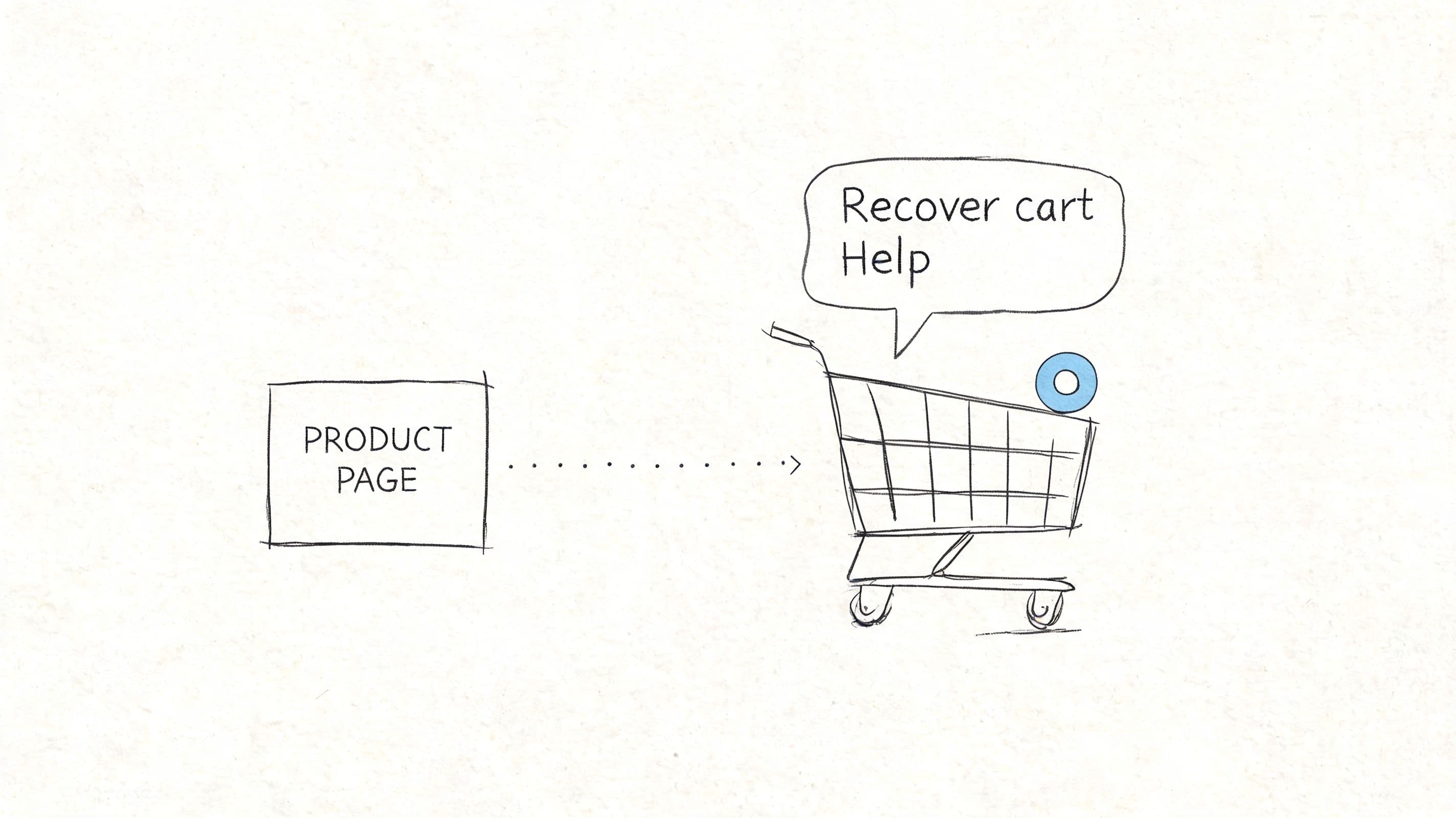
What happens when a shopper is interested, hesitates, and leaves before asking a single question?
That gap is where proactive support earns its keep. For Shopify stores, this customer service type is less about being "nice" and more about removing friction before it hurts conversion. The practical uses are straightforward. Answer shipping concerns on the product page, surface size or fit help before checkout, remind a returning shopper about an abandoned cart, or explain delivery timing before the customer opens a ticket.
Used well, proactive support does three jobs at once. It reduces support volume, protects conversion rate, and creates more opportunities to increase AOV with the right recommendation at the right moment.
The trade-off is precision. Generic pop-ups and blanket discount prompts train shoppers to ignore you. Behavior-based triggers perform better because they match a real point of hesitation. A customer comparing variants for two minutes may need reassurance. A first-time visitor who just landed on the homepage usually does not.
For Shopify merchants, the strongest triggers tend to come from signals you already have:
- Product and cart behavior: repeated product views, high-intent cart additions, stalled checkout, or returns to the same collection
- Operational friction points: long delivery windows, low-stock variants, preorder items, or products with high return rates
- Customer context: location, language, previous orders, and whether the shopper is new or returning
Good proactive support also needs a clear action. If the message shows up, it should answer a likely objection, recommend the next best product, or hand the shopper to a human who can close the sale. Anything softer than that adds clutter.
I have seen stores get strong results from simple interventions. A shipping cutoff message near checkout can save abandoned carts during peak season. A fit guide prompt on apparel PDPs can reduce returns. A replenishment reminder for consumables can bring back repeat orders without waiting for the customer to remember on their own.
Carti fits this model well because it can respond to intent in the moment instead of forcing every shopper through the same flow. If someone pauses on a product page, asks about delivery, or leaves a cart with a complementary item missing, the assistant can answer the question or prompt the next step while the buying intent is still active.
That is the primary value of proactive support for e-commerce. It is not a separate service layer. It is a revenue tool that also happens to prevent tickets.
8. Video Support and Screen Sharing
Not every store needs video support. Many don't. But when your product is technical, configurable, expensive, or setup-heavy, video can solve problems in ten minutes that would take ten emails.
This customer service type is especially useful for B2B Shopify stores, custom-product sellers, or brands with onboarding friction. If a buyer is stuck during installation, trying to explain their screen or device setup in chat is slow and error-prone. Screen sharing closes that gap fast.
Use video when text creates more friction
Apple's coaching model, Adobe-style walkthroughs, and SaaS onboarding calls all point to the same lesson. Video is best reserved for moments where visual context matters. If the problem is simple, don't escalate it into a meeting.
A few rules keep video support useful instead of expensive:
- Make it optional: Some customers want the human contact. Others just want the answer in writing.
- Schedule where possible: Calendar control protects your support team from constant interruptions.
- Follow up in email: Summarize the fix so the customer doesn't have to rely on memory.
For a quick visual example of guided support in action, this video is useful:
Video won't replace core channels. It handles edge cases where stakes are high and misunderstanding is costly. Used selectively, it can improve both customer confidence and internal efficiency.
9. Community Forums and Peer Support
Community is one of the most underrated customer service types because it doesn't look like support on a spreadsheet. But for the right products, customers often trust experienced peers as much as official replies. That makes forums, groups, and user communities valuable for education, reassurance, and product discovery.
Shopify Community, Sephora's beauty community, Facebook Groups, and Etsy seller forums all show where this works. People want advice from someone who's already used the product, solved the problem, or tested the edge case.
Community works best when the product invites discussion
Community support is strongest when customers have something meaningful to share. Skincare routines, styling combinations, setup tricks, use cases, refill habits, and workflow recommendations all produce better discussion than basic order-status questions.
It also requires active moderation. Left alone, communities drift into repetition, bad advice, or low-trust noise. The brand's role is to structure the space, highlight strong answers, and step in when accuracy matters.
A well-run community usually includes:
- Clear participation rules: Members need to know what's allowed and what's promotional spam.
- Visible expert answers: Verified responses stop misinformation from spreading.
- A feedback loop into support content: Great community threads often deserve a polished knowledge base article.
Customers will answer each other in a tone your support macros never can. That's the advantage. Accuracy still needs oversight.
For stores with passionate repeat buyers, community can lower support burden and strengthen retention at the same time. For commodity products with little discussion value, it often turns into an empty forum. This type only works when the product and audience invite conversation.
10. AI-Powered Sentiment Analysis and Predictive Support
What if your support stack could tell you which customer is about to churn, which order issue is likely to turn into a chargeback, and which complaint points to a bigger merchandising problem?
That is the practical value of sentiment analysis and predictive support for Shopify stores. These tools read patterns across chat logs, email threads, reviews, and social messages, then flag the conversations that deserve faster attention. Used well, they improve queue management, protect customer lifetime value, and help the team fix root causes instead of replying to the same frustration all week.
The mistake is treating this as a replacement for good support judgment. Shoppers still want a real person when emotions are high, the order value is significant, or the issue touches refunds, damaged items, or delivery failures. Sentiment scoring should route and prioritize. Your team should make the call.
For operators, the ROI shows up in a few specific places:
- Faster triage for high-risk tickets: angry or anxious messages get moved up before they turn into public complaints or disputes
- Better retention decisions: repeat buyers with a sudden negative tone can trigger proactive outreach or a save offer
- Sharper operational feedback: clusters of complaints often point to a product page gap, shipping issue, sizing problem, or policy friction
- Stronger conversion support: pre-purchase hesitation can be identified and answered before the shopper drops out
This is one of the few service types that can improve both support efficiency and store performance. If a tool shows that shoppers repeatedly sound confused about delivery times, bundle contents, or fit, that is not just a support issue. It is a conversion issue. Fixing the product page, FAQ, or cart messaging can reduce tickets and recover revenue at the same time.
Carti's insights dashboard fits into this category by surfacing common questions that can improve merchandising and support content. IBM Watson and Microsoft's text analysis tools sit further upmarket and usually make more sense for larger teams with multiple systems to connect. The trade-off is straightforward. Enterprise tools give you more control and deeper analysis, but setup, training, and maintenance are heavier. For many Shopify brands, a lighter system tied directly to store and support data is the better call.
Start small. Use sentiment and predictive signals on refund requests, shipping complaints, and VIP customer conversations first. Those are usually the fastest paths to measurable ROI.
Customer Service Types: 10-Point Comparison
Which support type earns its place in a Shopify stack?
The right answer depends on ticket volume, product complexity, margin room, and how much support is expected to influence conversion, AOV, and repeat purchase rate. Some channels mainly reduce workload. Others help close sales, protect retention, or surface merchandising problems. Use the table below to choose based on operational fit and expected ROI, not on feature lists.
| Channel / Solution | Implementation complexity | Resource requirements | Expected outcomes | Ideal use cases | Key advantages |
|---|---|---|---|---|---|
| AI-Powered Chatbots | Medium to High: setup, training, integrations | Store data, support content, automation platform, initial setup work. Low ongoing staffing if maintained well | Fast 24/7 answers, lower ticket volume, better pre-purchase support, added conversion lift when product guidance is strong | High-volume FAQs, product recommendations, order status, multilingual support, cart recovery | Always available, scalable, handles repetitive questions, supports revenue as well as service |
| Live Chat Support | Low to Medium: deploy widget, train agents | Trained agents, live coverage during key hours, chat software | Faster answers than email, stronger buying confidence, more chances to save carts or increase order value | Real-time purchase help, peak-hour support, personalized assistance | Human judgment, quick back-and-forth, strong for conversion-critical moments |
| Email Support | Low: ticketing and templates | Ticketing system, skilled support reps, CRM or help desk integration | Clear documented responses, good handling of complex cases, flexible staffing | Technical issues, B2B inquiries, returns, formal escalations | Permanent record, thoughtful replies, works well for less urgent issues |
| Self-Service Knowledge Base | Medium: content creation, structure, search setup | Content owner, CMS or help center, search and analytics tools | Fewer repetitive tickets, round-the-clock answers, stronger product and policy clarity | Common questions, onboarding, shipping policies, return terms, routine troubleshooting | Low cost per interaction, easy to scale, useful for both support and conversion |
| Social Media Support | Low to Medium: platform setup and monitoring | Social team, monitoring tools, response guidelines | Faster public responses, reputation protection, visible brand responsiveness | Public complaints, urgent order issues, reputation management, high-engagement audiences | Meets customers in-channel, builds trust in public, can defuse complaints before they spread |
| Omnichannel Support Integration | High: cross-platform integration and shared records | Unified support platform, CRM integration, agent training, process cleanup | Consistent cross-channel service, less repetition for shoppers, better reporting and routing | Multi-touch customer journeys, larger teams, stores with several active support channels | Shared customer history, smoother handoffs, better visibility into service quality |
| Proactive Support & Engagement | Medium to High: triggers, segmentation, personalization | Behavioral data, automation tools, campaign logic, analytics | Recovered carts, higher repeat purchase rates, lower churn, more useful post-purchase guidance | Cart recovery, post-purchase education, delayed-shipping updates, retention campaigns | Drives revenue, prevents avoidable tickets, targets support where timing matters |
| Video Support & Screen Sharing | Medium: video tools and scheduling | Video platform, trained agents, reliable bandwidth, scheduling process | Faster resolution for visually complex issues, better customer confidence | Technical troubleshooting, onboarding, product setup, product demos | Visual context, higher clarity, useful for high-consideration products |
| Community Forums & Peer Support | Medium: platform setup and moderation | Community manager, moderation tools, contribution incentives | Scalable peer-to-peer help, lower support load, stronger brand affinity | Enthusiast communities, advanced users, feedback collection, niche products | Lower cost at scale, user-generated answers, long-tail search value |
| AI Sentiment Analysis & Predictive Support | High: data setup, model tuning, workflow integration | High-quality support data, analytics tools, ongoing maintenance, team buy-in | Better prioritization, earlier risk detection, smarter routing, stronger retention workflows | Larger support operations, VIP handling, retention programs, analytics-driven teams | Helps teams focus effort where it changes outcomes, ties support signals to business decisions |
A few trade-offs matter more than the rest.
Chatbots, knowledge bases, and proactive automation usually produce the fastest efficiency gains for Shopify stores. Live chat and video support cost more to run, but they can pay for themselves when a shopper needs reassurance before buying. Omnichannel integration sounds attractive, but it often becomes worth the work only after multiple channels are already creating duplicated effort and fragmented customer history.
The strongest setups treat each service type as a job-specific tool. If the store needs fewer repetitive tickets, prioritize self-service and automation. If the store loses buyers over product uncertainty, invest in live chat, guided AI support, or video for high-consideration items. If the team wants better retention decisions, add predictive analysis after the support basics are stable.
For many Shopify brands, the practical sequence is simple. Start with the tools that reduce friction and capture revenue quickly. Add complexity only when the operational gain is clear.
Building Your High-Conversion Customer Service Stack
What should a Shopify store build first if the goal is higher conversion, fewer repetitive tickets, and better support ROI?
Start with the stack addressing the highest-value moments in the buying journey. For most stores, that means three pieces working together: an AI chatbot for instant answers, a self-service knowledge base for repeat questions, and one reliable human path for anything the bot should not handle. That setup usually does more for conversion and ticket control than adding five channels at once.
The priority is not channel count. It is coverage.
A good stack matches the way customers buy from you. Stores with simple products and low support volume can stay lean for a long time. Stores with sizing questions, bundle complexity, subscription issues, or higher AOV products need stronger pre-purchase support because hesitation shows up before the order, not after it. In those cases, support is part of merchandising.
That changes how to build it. If shoppers drop off because they cannot find shipping, returns, or product-fit answers, fix that with automation and self-service first. If they need reassurance before placing a larger order, add live chat during peak traffic periods. If questions are detailed but not urgent, keep email as the main human channel and tighten response quality instead of spreading the team across too many inboxes.
The next decision is integration. Separate tools are cheap at first and expensive later. Once the same customer starts appearing in chat, email, social DMs, and post-purchase support, disconnected histories slow agents down and create inconsistent answers. Omnichannel support starts paying off when handoffs become a daily problem, not when the idea appears organized.
Revenue impact should guide the second layer of investment. Proactive support works well when you can identify predictable friction points, such as product pages with frequent pre-sale questions or checkout steps where buyers stall. Social support matters if customers already expect replies there. Video support earns its keep for products that are hard to explain with text alone. Community forums help when customers solve problems for each other, which is more common with enthusiast products than everyday commodity items.
A practical stack usually follows this logic:
- Use automation for speed and coverage
- Use self-service to reduce repeat work
- Use human support where nuance affects conversion or retention
- Use integration to preserve context across channels
- Use proactive outreach where hesitation is predictable and valuable
That order matters. Many teams add channels before they fix repeat questions, weak routing, or poor escalation rules. The result is more software, more notifications, and the same unresolved friction. A better approach is to map support against store KPIs. Which questions block purchase? Which issues reduce AOV because buyers skip bundles or add-ons? Which tickets consume agent time without needing an agent at all?
For Shopify merchants, tools like Carti can handle part of that automation layer. It can answer product and policy questions, trigger proactive shopper engagement, and route common inquiries before they hit the support queue. The returns are strongest when the bot has accurate catalog and policy data, clear escalation rules, and someone on the team reviewing where conversations break down.
The stores that get the most from customer service do not treat support as a cost center with a nicer interface. They build it like a conversion system. Start with the points that affect sales and workload fastest. Add new service types only when they solve a defined problem, improve a specific KPI, or remove a clear operational bottleneck.

Written by
Daniel AndersonFounder of Carti. 10+ years building ecommerce brands in apparel and supplements. Still runs a Shopify store and built Carti to help merchants convert more browsers into buyers.
Ready to boost your store's sales?
Install Carti in 5 minutes and let AI handle customer questions, recommend products, and close sales 24/7.
Start Free Trial14-day free trial