
A shopper comments on a Reel asking whether a jacket runs small. The store's team is packing orders, the comment gets buried, and the shopper never gets an answer. Sending a product link wouldn't have solved the problem anyway. The shopper needed help choosing a size.
That distinction matters when choosing the best Instagram DM automation for Shopify. Some tools send links after a comment. Others answer product questions from a connected catalog. Support platforms bring conversations into a shared inbox, where staff can handle delivery problems and returns.
Messaging deserves attention before checkout. A Kantar survey of 11,056 adults across 22 markets, reported by Convocore's Instagram chatbot guide, found that 72.4% were more likely to buy from a brand offering messaging. That measures purchase propensity, not a guaranteed conversion lift from automation.
The practical comparison starts with the work each tool handles. A campaign builder should reliably connect a Reel to the correct product. A shopping assistant should distinguish variants and explain policies without guessing. A helpdesk should preserve context when a person takes over.
Campaign-first, sales-first, and support-first are more useful labels than a long feature checklist. The ten tools below differ in catalog depth, setup work, follow-up workflows, and human handoff, and each entry notes who it fits and one honest limitation. Plans and prices change often, so confirm current rates on each vendor's website before you choose a tool.
1. Carti
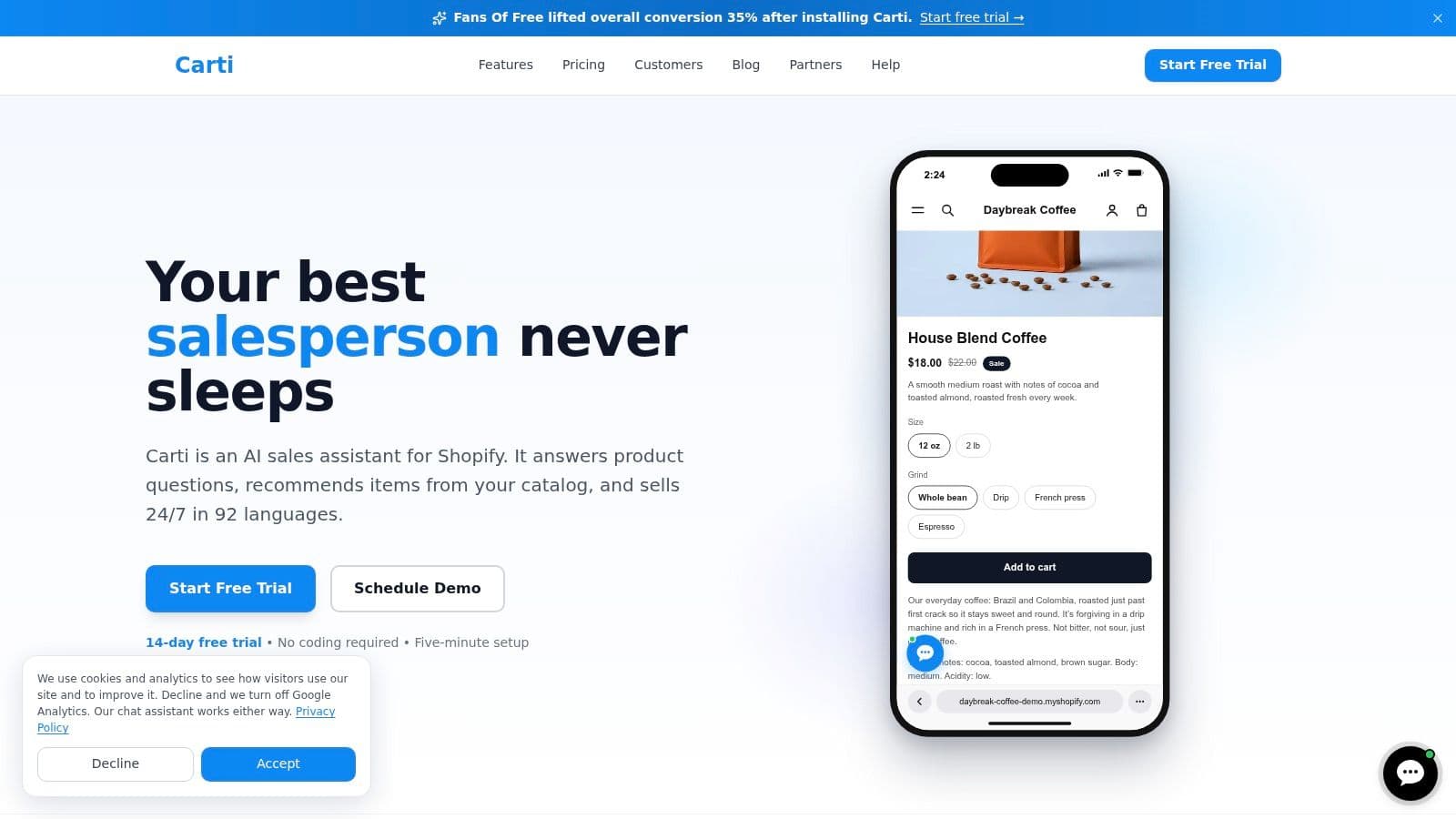
Sales-first. Carti is an AI shopping assistant built for Shopify. It learns the store's catalog, policies, FAQs, and brand voice, then answers pre-purchase questions about sizing, shipping, returns, and product details.
Its relevant distinction is catalog-aware assistance, rather than a fixed sequence that always sends the same link. The assistant compares options and recommends products, with replies available on the storefront, Instagram, and Facebook Messenger. Product, collection, variant, and inventory information syncs automatically, and draft or out-of-stock products don't appear in recommendations.
Setup and practical fit
Installation starts in the Shopify App Store. After authorization, the merchant reaches the dashboard inside Shopify admin, enables the Carti Sales Assistant app embed in the theme editor, and saves. Storefront setup takes under 10 minutes. Instagram messaging also needs its channel connection configured.
The assistant supports 92 languages and can use reviews from Judge.me, Loox, Yotpo, Okendo, and Fera when answering fit and quality questions. Its Insights Dashboard helps merchants identify recurring questions, while Smart Suggestions and Proactive Triggers support storefront shopping assistance.
- Free: 50 AI conversations a month.
- Starter: $49/month for 250 AI conversations.
- Growth: $99/month for 600 AI conversations.
- Scale: $249/month for 1,750 AI conversations.
- Paid-plan trial: 14 days free.
Who it fits: Shopify brands whose Instagram messages contain product comparisons, sizing questions, and policy concerns before purchase.
Honest limitation: Conversation allowances are capped, so campaign traffic needs to be considered when selecting a plan. The product is Shopify-specific, and some custom themes need minor adjustments for storefront add-to-cart and discount-code interactions.
2. Manychat

Campaign-first. A Reel promoting a jacket needs a simple path from a comment to the relevant collection. Manychat suits that job through comment-to-DM automation, keyword replies, lead capture, and guided message flows.
Its visual builder gives merchants control over the conversation. A product launch can use different branches for shoppers seeking a size guide, a product page, or a launch notification. Tags and segmentation help distinguish those interests instead of treating every commenter as the same lead.
Setup walkthrough: Connect the Instagram account, select a post or Reel, choose the comment trigger, and write the opening message. Add the destination product link and a fallback for replies that don't match the intended flow, then test from a separate shopper account.
A successful comment trigger proves that a message was delivered. It doesn't prove that the shopper's question was answered.
Who it fits: Brands running creator campaigns, launches, giveaways, and content-led product promotions. It's particularly useful when the intended next step is known before the conversation starts.
Honest limitation: A carefully built campaign flow isn't automatically a live Shopify catalog assistant. Product details, branching logic, and changing promotions still need maintenance.
The comparison of Manychat alternatives for Shopify is useful when the buying decision hinges on campaign control versus product-answering depth.
3. Inrō
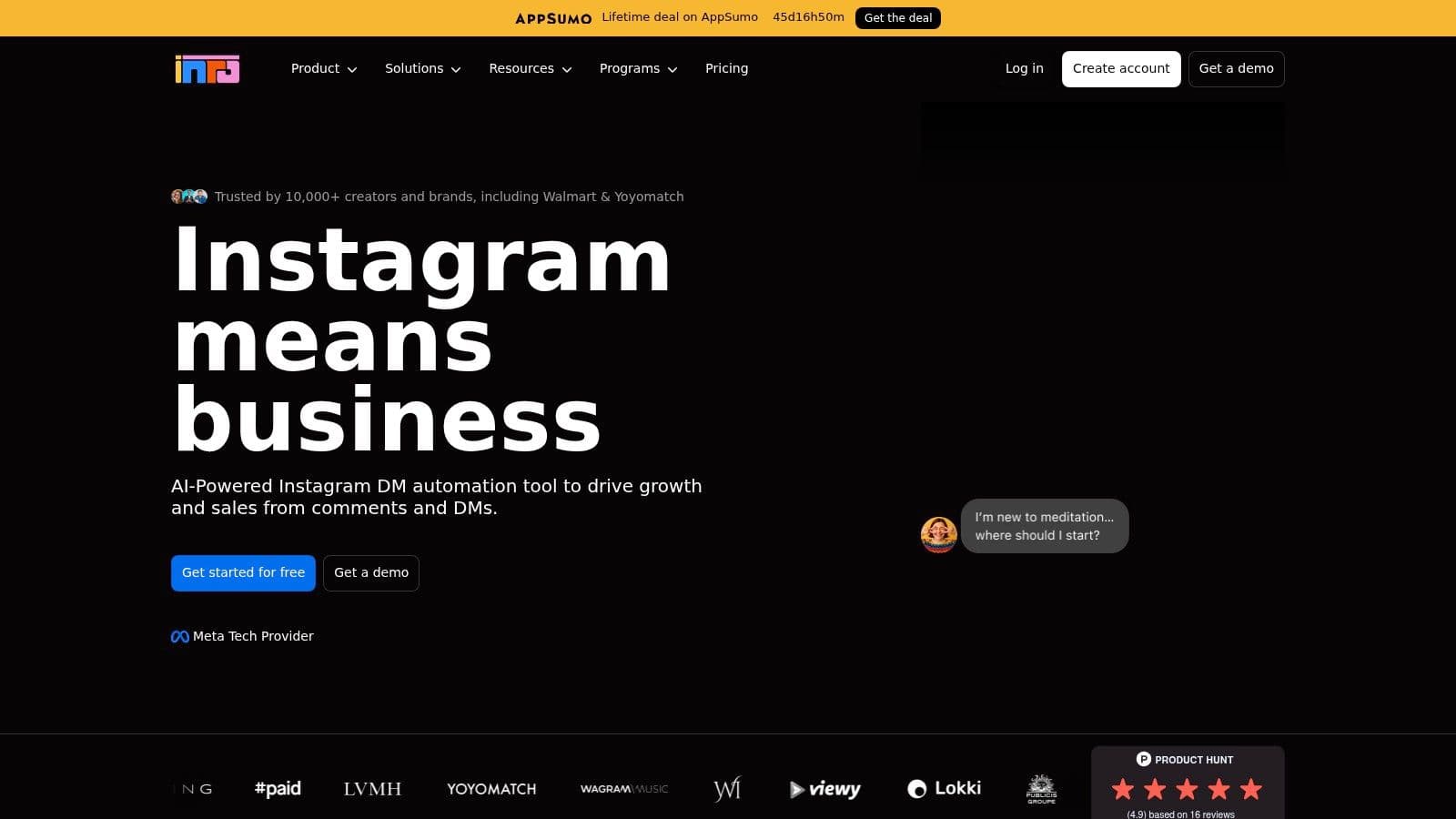
Sales-first. Inrō connects Instagram automation with Shopify products and store activity. Its product links, selected-variant checkout URLs, and purchase-related workflows make it worth considering when sending a generic collection link feels insufficient.
The appeal is continuity. A shopper can express interest in an Instagram conversation and receive a more specific route toward checkout. The platform also describes Shopify-triggered workflows for abandoned carts and order confirmations, although availability should be verified for the intended implementation.
Build the product path before the follow-up
Start by connecting Instagram and Shopify, then select the products relevant to a campaign. Configure the comment or message trigger, map the product or variant selection, and test the resulting checkout destination.
Follow-ups need a separate review. Meta's standard messaging window is up to 24 hours after a person messages an eligible account or starts a conversation through an approved interaction, according to Meta's developer policies. A Shopify event alone shouldn't be treated as permission for unrestricted Instagram messages.
Who it fits: Merchants seeking Instagram campaigns that connect to product selection and eligible store-event workflows.
Honest limitation: An Instagram-focused sales workflow doesn't replace a full support desk. Order changes, disputed deliveries, and return exceptions still need clear ownership, and merchants should verify which Shopify workflows are available before designing campaigns around them.
4. Gorgias
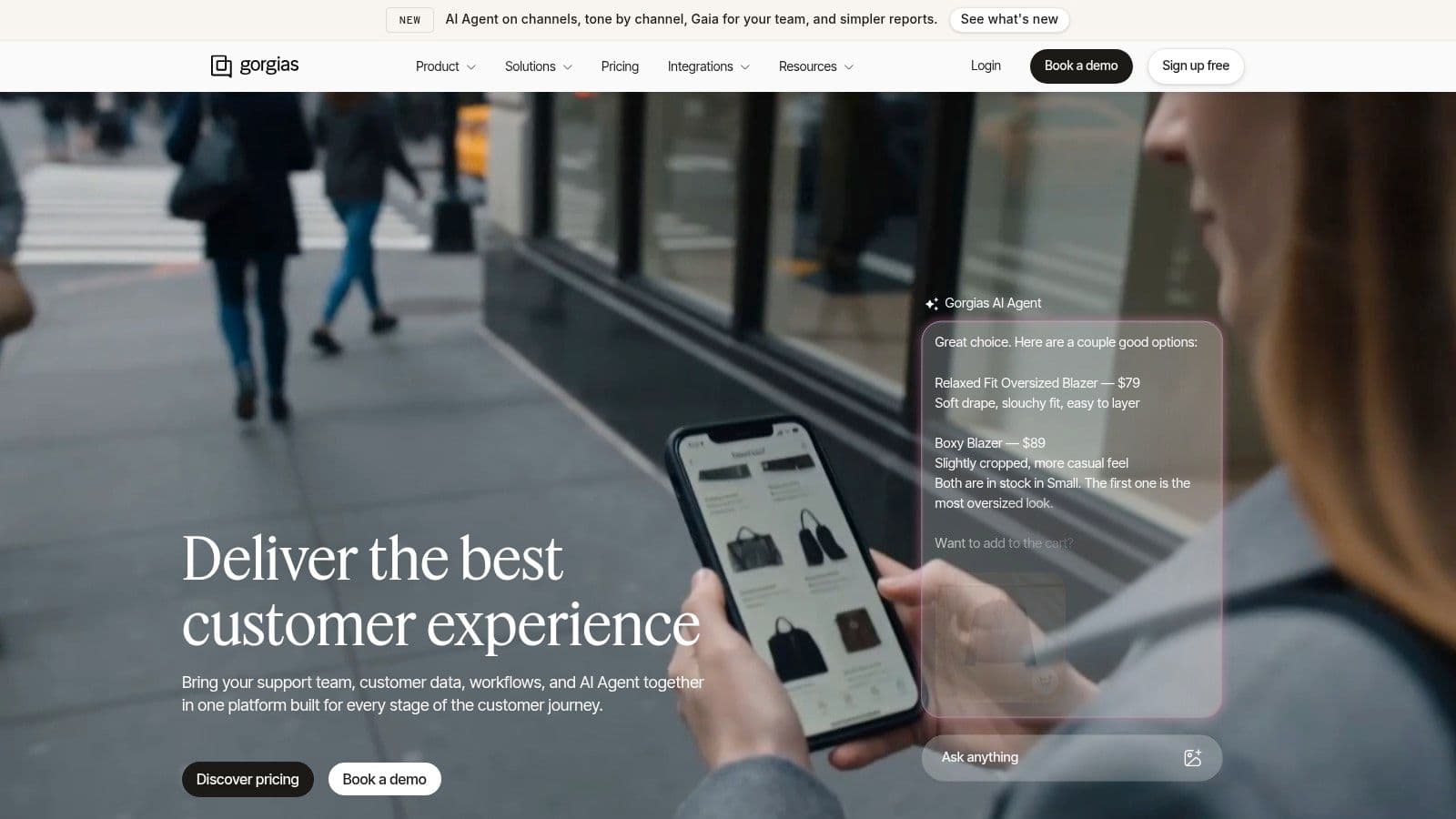
Support-first. Gorgias makes sense when Instagram has become another service queue. Delivery complaints, return requests, and order questions need customer context and assignment, not another promotional funnel.
Its shared inbox brings Instagram conversations into broader ecommerce support operations. Shopify context, rules, and macros help agents respond consistently. An AI Agent can also handle Instagram and Messenger conversations when configured and enabled.
Setup walkthrough: Connect Shopify and the social accounts, establish assignment rules, and build macros from approved policies. Configure automation only after defining which requests require an agent and what conversation context that agent needs.
- Purchase questions: Route product and policy inquiries to an appropriate automated answer or sales queue.
- Order problems: Preserve customer and order context for staff.
- Exceptions: Escalate refund disputes, address changes, and unclear requests rather than forcing a generic reply.
Who it fits: Shopify teams already managing support across channels, especially when several staff members need visibility into the same customer conversation.
Honest limitation: Gorgias requires more operational setup than a lightweight comment-to-DM app. Routing, permissions, macros, and AI behavior need deliberate configuration.
For a merchant whose main requirement is sending a product link after a Reel comment, that helpdesk depth may be unnecessary. For a team losing track of unresolved customer problems, it's the more relevant capability.
5. Chatfuel
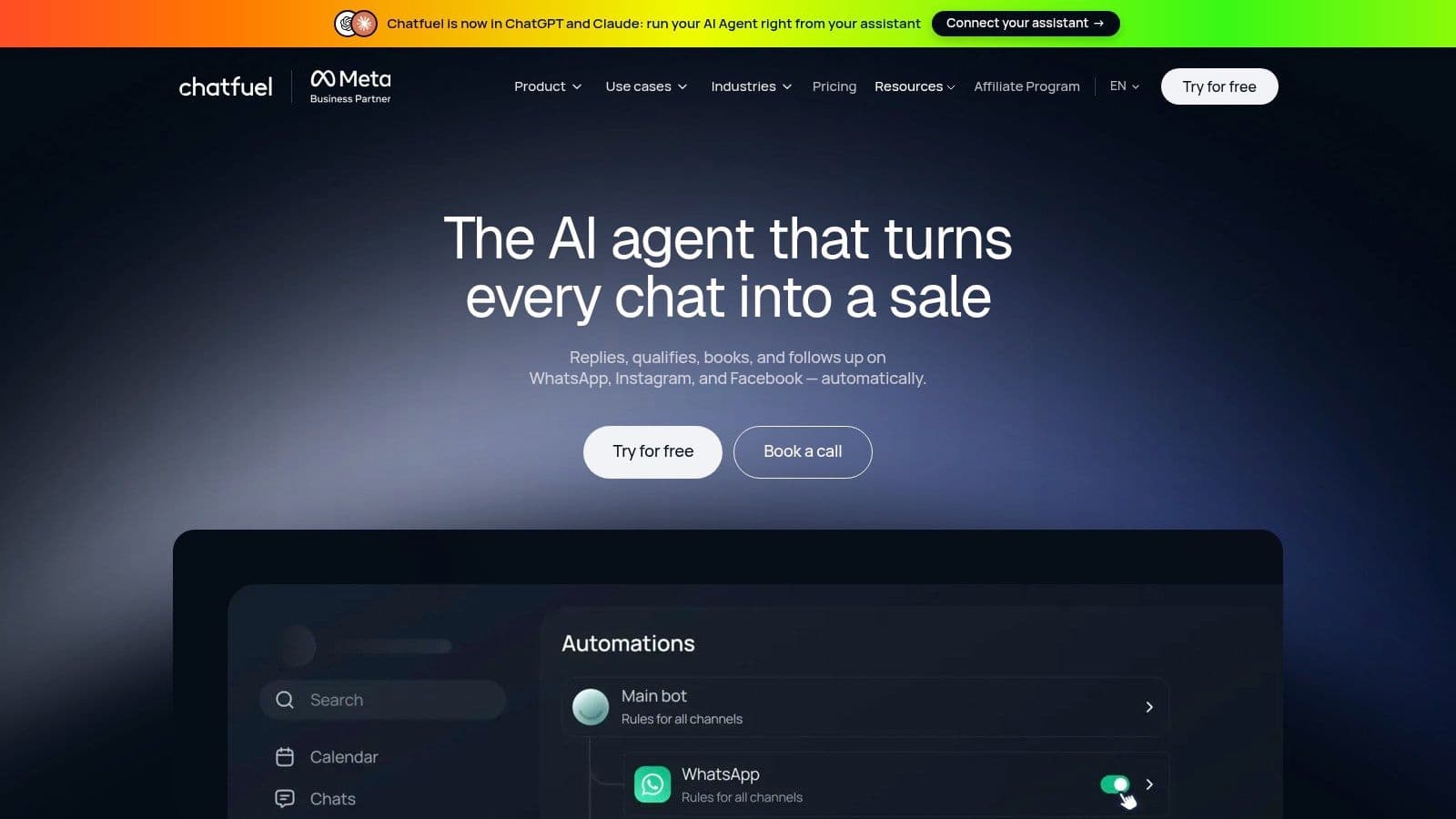
Campaign-first. Chatfuel suits merchants who want to build Instagram conversation flows across comments, stories, mentions, ads, and incoming DMs. Its no-code builder supports structured replies, lead capture, and routing without requiring a custom application.
A beauty campaign, for example, could distinguish a shopper seeking ingredient information from someone asking for the featured product. That's more useful than sending every interaction to the homepage. Its shared inbox and contact management also provide a route out of the automated flow.
Separate flow logic from product knowledge
Setup walkthrough: Connect Instagram, choose the campaign entry points, and build the intended branches. Add approved FAQ content, configure the inbox handoff, and test unexpected replies as carefully as the intended keywords.
AI-powered replies and a knowledge base can make conversations less rigid. However, merchants shouldn't assume that a knowledge base includes live Shopify inventory, variant availability, or current product pricing.
Practical rule: A bot that can explain a return policy hasn't necessarily demonstrated that it can recommend an available variant.
Who it fits: Teams that want adaptable Instagram campaigns and broader messaging-channel options, with staff willing to maintain the flows.
Honest limitation: The breadth of triggers and conversational features creates configuration work. Shopify catalog behavior should be tested directly before the assistant is trusted with detailed recommendations or stock-sensitive answers.
6. Tidio
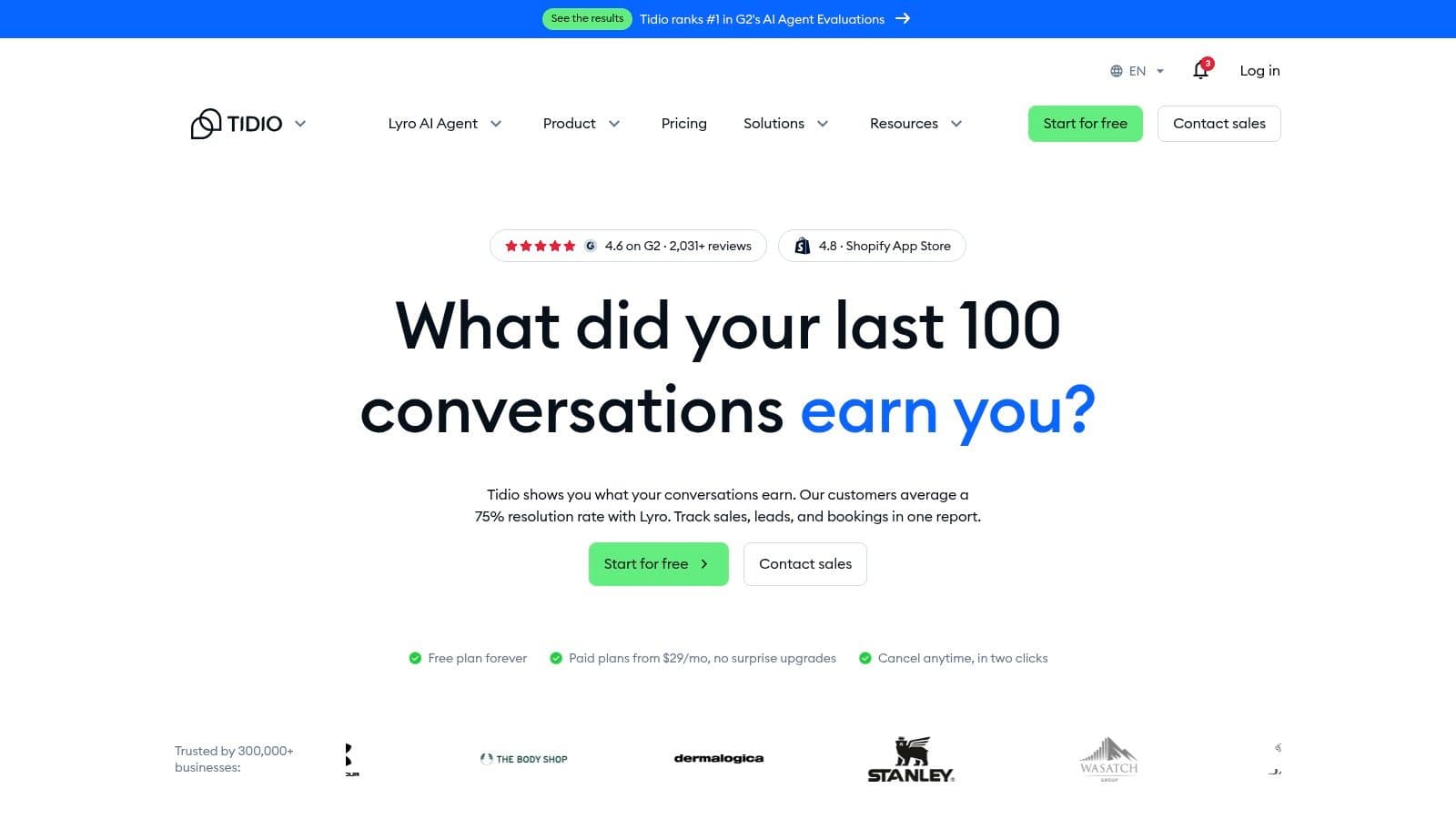
Support-first. A small team answering website chat and Instagram DMs may benefit more from a consolidated inbox than a complex promotional funnel. Tidio brings Instagram messaging into a broader customer-service toolkit that includes website live chat, automation, and optional AI support through Lyro.
The practical advantage is team workflow. Staff can manage conversations across channels rather than continually switching between Instagram and the storefront. Its Shopify integration makes it relevant to ecommerce support, but the exact channel and automation capabilities need to match the selected configuration.
Setup walkthrough: Install the Shopify integration, connect Instagram, and establish inbox ownership. Add approved support content, define handoff conditions, and test whether the intended AI and automation functions operate on Instagram rather than only on website chat.
- Who it fits: Smaller ecommerce support teams handling both storefront and social conversations.
- What works: Consolidating service work and keeping a person available for questions automation can't resolve.
- Honest limitation: A broad service suite isn't necessarily a comment-triggered Instagram sales funnel.
A useful test is a mixed conversation: a shopper starts with a product question, then asks about an existing order. The merchant should inspect whether the handoff preserves both questions and whether staff can identify what still needs an answer.
Channel availability, AI capacity, and automation allowances should be checked together. A website-chat feature shouldn't be assumed to behave identically in Instagram DMs.
7. SendPulse
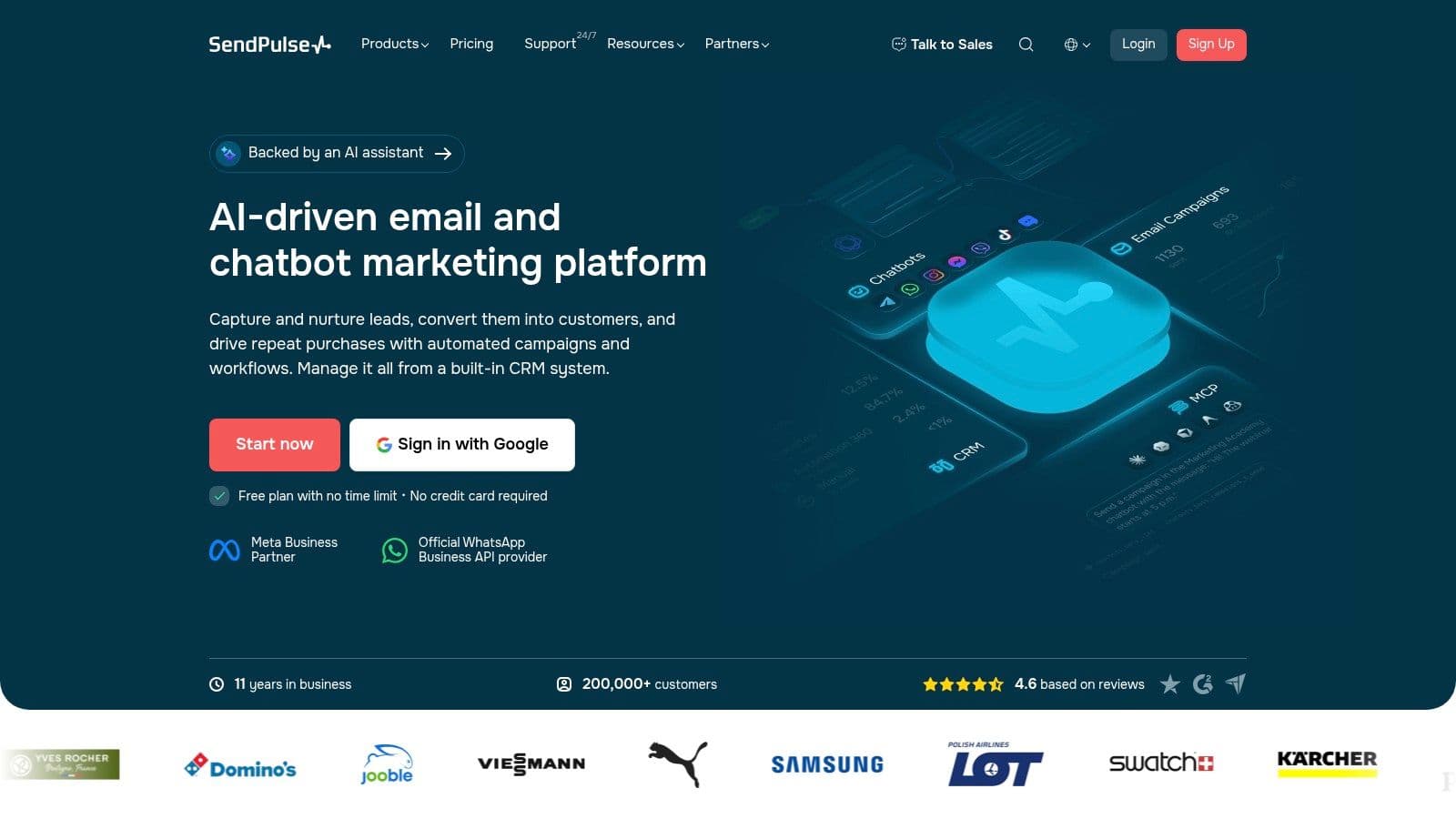
Campaign-first. SendPulse combines Instagram chatbots with a wider marketing and messaging platform. Its visual builder, templates, and integrations suit merchants who want Instagram lead routing to sit alongside other marketing workflows.
That breadth is useful when the conversation's purpose is clear. A homeware brand could ask whether a shopper wants dimensions, care instructions, or the product page, then send the relevant information. Structured choices can work well without pretending to provide open-ended product advice.
Start with a narrow flow
Setup walkthrough: Connect the Instagram account, select an entry trigger, and build a short flow around the campaign's main question. Connect Shopify or other business systems only where the workflow needs them, then test both the data transfer and the shopper-facing reply.
The integration deserves particular attention. A Shopify connection can support a business workflow without automatically supplying a conversational assistant with current inventory and product-selection logic.
Who it fits: Merchants coordinating several messaging channels or combining chatbot lead capture with broader marketing operations.
Honest limitation: SendPulse isn't a dedicated Shopify product-recommendation assistant. Live catalog answers and detailed recommendations may require additional configuration or integrations.
The maintenance burden also extends beyond writing messages. Someone needs to own triggers, tags, destination links, and connected workflows when products or promotions change. A compact flow with a clear exit to staff is preferable to a sprawling sequence that becomes difficult to audit.
8. DS Instagram & Facebook Shop
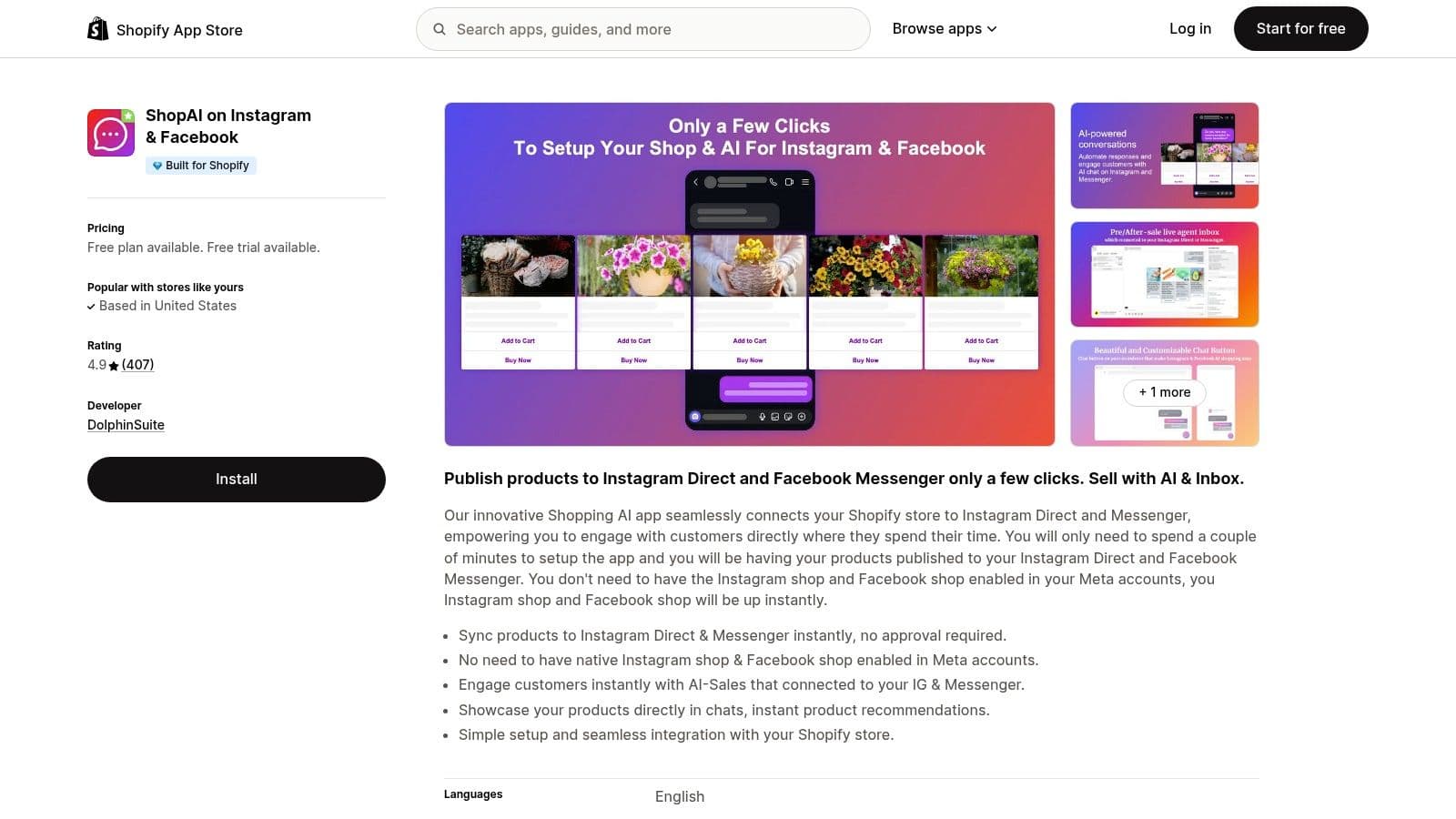
Sales-first. The DS Instagram & Facebook Shop listing describes product syncing for Instagram Direct and Messenger, AI sales assistance, product recommendations, automated responses, and a live-agent inbox.
That combination makes it a candidate for merchants who want social product discovery and human replies in the same application. The important test isn't whether a product appears in a message. It's whether the assistant selects the right item and gives a shopper enough accurate information to continue.
Setup walkthrough: Install the Shopify app, authorize the relevant social connections, and sync the catalog. Test a featured product, a variant-specific question, and an unavailable item, then inspect the live-agent handoff.
- Who it fits: Merchants seeking catalog-oriented social messaging through a Shopify app.
- What needs testing: Product matching, variant handling, policy answers, and the transition from automation to a person.
- Honest limitation: A live-agent inbox doesn't necessarily provide the routing and case-management depth of a dedicated helpdesk.
The guide to connecting Shopify to Instagram helps separate the store connection from the messaging setup. Those are related tasks, but neither proves that the assistant's answers are ready for customers.
For broader channel planning, Shopify social selling insights from Quikly provide additional context. The purchasing decision should still rest on a store-specific test, not app ratings or the presence of an AI label.
9. SauzyAi
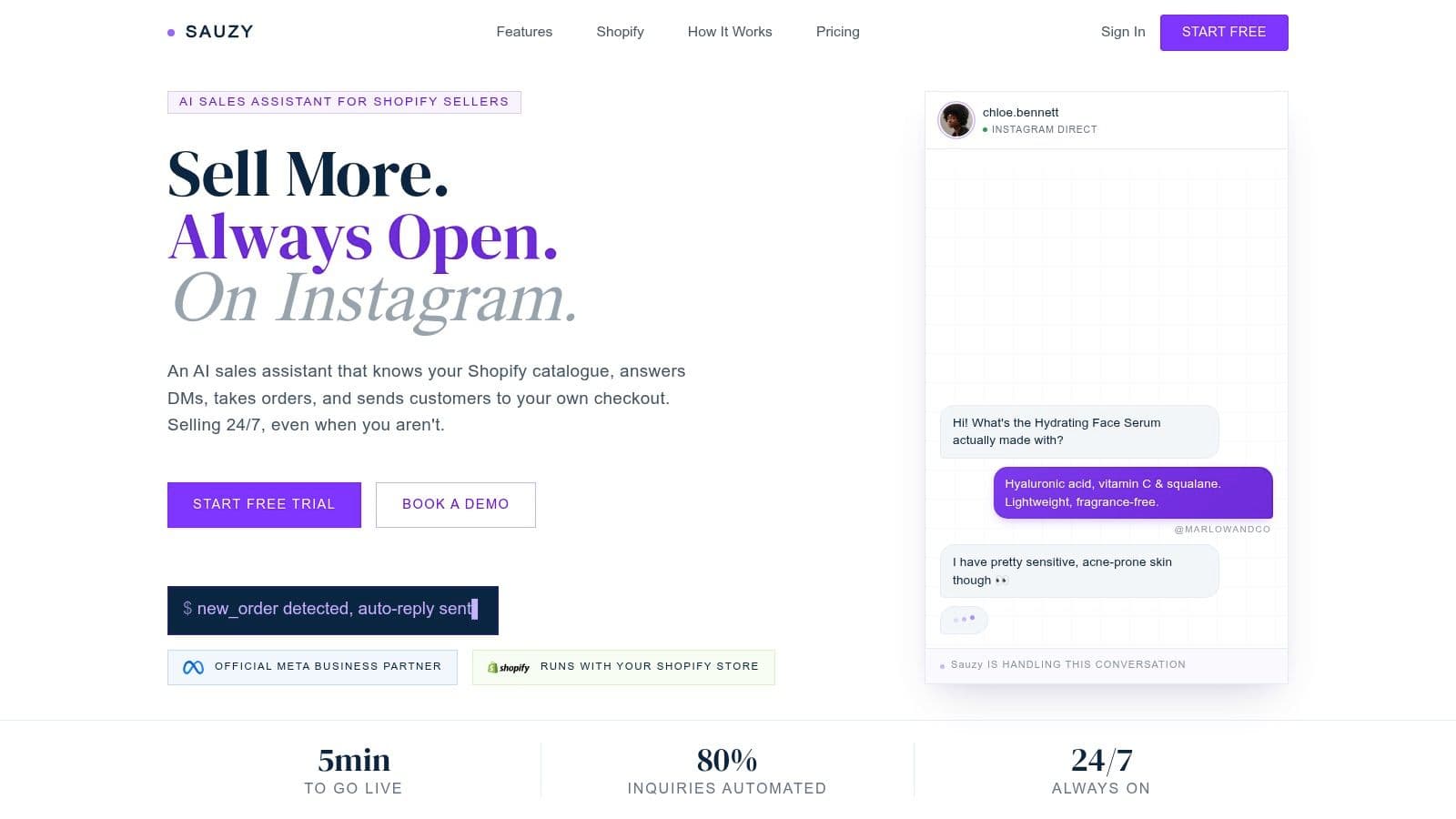
Sales-first. SauzyAi describes a Shopify-focused Instagram sales assistant that syncs products, variants, and inventory. It says the assistant answers product questions and sends checkout links to the merchant's Shopify store.
Its stated catalog focus makes it relevant to apparel, where “available in blue” is less useful than “available in blue in the requested size.” Comment follow-ups, story replies, and human handoff extend that shopping workflow across Instagram interactions.
Test availability before testing persuasion
Setup walkthrough: Connect Shopify and Instagram, sync the catalog, and review the product information the assistant will use. Test questions about variant availability, an ambiguous product name, and an item that has just changed stock status.
The checkout test should continue beyond the message. The destination needs to preserve the intended product and variant rather than sending the shopper to a generic page.
Who it fits: Shopify sellers receiving frequent stock, sizing, and product-selection questions in Instagram.
Honest limitation: Its catalog and automation capabilities are vendor statements, not independent performance guarantees. A merchant should validate answers against the live store and obtain clear paid pricing before committing.
The most revealing test is often an uncertain question. A shopper asking whether a garment will definitely fit shouldn't receive an invented assurance. The assistant needs to explain available sizing information, acknowledge uncertainty, and pass the conversation to staff when necessary.
10. SocialRepl.ai
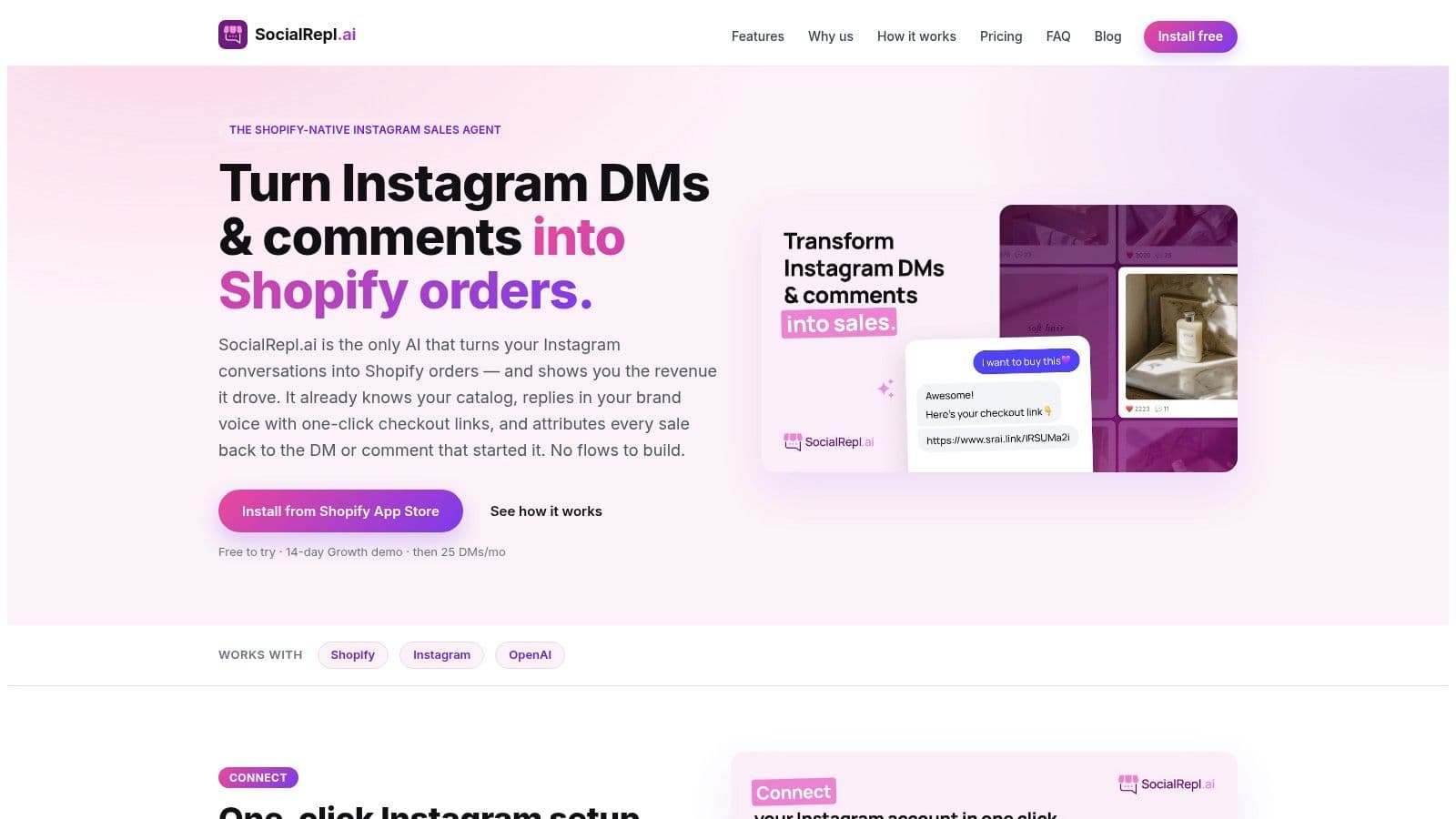
Sales-first. SocialRepl.ai describes AI-assisted DMs and comment-to-DM automation using Shopify product, pricing, and policy information. It also describes checkout links and order attribution tied to the originating DM or comment.
That proposition suits merchants who don't want to build a separate branch for every product question. The distinction from a conventional campaign builder is conversational flexibility, provided the connected store information produces accurate answers.
Setup walkthrough: Connect Instagram and Shopify, review the available catalog and policy context, and configure the assistant's behavior. Enable a limited campaign, then test product questions, checkout destinations, and the reported order attribution.
Reported assisted revenue and revenue caused by automation aren't the same measure.
Spur's Instagram DM ROI guide explains why tagged-link reporting misses shoppers influenced by a DM who later purchase through another route. Merchants should distinguish attributed orders from incremental sales rather than treating every linked purchase as additional revenue.
Who it fits: Brands seeking conversational Instagram sales assistance without maintaining an extensive decision tree.
Honest limitation: Its narrower Instagram sales focus may not suit a team needing multichannel case management. Attribution methodology also needs inspection before revenue reports guide spending.
The Instagram chatbot guide provides useful background for comparing fixed flows with conversational assistants. Neither approach removes the need for accurate product information and human escalation.
How the ten Instagram DM tools compare on free access, starting paid price, Shopify catalog use and best fit
| Item | Free Plan | Starting Paid Price | Shopify Catalog Use | Best For |
|---|---|---|---|---|
| Carti | 50 AI conversations/month | $49/month | Learns catalog, policies, and product details; recommends items | Shopify stores seeking AI product answers and sales assistance |
| Manychat | Yes | $14/month | Catalog recommendations are not a core strength | Instagram campaigns, comment-to-DM flows, and lead capture |
| Inrō | Yes | €12.99/month | Product links, checkout links, and Shopify-triggered workflows | Instagram campaigns connected to Shopify activity |
| Gorgias | Instagram integration listed as free | Billed through helpdesk plans; AI features priced separately | Shopify and customer-history context for support agents | Ecommerce teams managing social support at scale |
| Chatfuel | Free Light plan | $49/month | Verify catalog connections for the intended use | No-code Instagram automations across comments, stories, and DMs |
| Tidio | Yes | Plan and usage-based billing | Shopify integration for ecommerce support workflows | Teams combining website chat with Instagram support |
| SendPulse | Yes: 3 chatbots, up to 500 subscribers, and 10,000 monthly messages | $12/month | Shopify integration; catalog recommendations may need setup | Budget-conscious multichannel chatbot workflows |
| DS Instagram & Facebook Shop | Yes | $14.99/month | Product syncing and AI product recommendations | Shopify merchants seeking catalog-focused social selling |
| SauzyAi | 14-day free trial | Public pricing not listed | Uses Shopify products, variants, and inventory in DM replies | Shopify sellers answering product and stock questions on Instagram |
| SocialRepl.ai | 25 messages/month after the 14-day Growth demo | $39/month | Uses catalog and policy data; supports checkout links | Instagram-focused Shopify sales automation and order attribution |
Read the paid column together with the free column. Tools like SendPulse and SocialRepl.ai give generous free access but cap volume fast, while Carti and SocialRepl.ai charge more because they answer from live catalog and policy data rather than routing clicks. Campaign-first tools sit at the cheap end for a reason: they trigger flows, they do not resolve product questions.
Match the Tool to the Job Your Instagram Inbox Actually Does
The best starting point is a sample of actual messages, not a feature comparison. Merchants should sort conversations into catalog questions before purchase, comments that should trigger a link, and support problems that need a person. The largest or most commercially important group should guide the shortlist.
Campaign-first tools such as Manychat, Chatfuel, and SendPulse suit planned interactions with a clear destination. Sales-first assistants deserve closer testing when shoppers ask about fit, availability, comparisons, or policies. Support-first platforms such as Gorgias and Tidio are more relevant when ownership, customer history, and unresolved cases dominate the inbox.
Judge the complete conversation
A useful pilot follows the shopper beyond the opening reply. The merchant should inspect whether the answer was correct, whether the product destination preserved the intended variant, and whether staff received enough context when automation stopped.
- Answer quality: Compare replies with the current catalog, shipping policy, and return terms.
- Sales progress: Track qualified product clicks, checkout activity, and completed purchases without assuming every assisted order was incremental.
- Human workload: Record escalations, repeated questions, and conversations that needed correction.
- Commercial fit: Compare the actual billing unit with campaign activity before moving to a larger allowance.
A free or trial allowance is a testing constraint, not proof that a tool fits. Upgrading makes sense when a suitable workflow reaches its allowance, not when inaccurate automation generates more messages.
Build the safeguards before expanding
Account eligibility comes first. Meta's Instagram platform documentation describes Professional account access and the Facebook Page connection required for the Messenger API for Instagram route. Merchants should confirm the connection method their chosen application uses before planning a launch.
Disclosure belongs in the workflow as well. Instagram's automated-chat guidance calls for disclosure where legally required at the start, after a significant lapse, and when a conversation moves from a human back to automation.
Finally, staff need an explicit stopping rule. Refund disputes, uncertain product advice, sensitive requests, and unclear order changes shouldn't become opportunities for the assistant to improvise. A modest campaign with accurate answers and dependable handoff is a stronger foundation than broad automation that nobody has tested.
Carti offers Shopify catalog and policy answers, product recommendations, and Instagram and Messenger replies for pre-purchase conversations. Merchants comparing sales-first DM tools can visit Carti to explore the assistant and test it against their store's recurring product questions.

Written by
Daniel AndersonFounder of Carti. 10+ years building ecommerce brands in apparel and supplements. Still runs a Shopify store and built Carti to help merchants convert more browsers into buyers.