
ManyChat is strong at turning an Instagram comment into a DM, but it wasn't built around the Shopify storefront. That gap matters when a shopper is already on a product page asking about sizing, shipping, returns, or whether a variant is in stock. A social flow can't answer well if it doesn't know the catalog.
The best ManyChat alternatives for Shopify solve a different job. They answer pre-purchase questions from live product and policy data, support cart recovery, reply in the shopper's language, and install without code. Some stay in WhatsApp or social DMs. Others work as a helpdesk or storefront assistant.
Each option below is judged on Shopify-native integration, cart recovery, multilingual replies, and no-code setup. Prices are taken from each vendor's own pricing pages and were checked at time of writing, and any unconfirmed figure is left out. Stores that want broader tactics to improve Shopify conversion rates should still start by fixing unanswered product questions, because that's where hesitation becomes an exit.
1. Carti
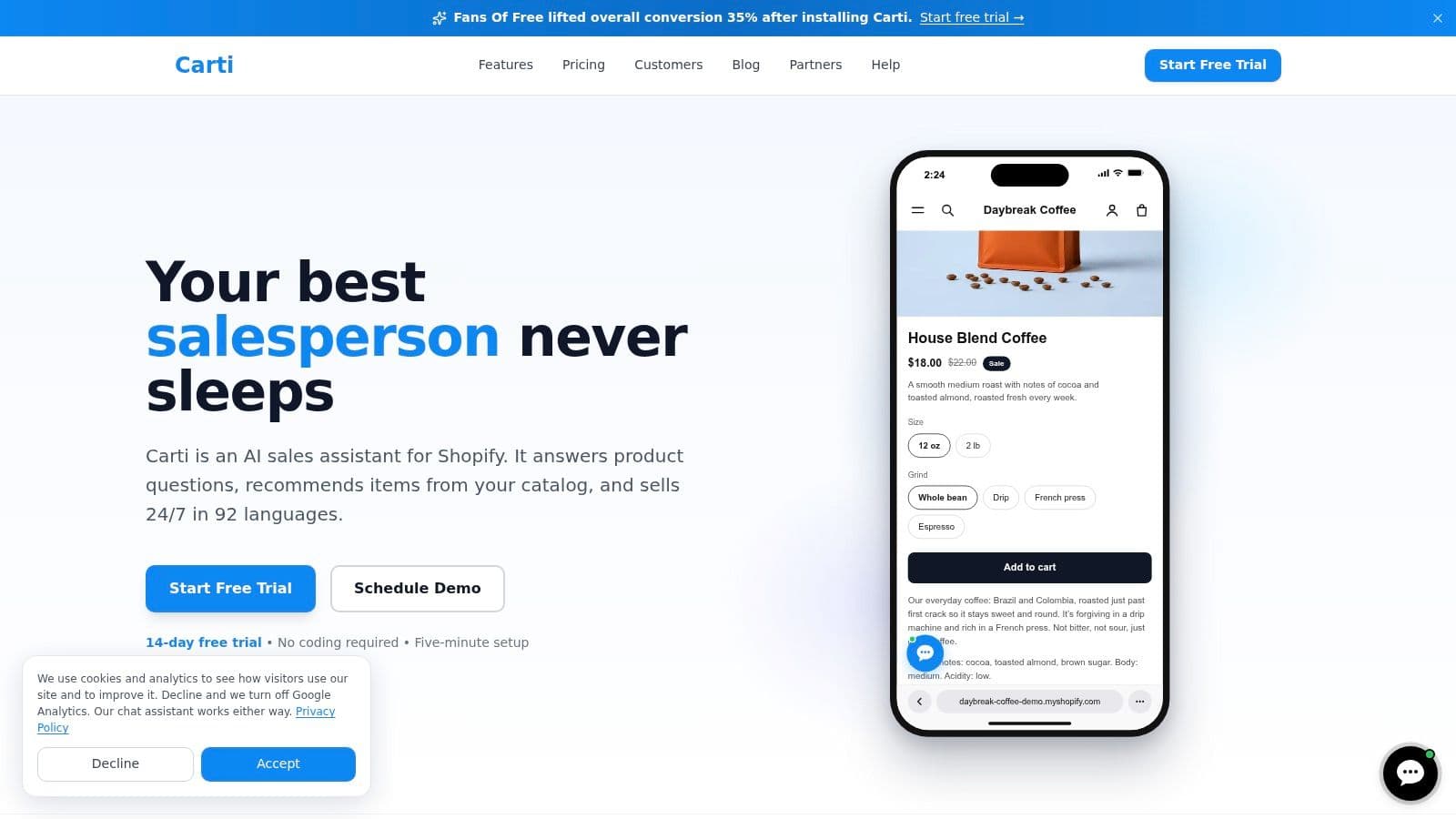
Carti is an AI shopping assistant for Shopify built for storefront selling rather than comment triggers. It learns the store's catalog, policies, FAQs, and brand voice, then answers questions about sizing, shipping, returns, and product details. Recommendations come from the live catalog, with product cards that can show real price and stock and add an item to the cart from the chat.
That storefront focus fits the reason many shoppers leave. Baymard's checkout research found 40% of US online shoppers who abandoned for reasons other than browsing cited extra costs such as shipping, taxes and fees, according to Baymard's cart abandonment research. Clear answers before checkout address that uncertainty earlier.
What stands out
- Instant answers and smart suggestions: Shoppers get product and policy replies plus relevant recommendations in one conversation.
- Proactive prompts: Hesitant browsers can be engaged before they leave, and cart abandonment recovery runs in chat.
- Insights dashboard: Common questions, assisted sales, and button clicks show what's being asked.
- Reviews and social replies: It can draw on Judge.me, Loox, Yotpo, Okendo, and Fera reviews for fit questions, replies in 92 languages, and handles Instagram and Facebook Messenger messages.
Setup is code-free and takes about five minutes through the Shopify App Store and theme embed. Plans are Free for 50 AI conversations a month, Starter $49 for 250, Growth $99 for 600, and Scale $249 for 1,750, with a 14-day free trial on paid plans. No current plan is unlimited, so growing stores should watch usage.
The main trade-offs are those conversation limits and data quality. Thin product descriptions or missing policies produce thin answers, so gaps in the source content need filling first. Merchants comparing approaches may also find the chatbot recommendations from RecurX useful context.
2. Chatfuel
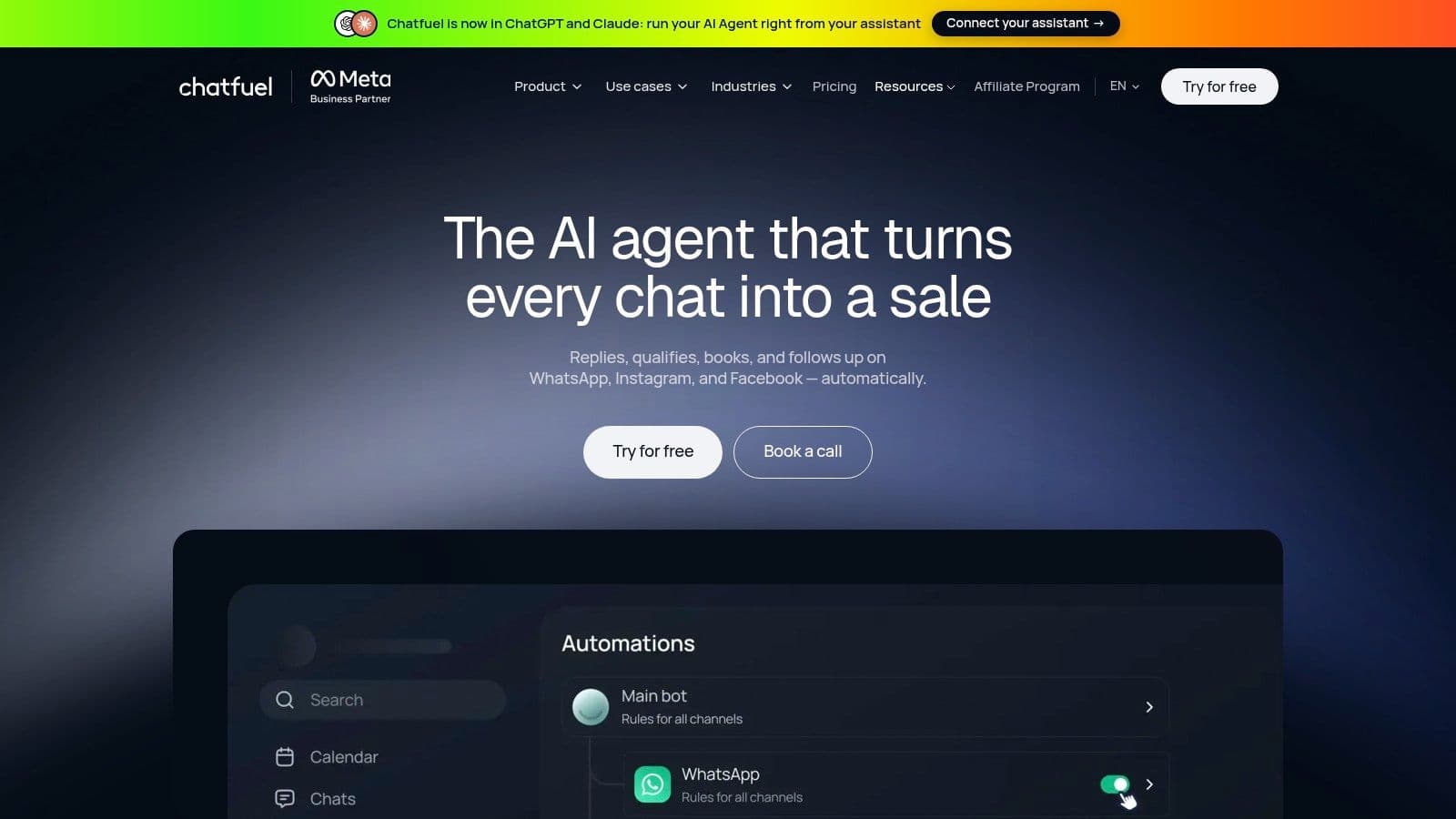
Chatfuel is the closest like-for-like swap for stores that live in messaging apps. Its Shopify app focuses on WhatsApp automation rather than storefront chat. It sends product recommendations, abandoned-cart reminders, order confirmations, and shipping updates.
The fit is clear for campaign-led stores. A brand running WhatsApp broadcasts and cart reminders gets that workflow in one place, with AI-powered replies and multi-agent live chat for handoff. Stores whose questions arrive on product pages won't get the same value.
Trade-offs to check
- WhatsApp first: Strong for WhatsApp sales and support messaging, less complete as a storefront assistant.
- Channel gaps: The Shopify app may not reproduce every ManyChat Instagram or Messenger workflow a store already runs.
- Overage costs: Extra conversations beyond the plan allowance add charges, so volume needs forecasting.
- Thin review history: The Shopify listing showed no reviews when checked, which makes peer validation harder.
Pricing should be confirmed on Chatfuel's own pricing page before installing, since plan presentation can differ between its site and the Shopify listing. Merchants should verify which allowance applies, what overages cost, and whether a trial is available on the plan they choose. For WhatsApp-heavy stores in markets where that channel drives sales, this remains a direct and practical alternative.
3. Tidio
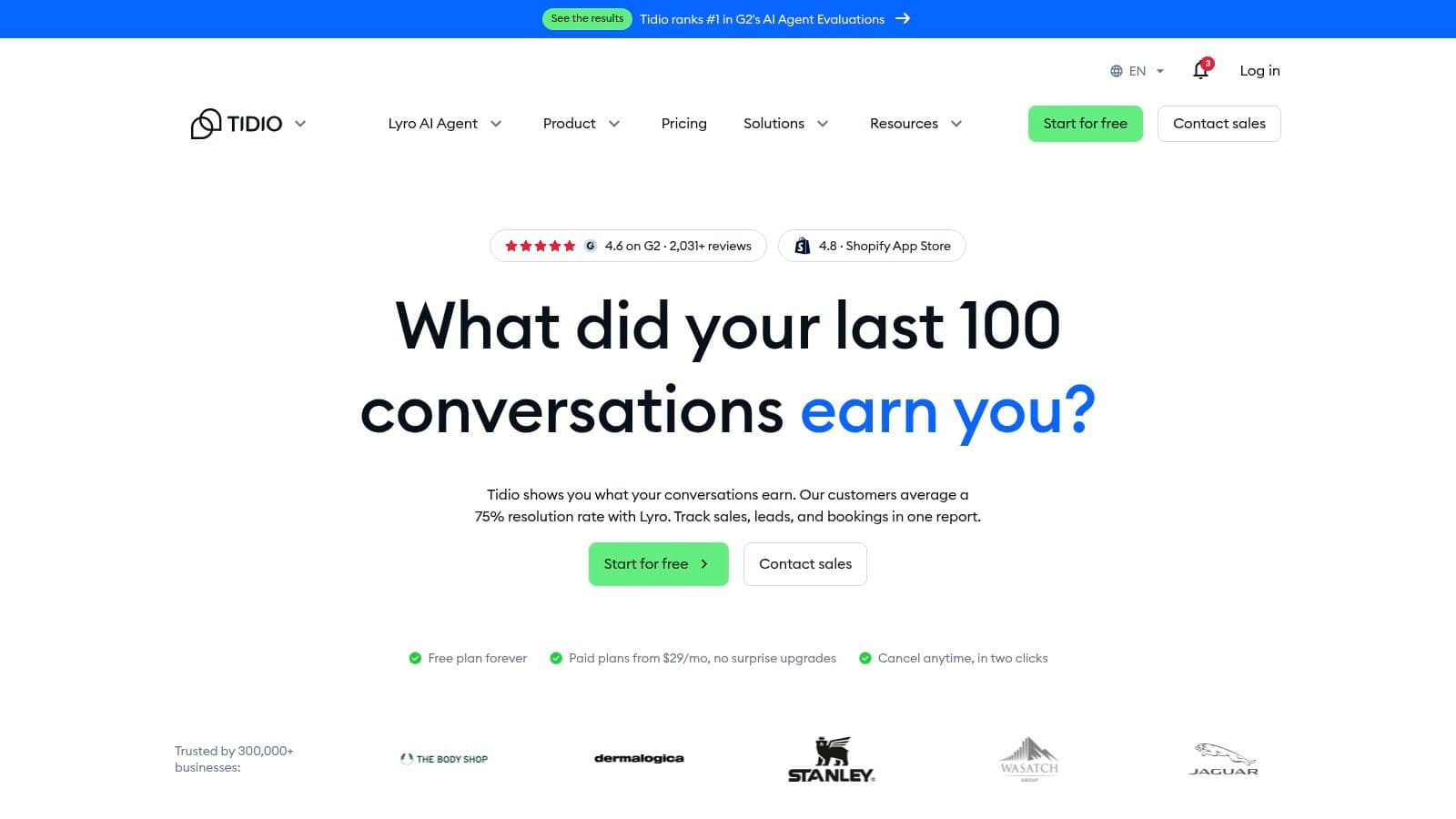
Tidio combines storefront live chat, no-code Flows automation, a shared inbox, and its Lyro AI agent. It handles FAQs and order-status questions, recommends products, and brings conversations from Instagram, WhatsApp, and Facebook Messenger into the same tool. That setup suits small teams that want to manage customer support and automation together.
As a store grows, repeat questions can take up more of each agent's time. Automating routine replies can help protect response speed, while leaving agents available for questions that need a person.
Where it fits and where it doesn't
- Shared inbox: Storefront chat and social messages land together, reducing the need to switch between tools.
- Free entry point: A free plan gives stores a way to try the platform before paying.
- Separate meters: AI, live chat, and Flows may have separate quotas and costs. Check whether the plan's allowances cover the features and volume you need.
- Comparison with Zipchat: See this Tidio and Zipchat comparison to weigh their fit for Shopify stores.
Before committing, check Tidio's current plan allowances and decide how you'll connect Tidio leads to marketing sources. This matters if chat leads need to retain their attribution in your marketing tools.
4. Chatty
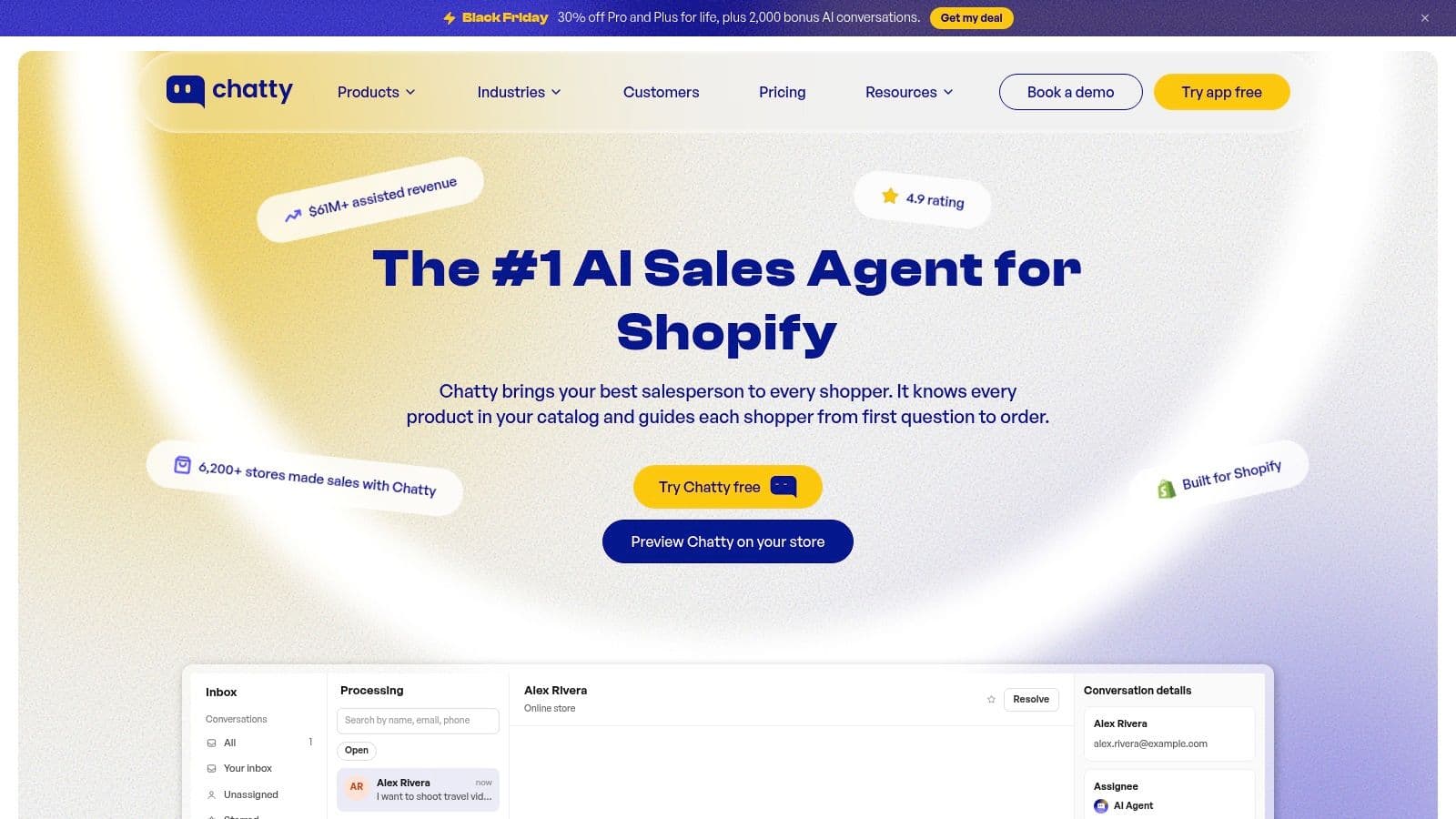
Say a fashion store gets the same sizing question on the storefront, by email, and in Instagram DMs. Chatty is built for that pattern. It combines a storefront AI sales assistant with live chat and a helpdesk inbox covering Instagram, Messenger, WhatsApp, and email.
The AI answers product questions, recommends products, helps with order tracking, and routes conversations to the team. Multilingual support, proactive messaging, FAQ options, and a mobile app round out the set. A free plan is available, while paid tiers carry AI conversation allowances.
Social reach explains why the inbox matters. Store Leads reports Instagram is installed or used by 45.9% of Shopify stores, according to the Store Leads Shopify report. Stores selling through social need those conversations connected to product context, not treated as isolated leads.
Trade-offs
- Broad coverage: Storefront chat and social inbox work sit in one tool, which reduces duplicated replies.
- Plan gating: Some advanced AI shopping and proactive features require higher plans.
- Allowances and overages: Paid plans cap AI conversations, so busy stores should model volume first.
- Possible overkill: A store that only needs simple comment-to-DM flows may not use the helpdesk depth.
Confirm current tiers and allowances on Chatty's own pricing page before choosing a plan.
5. Zipchat
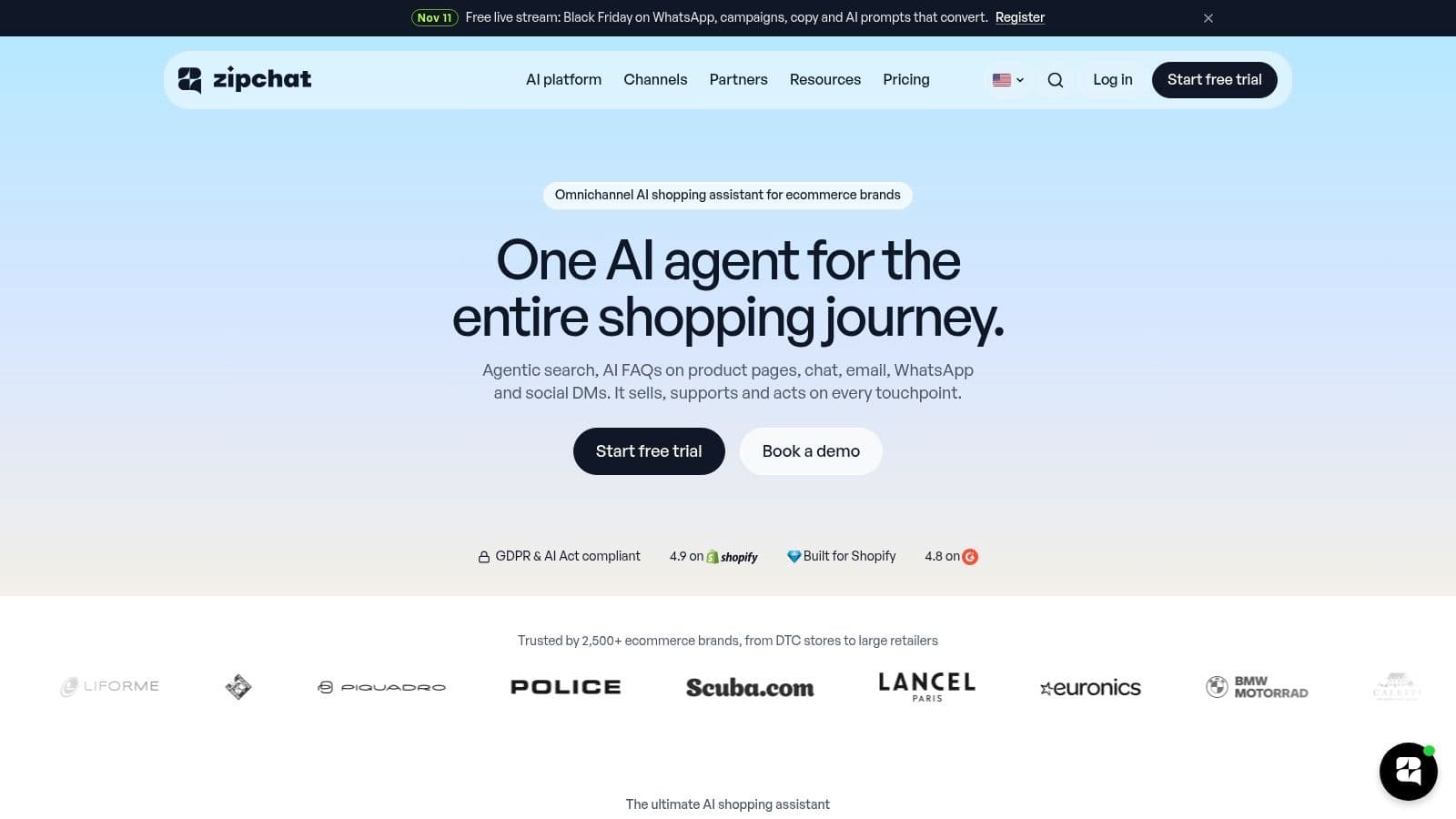
Zipchat puts an AI agent across storefront chat, Instagram, Messenger, WhatsApp, and email. It handles product recommendations, order-status help, cart recovery, and FAQ automation, plus tasks such as returns and refunds. Multilingual support and team handoff are included in the positioning.
That breadth suits stores that don't want separate tools per channel. A shopper can ask on Instagram and continue on the storefront without the store running two systems. The free tier and paid trial give a low-risk way to test answer quality on real questions.
AI adoption supports testing rather than assuming. A 2025 Shopify survey found 75% of store owners use AI tools, according to Shopify's guide to chatbots. High adoption doesn't guarantee accurate answers, so product specifics, sizing, and delivery replies still need checking before launch.
Points to verify
- Reply-based metering: Plans are based on AI replies, so longer conversations consume more allowance.
- Price consistency: Allowances may differ between the vendor site and the Shopify listing, so the applicable offer needs confirming.
- Channel fit: Broader coverage helps multichannel stores but adds setup work for stores active on only one channel.
Check Zipchat's own pricing page for current plan names, reply allowances, and trial terms before migrating any flows.
6. Gorgias

Gorgias isn't a social automation builder. It's a Shopify-oriented helpdesk that centralizes customer conversations alongside Shopify customer and order history. Teams get live chat, ticketing, and AI support and shopping-assistant capabilities in a workflow built for trackable cases.
That order context is the draw. An agent answering a delivery question sees the customer's history in the same view instead of hunting through Shopify admin. For stores with real support volume, that saves time on every ticket and improves escalation quality.
The right question isn't whether a tool can send a message. It's whether it can resolve the case with the order in front of it.
Trade-offs
- Support depth: Ticketing and team workflows suit stores that treat service as an operation, not a side task.
- Cost scaling: Ticket volume and AI features can raise the total bill as volume grows.
- Weight for small stores: A solo merchant who only needs Instagram triggers will find this more involved than necessary.
- Different job: It replaces a helpdesk first and a DM tool only indirectly.
Confirm current ticket allowances and AI pricing on Gorgias's own pricing page, since totals depend heavily on monthly volume and which AI features are enabled.
7. Shopify Inbox
Shopify Inbox is the free, native baseline every paid option has to beat. Its AI sales associate uses catalog, policy, and store-content information to answer questions and suggest products on the storefront. Merchants can also reply themselves, set the tone, and review chat analytics for assisted orders.
For a new store, free and native is hard to argue with. There's no extra subscription, store data is already available, and setup stays inside Shopify. It answers the storefront question problem without adding another vendor.
The limits show up as channels multiply. Inbox primarily supports storefront chat rather than elaborate Instagram or Messenger flows, and it doesn't provide a full campaign automation builder. Stores that need a broader shared inbox will outgrow it.
Who should start here
- New or low-volume stores: Free AI-assisted storefront chat covers basic product and policy questions.
- Stores testing demand: Chat analytics reveal what shoppers ask before a paid tool is justified.
- Stores comparing helpdesks: The Gorgias and Shopify Inbox comparison helps frame when free stops being enough.
Inbox works best as a starting point and a benchmark. If a paid tool can't beat free on answer quality, languages, or channels, it isn't earning its fee.
8. Reamaze
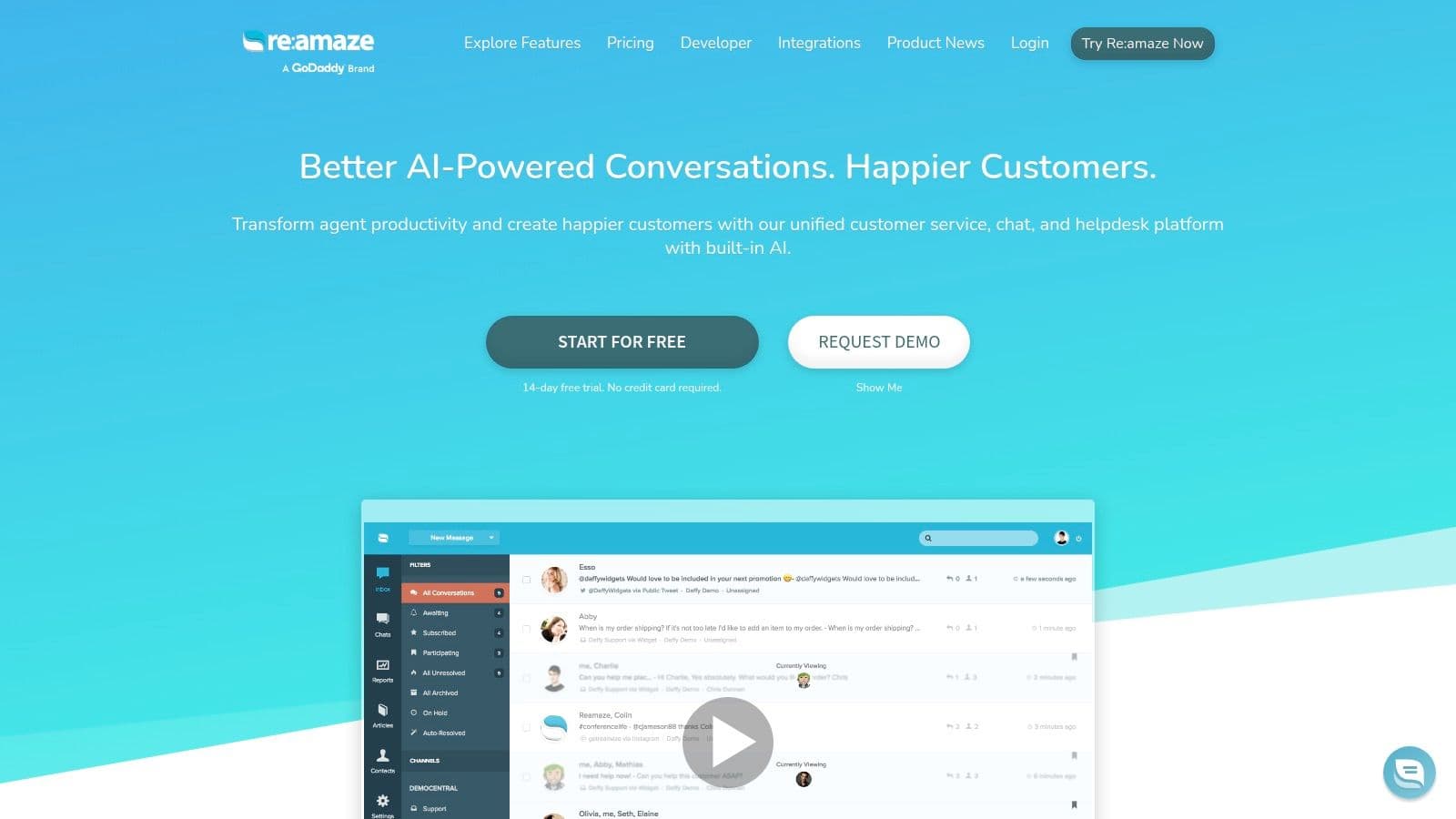
Re:amaze combines live chat, chatbot workflows, and a shared helpdesk across email, social, SMS, and voice. Its Shopify integration lets teams manage or create Shopify orders from inside support conversations. That's a support-led alternative, not a marketing funnel tool.
The practical strength is consolidation. FAQs, workflows, macros, an AI agent, and AI-assisted writing sit in one inbox, so a small team isn't juggling separate tools for chat and tickets. Order actions inside the conversation cut the back-and-forth between apps.
Reliability deserves scrutiny with any AI layer. A 2025 Qualtrics survey of more than 20,000 consumers in 14 countries found nearly one in five who used AI for customer service saw no benefit, according to RetentionEdge's analysis of AI chatbots for ecommerce. Human handoff and escalation rules matter as much as automation coverage.
Trade-offs
- Per-user pricing: Per-staff charges can push costs up as the team grows.
- Service focus: It's built for customer service rather than social-marketing funnels or comment triggers.
- AI allowances: AI resolution allowances vary by plan and need checking against expected volume.
Verify current per-user rates, trial terms, and AI allowances on Re:amaze's own pricing page before committing.
9. Rep AI

Rep AI focuses on proactive storefront engagement. Its behavioral AI is designed to spot shoppers who may be hesitating and start a conversation before they leave. It also offers product recommendations, support responses, and live-agent handoff, with integrations including Gorgias, Zendesk, and Klaviyo.
That timing angle is the differentiator. Most chat tools wait for a click. Rep AI tries to intervene at the moment of doubt, which suits considered purchases in home, wellness, and higher-priced categories where one answered question can save the order.
Checkout friction data supports earlier intervention. Baymard reports 17% of US online shoppers abandoned an order because checkout was too long or complicated, according to Shopify's guide to abandoned cart recovery rates. Answering questions before checkout reduces the uncertainty that compounds there.
Trade-offs
- Visitor-based pricing: Costs are tied to visitor volume, with charges above plan limits, so traffic spikes affect the bill.
- Storefront strength: Its core value is on-site engagement, not replacing every ManyChat DM workflow.
- Entry cost: Paid pricing may be high for small stores with modest traffic.
- Comparison point: Stores weighing proactive chat against a helpdesk can read the Rep AI and Gorgias comparison.
Confirm current visitor tiers and overage terms on Rep AI's own pricing page.
10. BiteSpeed
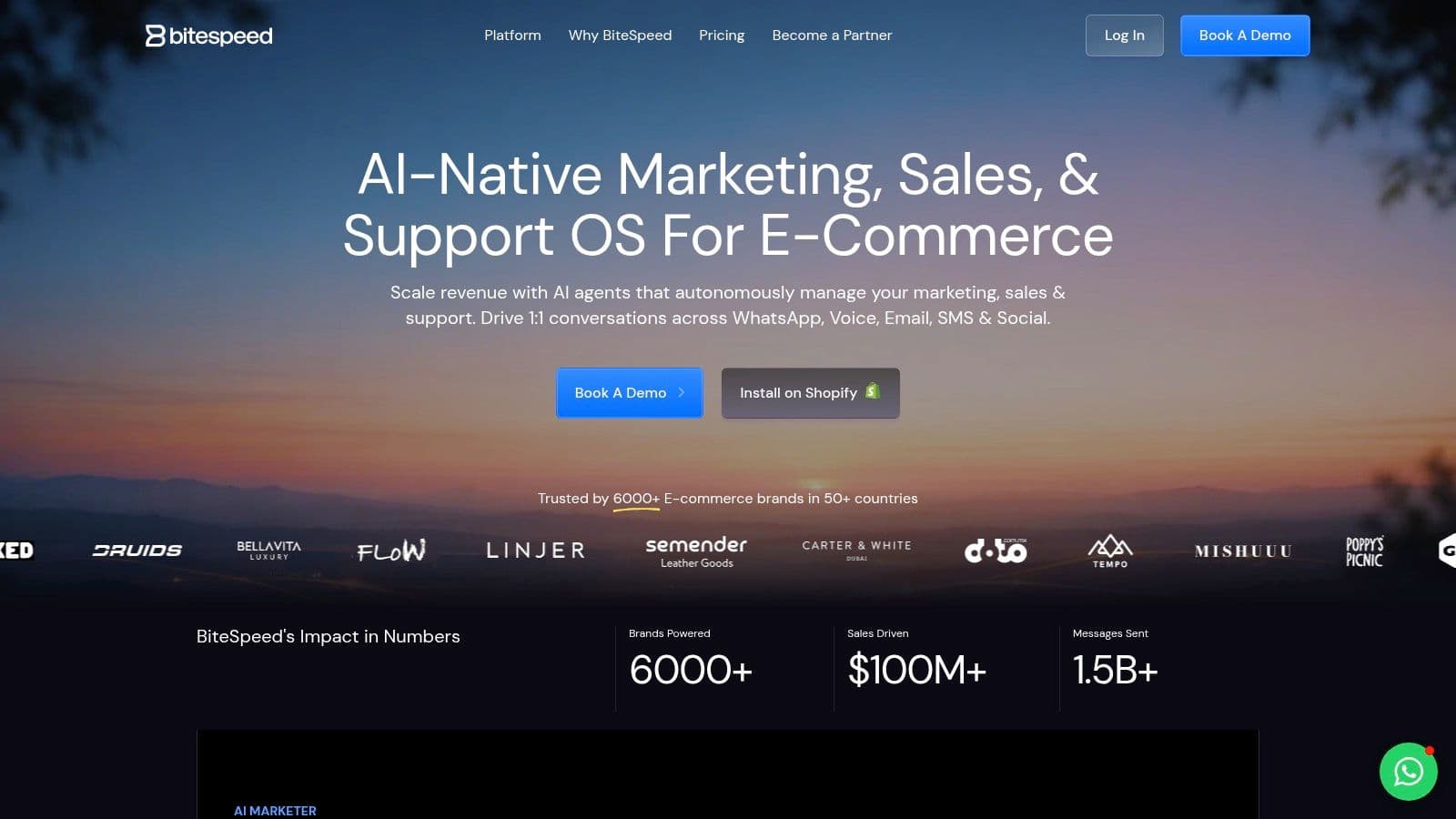
BiteSpeed positions itself as an ecommerce marketing, sales, and support platform. Its website describes a shared dashboard for WhatsApp, email, Instagram, and website chat, with WhatsApp automation and marketing as central use cases. Shopify installation is offered through its website.
The appeal is breadth for WhatsApp-led stores. Campaigns, conversations, and support sit in one dashboard built for ecommerce rather than generic chatbot building. Stores where WhatsApp is a primary sales channel will find that focus relevant.
Scale makes channel choice more consequential over time. Shopify merchants generated $14.6 billion in global Black Friday to Cyber Monday sales in 2025, a 27% increase from 2024, according to Shopify's 2025 BFCM data. Peak periods punish tools that can't handle volume on the channels shoppers use.
Trade-offs
- Unconfirmed pricing: Current pricing wasn't confirmed on the official page reviewed, so no figure is quoted here.
- Setup variables: Features and channel availability may depend on region, account setup, or plan.
- Channel fit test: Merchants should check whether its WhatsApp and campaign features match their customer base before migrating.
Request current plan details directly from BiteSpeed and compare them against expected WhatsApp and Instagram volume.
10 ManyChat Alternatives for Shopify at a Glance
The main difference is where each tool puts its effort: Shopify catalog conversations, social messaging, storefront chat, or customer support. The table keeps pricing to figures stated in the article and highlights the features merchants often compare when leaving ManyChat.
| Tool | Starting price | Free plan | Multilingual | Cart recovery | Best for |
|---|---|---|---|---|---|
| Carti | Free; paid plans from $49/mo | 50 AI conversations/mo | 92 languages | Yes, cart abandonment recovery in chat | Shopify product recommendations and purchase guidance |
| Chatfuel | Not stated | Not stated | Not stated | Yes, abandoned-cart reminders | WhatsApp sales and support automation |
| Tidio | Not stated | Yes | Not stated | Not stated | Combining live support, AI, and automation |
| Chatty | Not stated | Yes | Yes | Not stated | Storefront chat and social messaging in one tool |
| Zipchat | Not stated | 120 AI replies/mo | Yes | Yes | Multichannel AI support and cart recovery |
| Gorgias | Not stated | Not stated | Not stated | Not stated | Shopify-focused helpdesk and support workflows |
| Shopify Inbox | Free | Yes | Not stated | Not stated | Basic Shopify storefront chat |
| Reamaze | Not stated | Not stated | Not stated | Not stated | Multichannel customer support and helpdesk workflows |
| Rep AI | Not stated | Free install option | Not stated | Not stated | Proactive storefront engagement and sales assistance |
| BiteSpeed | Not stated | Not stated | Not stated | Not stated | Ecommerce messaging, especially WhatsApp |
“Not stated” means the details aren't established in the descriptions summarized here. Check each vendor's own pricing page for current prices and plan limits before comparing costs.
Which Alternative Should You Pick and How to Switch
Start with where the first question arrives. That's the single most useful sorting rule for ManyChat alternatives for Shopify, and it's the one most roundups skip. A tool that's excellent in WhatsApp won't fix unanswered sizing questions on a product page, and a storefront assistant won't run a comment-to-DM campaign.
Practical rule: Pick by funnel location first, then by billing unit. Channel fit decides whether the tool helps at all. Pricing structure decides whether it still helps at three times the volume.
For storefront product questions, catalog-aware assistants fit best because they answer from live products, variants, policies, and reviews. For WhatsApp sales and cart reminders, messaging-first tools such as Chatfuel or BiteSpeed match the workflow. For support volume with order context, helpdesks such as Gorgias or Re:amaze give agents ticketing and Shopify history in one view. Shopify Inbox remains the free baseline for stores testing whether chat demand exists at all.
Match the tool to traffic volume
- Low volume, testing phase: Free tiers reveal what shoppers ask before money is committed.
- Steady mid-volume: Conversation or reply allowances need modeling against last month's real message count, by channel.
- Spiky or campaign-driven volume: Overage rules matter more than headline price, so check what happens at the limit.
- International traffic: Multilingual replies should be tested against localized shipping, returns, currency, and availability rules.
Measurement should go beyond message counts. Track assisted purchase rate, containment, escalation quality, and revenue per conversation by channel. A tool that generates lots of chats but few orders is a cost, not an asset.
Switching without breaking live conversations
Migration works best in parallel. First, export contacts and consent records from ManyChat so audiences aren't lost. Second, map each existing flow to its trigger in the new tool, and note which flows have no equivalent. Third, install the new tool in the theme and test it on real questions from the current inbox before removing ManyChat.
Testing deserves ten genuine questions, not demos. Use recent sizing, shipping, returns, compatibility, and product comparison questions, and check every answer against the live catalog and policies. Wrong answers about stock or returns damage trust faster than slow answers do.
For merchants whose bottleneck is storefront hesitation, Carti's Shopify AI shopping assistant is worth trialing alongside one messaging-first tool. It's built exclusively for Shopify with variants, tags, and collections, and its widget goes live in the theme with no code once sync finishes. Some custom Shopify themes need minor adjustments for add-to-cart and discount codes to work from chat, so that behavior should be tested in the theme before launch.
Don't commit on feature lists alone. Trial two tools on the free tiers before committing.
If unanswered product questions are costing sales, Carti answers them from the live catalog in 92 languages, recommends products shoppers can add to cart in chat, and starts free for 50 AI conversations a month. Paid plans include a 14-day free trial, so stores can test real shopper questions before paying.

Written by
Daniel AndersonFounder of Carti. 10+ years building ecommerce brands in apparel and supplements. Still runs a Shopify store and built Carti to help merchants convert more browsers into buyers.