
Does a store need more support software, or does it need to answer the questions that stop shoppers buying?
That distinction matters more than a long feature list. A fashion store fielding sizing questions needs a different setup from a subscription brand handling cancellations, refunds, and delivery complaints. Adding a full helpdesk won't automatically improve product guidance. Adding a chat widget won't automatically organize a busy support team.
The best Shopify apps for customer support fall into overlapping categories. Storefront assistants help shoppers choose products and understand policies before checkout. Helpdesks organize conversations, assign work, and connect support requests with customer and order information. Some stores need both, with a clear handoff between them.
The options below are judged by store fit, setup work, and practical limits, rather than ratings alone. Competitor prices belong only beside links to the vendor's own pricing page. Where those figures couldn't be confirmed from a vendor pricing page, they're omitted rather than repeated from comparison sites.
Before choosing, merchants should separate their recurring questions into product advice and post-purchase work. That simple split makes it easier to shortlist a useful tool instead of paying for features the team won't use.
1. Carti
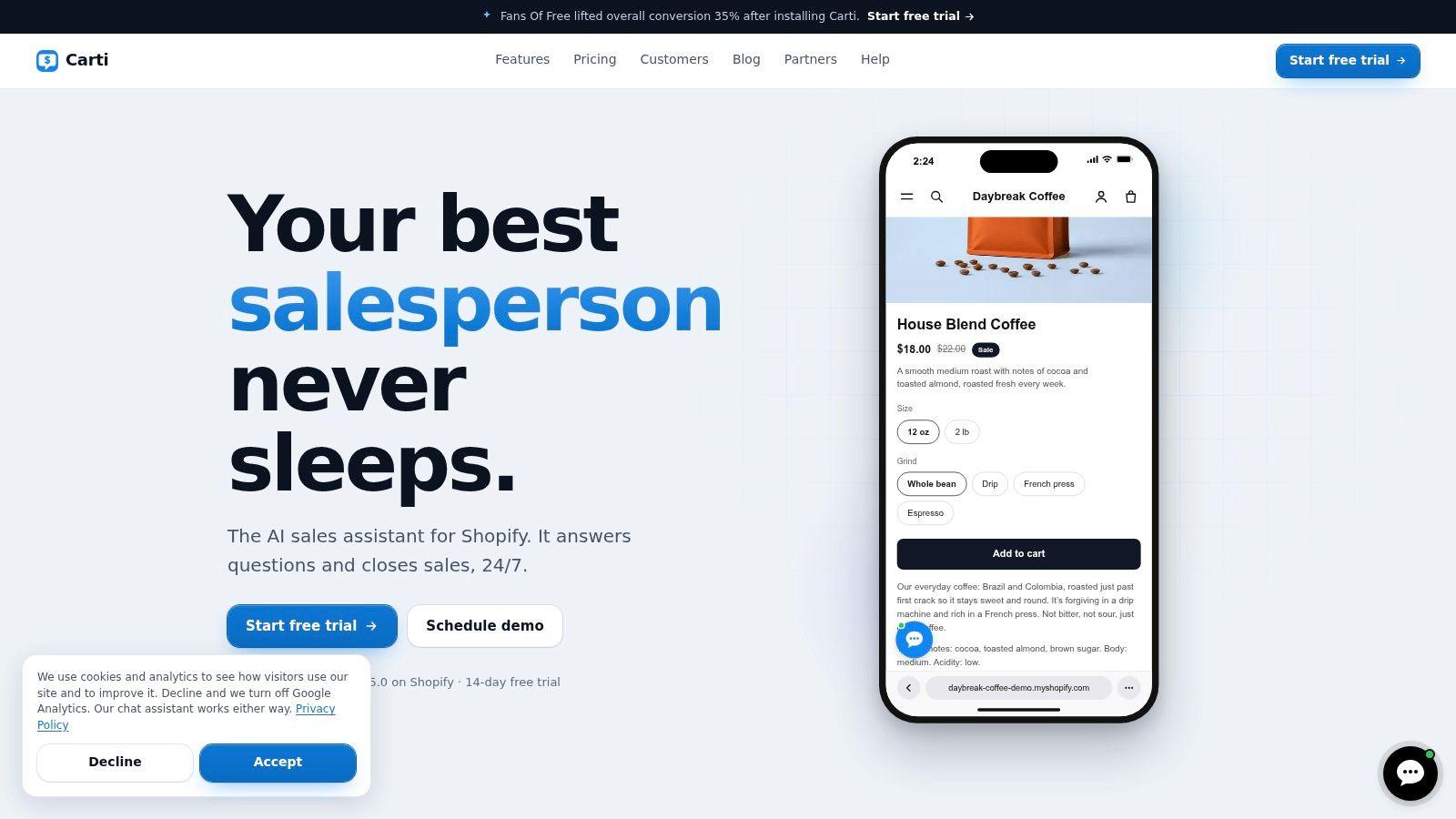
Best fit for Shopify stores whose support questions start before checkout. Carti is an AI shopping assistant for Shopify that answers product and policy questions, recommends products, and supports storefront, Instagram, and Facebook Messenger conversations.
For fashion, beauty, home, and wellness stores, the useful distinction is catalog context. The assistant learns the store's products, policies, and FAQs, so merchants can offer guidance about sizing, shipping, returns, materials, and product comparisons rather than relying only on a static FAQ menu.
Plan limits and setup
The plans are Free with 50 AI conversations a month, Starter at $49 with 250, Growth at $99 with 600, and Scale at $249 with 1,750. Paid plans include a 14-day free trial. Conversation limits apply to every plan.
Installation starts in the Shopify App Store. After authorization, the merchant enables the assistant's app embed in the theme so it appears on the live storefront.
- Useful capabilities: Product recommendations, proactive prompts, and an Insights Dashboard help merchants answer purchase questions and identify missing product information.
- Store preparation: Clear variant descriptions, accurate materials, and explicit return conditions give shoppers better information to work with.
- Theme checks: Most Shopify themes work out of the box, but some custom themes need minor adjustments for Add to Cart and discount codes in chat.
The strongest use case is purchase assistance, not replacing an email inbox. Merchants should test product comparisons and policy edge cases, then confirm that unusual questions reach a person rather than receiving an unsupported answer.
2. Gorgias

A growing DTC brand can outgrow a shared email account before it outgrows Shopify. Gorgias is a candidate when the team needs customer conversations and Shopify order context in the same workspace.
Its ecommerce focus is the attraction. Email, live chat, social, SMS, and voice can sit alongside support workflows, reporting, and Shopify order actions. AI tools also cover routine support and product questions.
Practical rule: Test the order action, not just the answer. A useful refund workflow should leave the agent clear about what changed in Shopify.
The trade-off is billing complexity as support volume grows. Merchants should examine how tickets are counted, what automation costs separately, and whether the desired channels require additional products or configuration.
Setup deserves attention. Importing old macros without reviewing them can carry outdated shipping promises and return rules into a new system.
For a fair trial, agents should handle a delivery question, an order change, and a product inquiry. The important result isn't whether every feature exists. It's whether staff can finish the task without repeatedly switching between the helpdesk and Shopify admin.
3. Tidio
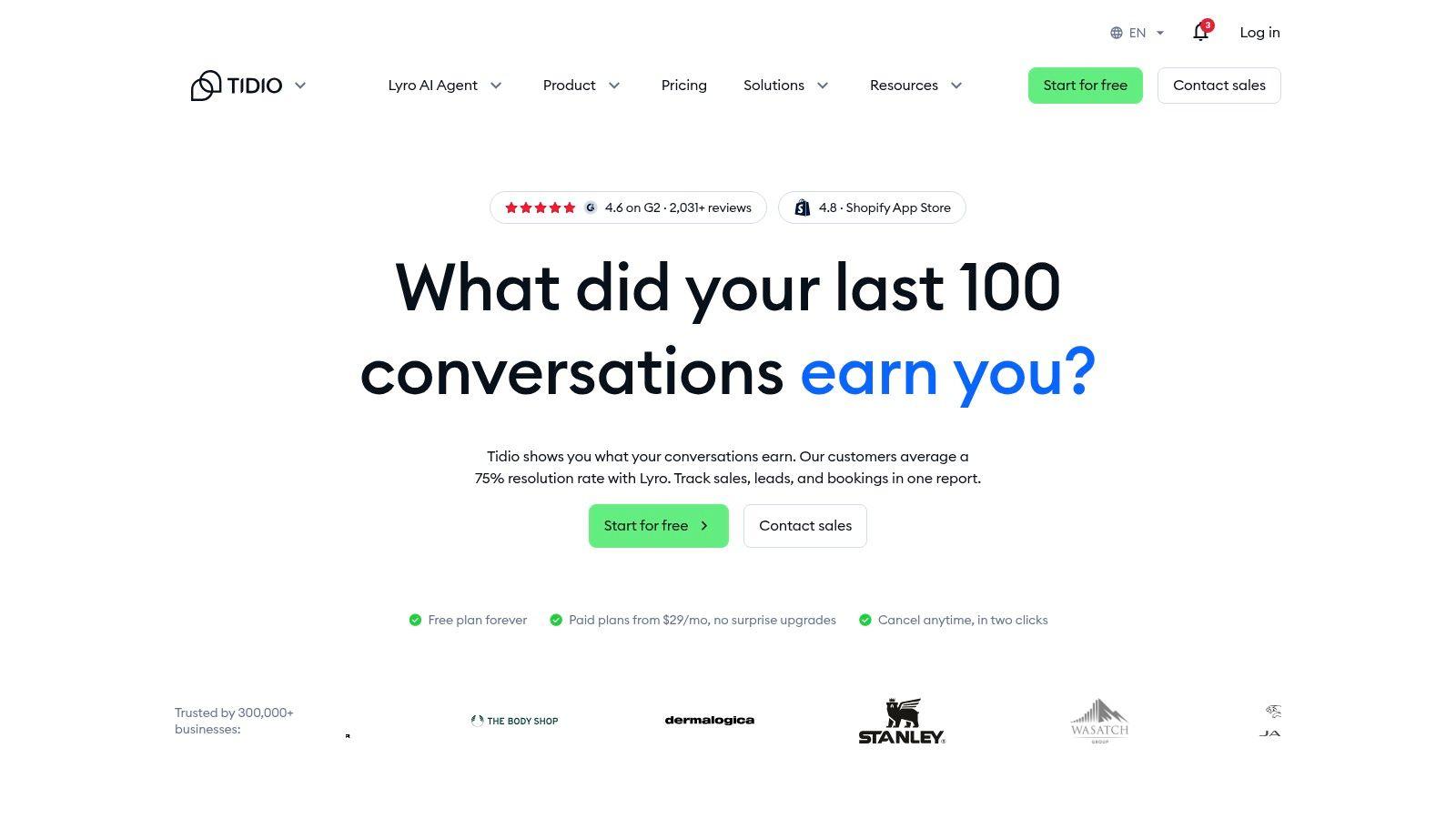
Tidio suits small and midsize stores that want storefront chat and follow-up support together. It combines live chat, ticketing, social messaging, chatbot flows, and the Lyro AI agent.
The practical appeal is continuity. A shopper can ask a question on-site, while staff retain a shared workspace for conversations that need follow-up. Product recommendations and automated answers can support that process without making every interaction a manual exchange.
Check the boundary between chat and AI
The main comparison work is understanding which capabilities belong together. Merchants shouldn't assume that a chat subscription includes the AI capacity or channel coverage needed for their store.
- Good fit: A lean team handling product questions during browsing and email follow-up after purchase.
- Setup priority: Configure staffed hours, fallback messages, and ownership of conversations that automation can't finish.
- Potential limitation: Live chat and ticketing don't necessarily replace the deeper order-management workflows of an ecommerce-focused helpdesk.
A useful test starts with a shopper asking about a variant, then returning with an order question. Staff should check whether the conversation retains enough context to avoid making the customer repeat everything.
Tidio deserves a shortlist when accessible storefront support matters most. Stores with complex refund approvals or extensive departmental routing should test those workflows before committing.
4. Shopify Inbox
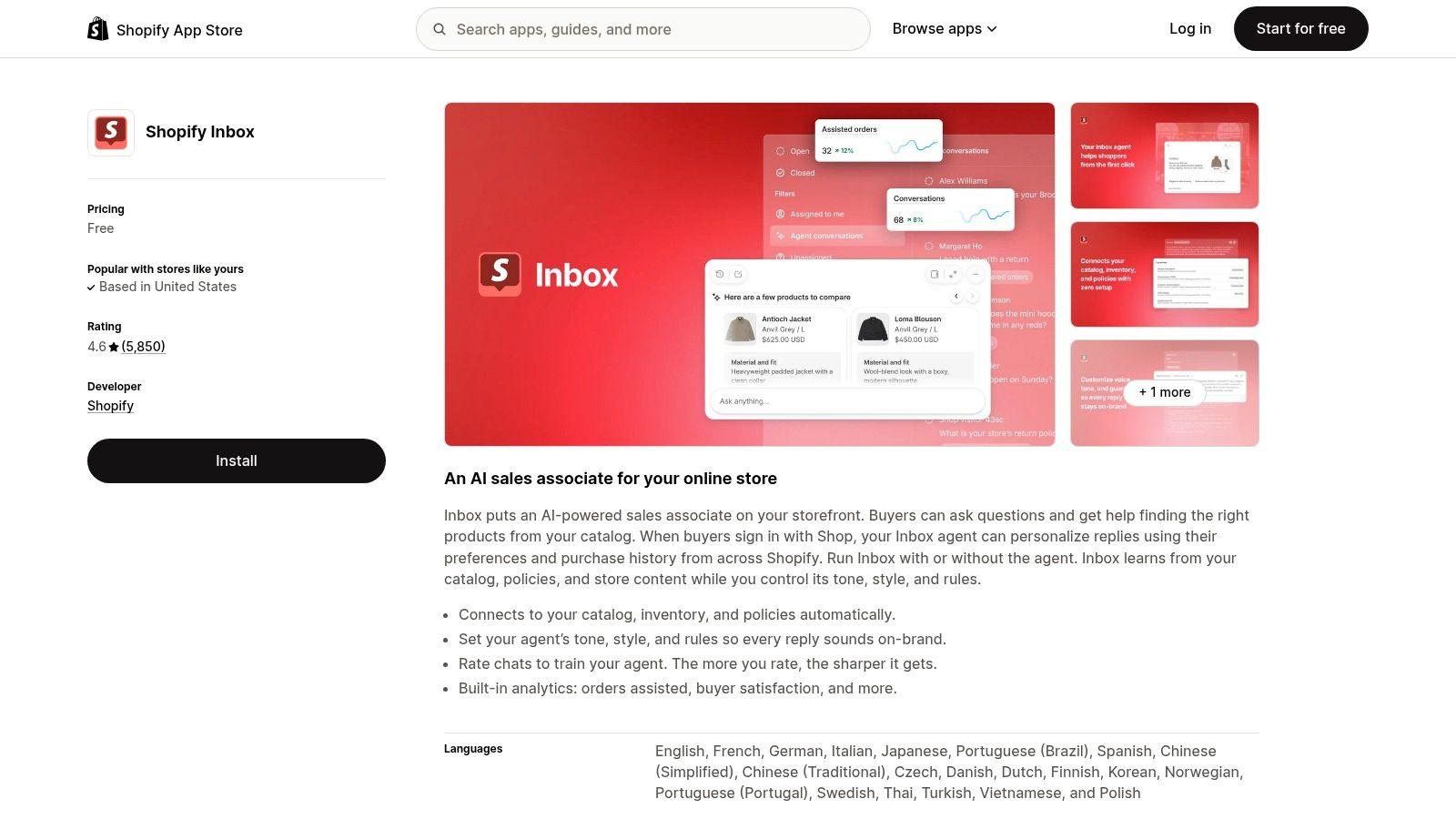
For a merchant still learning whether shoppers will use chat, Shopify Inbox is a sensible starting point. Its native storefront integration keeps the initial decision focused on customer demand rather than a broader support-platform rollout.
The app is aimed at conversations inside the Shopify shopping experience. Store context, product suggestions, and AI-assisted answers make it relevant to merchants handling straightforward purchase questions.
The limit is operational depth. A native chat tool isn't automatically the right workspace for a support department managing complex assignments, escalations, and conversations across many channels.
- Best store type: A new or lean Shopify business testing storefront conversations.
- Useful setup work: Review store policies, configure the chat experience, and establish who owns unanswered messages.
- Upgrade signal: Agents start tracking follow-ups outside the app or losing context between email, social messages, and chat.
A homeware store might use it to answer dimensions and delivery questions while staff remain close to Shopify admin. A business with complicated warranty claims should evaluate the full case-management process separately.
Merchants should also test the widget on mobile. The launcher shouldn't cover essential product controls, and the team should know what customers see when nobody is available to reply.
5. Re:amaze
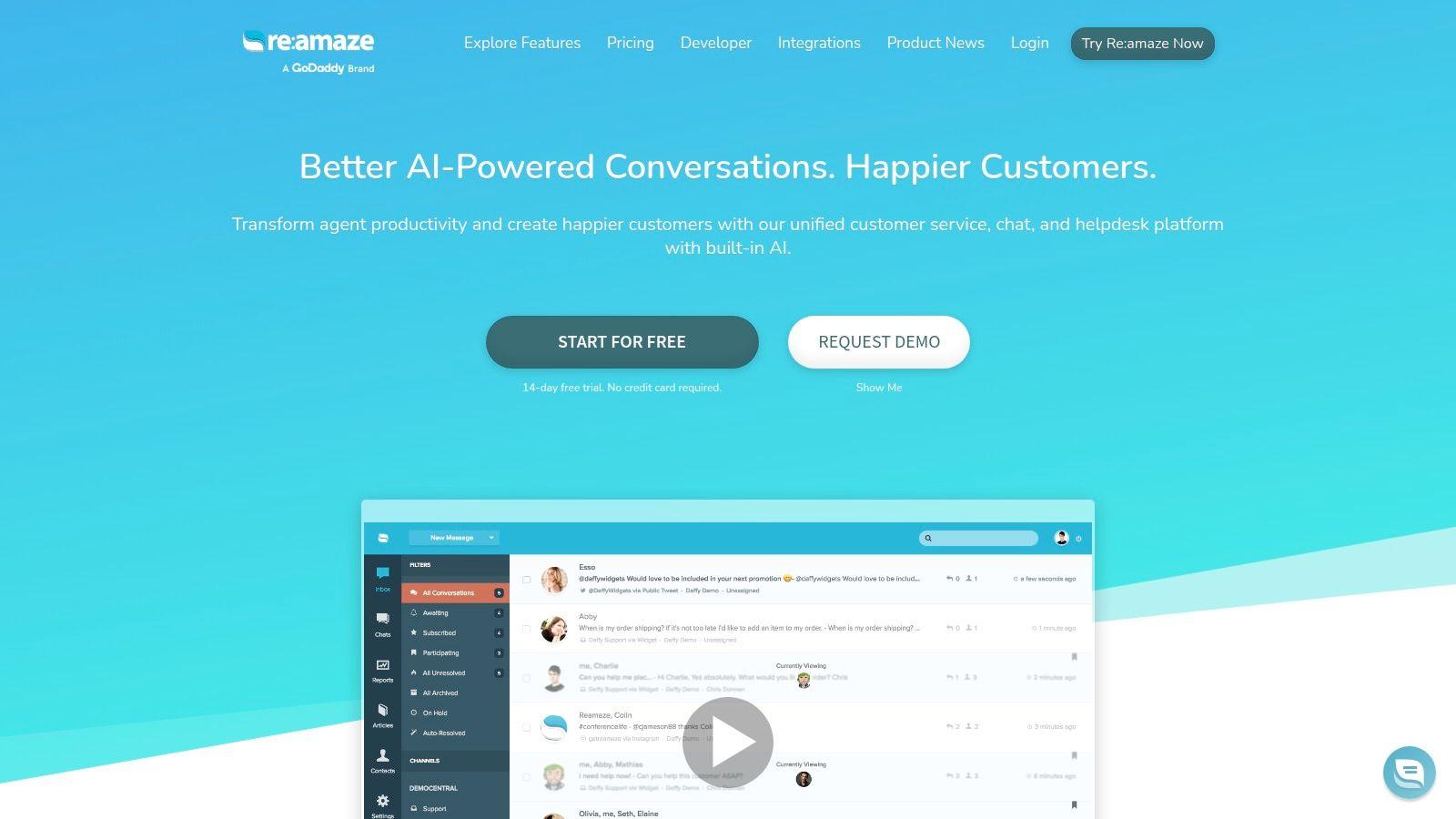
Breadth is the reason to consider Re:amaze. It combines a shared inbox, ticketing, live chat, chatbots, FAQs, social integrations, and support automation.
That mix suits a small or midsize team trying to consolidate scattered support tools. Its Shopify integration connects conversations with store-related tasks, while multi-store capabilities are available on relevant plans.
Configure ownership before automation
The broad feature set creates setup work. A merchant needs clear routing rules, sensible tags, and an agreed process for conversations that move between chat and email.
For example, a sizing question might belong with a product specialist, while an address-change request needs an agent who can safely manage the order. Sending both through the same generic automation can create extra handoffs.
A shared inbox only reduces confusion when every open conversation has an owner.
The buying decision should include staff access, required store connections, and the specific automation features available in the selected subscription. Adding colleagues can change the economics of a team-based system.
Re:amaze is worth evaluating when a merchant wants chat, helpdesk, and self-service together. It may be more configuration than a solo operator needs for occasional storefront questions, but that same breadth can suit a team ready to standardize support.
6. Richpanel

A store with repetitive post-purchase requests needs more than polished automated replies. Richpanel focuses on ecommerce support actions, including order-status requests, returns, refunds, cancellations, and subscriptions within merchant-defined boundaries.
That makes it relevant to high-volume stores where agents repeatedly perform the same approved tasks. Its shared inbox, self-service options, and AI quality reporting support a more operational use case than a basic chat widget.
- Best fit: Established stores with repeatable support requests and clearly documented policies.
- Setup requirement: Define eligibility, approval rules, exceptions, and escalation paths before enabling automated actions.
- Main trade-off: The value depends on enough suitable support work to justify the configuration and ongoing oversight.
Permission boundaries matter more than conversational fluency. A cancellation request received before fulfillment is different from one received after dispatch. Merchants should test both situations and inspect what the system changes.
Stores comparing this approach with lighter tools can review these Richpanel alternatives.
During evaluation, separate answers from completed actions in the reporting. A customer receiving a returns-policy explanation hasn't necessarily completed a return. The trial should show whether the workflow resolves the request, needs approval, or hands the case to staff.
7. DelightChat
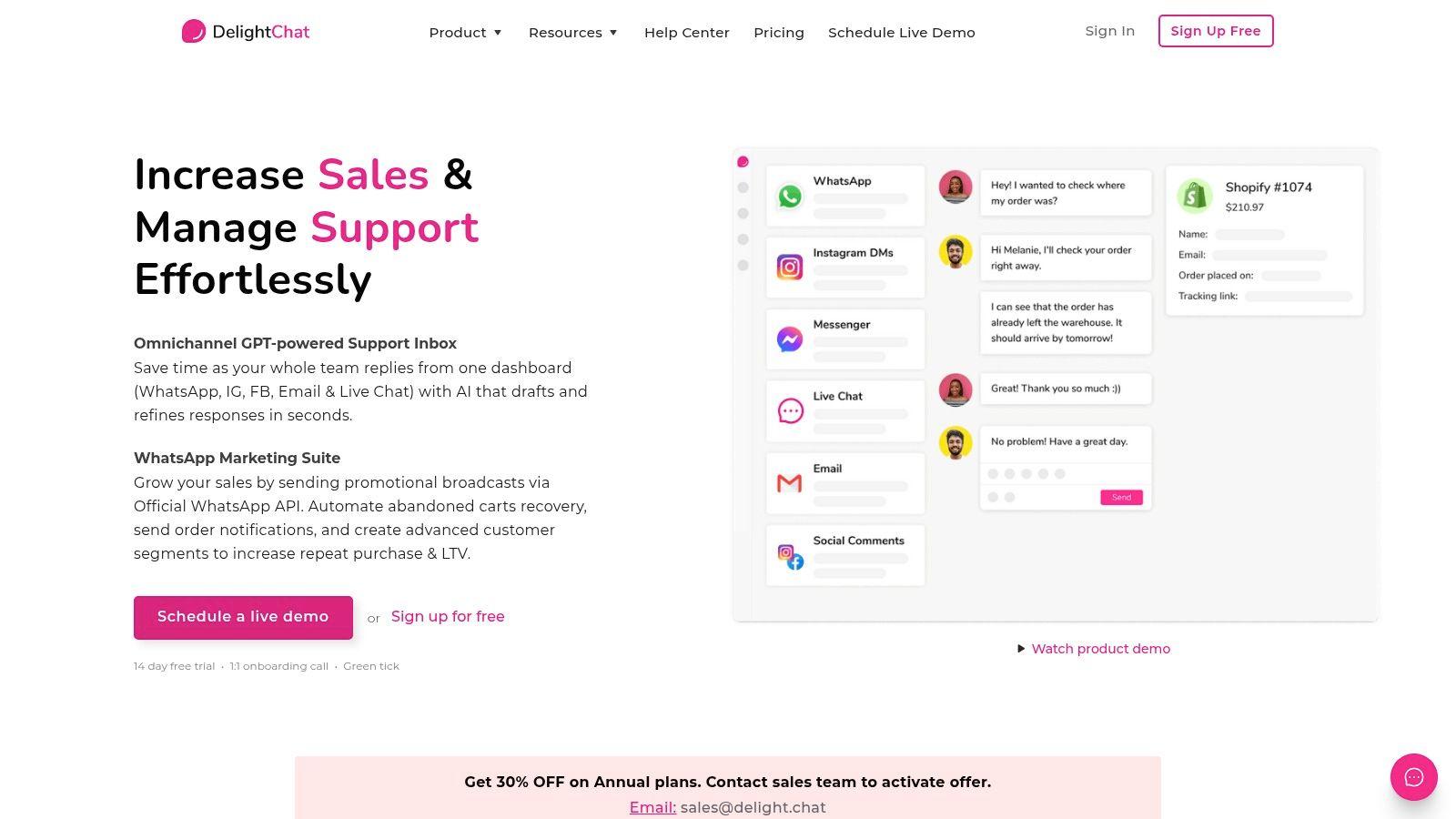
DelightChat is most compelling when customers already use WhatsApp and social messaging. Its shared inbox brings WhatsApp, Instagram, Facebook, email, and live chat together, with support and messaging-based marketing capabilities.
For a social-first store, that channel mix can be more relevant than a complex email-only workflow. WhatsApp campaigns, cart recovery, product catalog features, and cash-on-delivery workflows broaden the use case beyond answering tickets.
Keep service and campaigns distinct
Support conversations and marketing messages need different ownership and expectations. Agents shouldn't have to search through campaign activity to understand an unresolved delivery complaint.
- Strong match: Merchants with an active WhatsApp audience and regular social-message support.
- Configuration priority: Route customer-service requests clearly and review campaign audiences separately.
- Buying check: Inspect ticket allowances, marketing-contact allowances, and any channel-related charges before selecting a subscription.
A store shouldn't choose DelightChat because WhatsApp is available. The channel should already matter to its customers or form part of a deliberate operating plan.
For a useful trial, merchants can follow a conversation from an Instagram product question through to an order-related follow-up. The test is whether agents retain the customer context and can distinguish a sales opportunity from an unresolved service issue.
8. Crisp
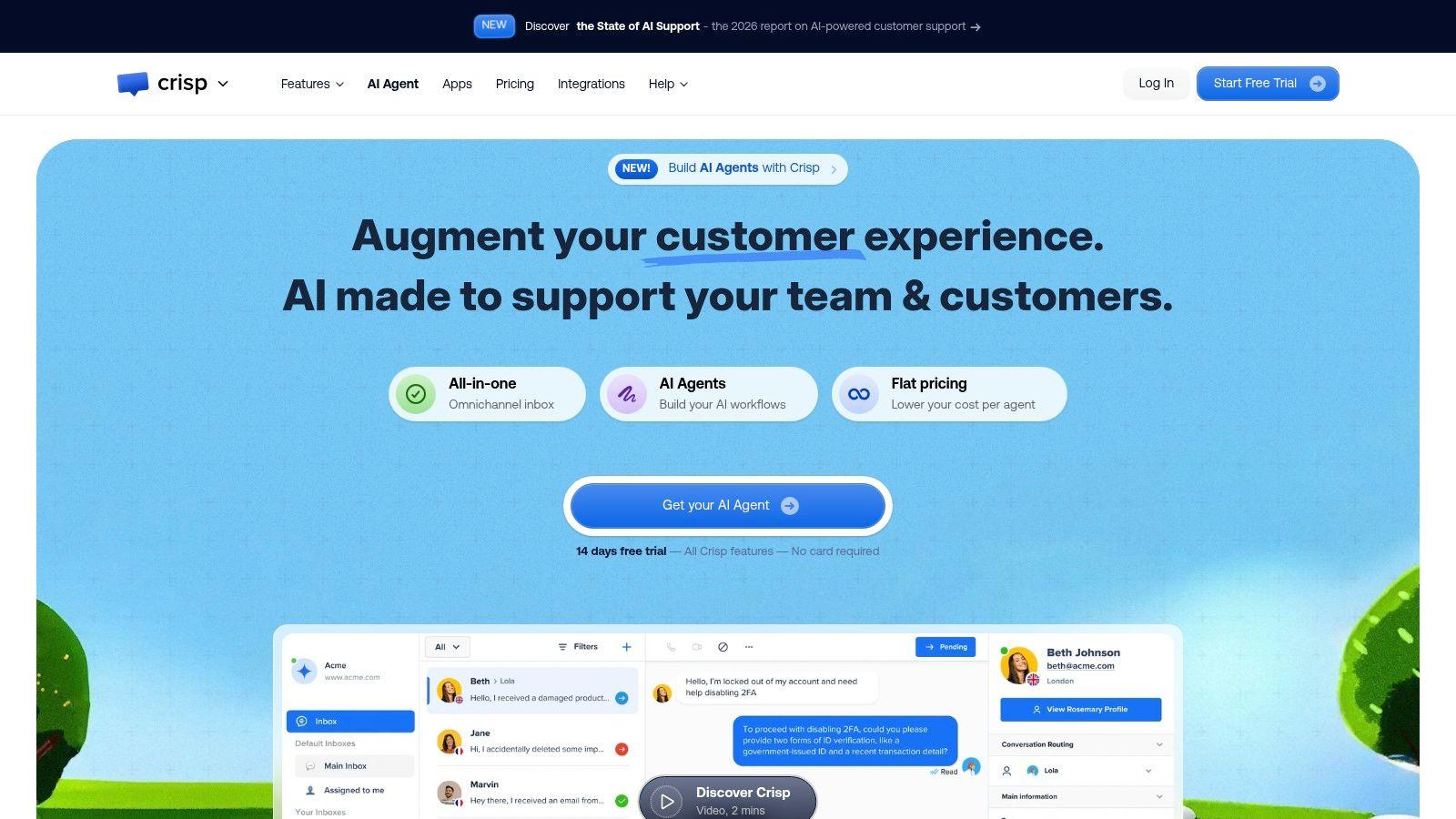
Flexible messaging is the main reason to shortlist Crisp. It combines live chat, AI chatbots, a help center, and support workflows, with email and social messaging in a unified support environment.
The fit is a small or midsize business that wants more than a storefront launcher without immediately adopting a larger service platform. Bot-to-human handoff and multilingual features are relevant when shoppers need help beyond staffed hours or across languages.
Localization check: A translated answer still needs the correct regional shipping rule, return condition, and product terminology.
That distinction matters for cross-border stores. A beauty merchant should test ingredient terminology, while a homeware seller should test dimensions, materials, and destination-specific delivery restrictions.
The trade-off is setup breadth. Merchants should establish the help-center structure, channel ownership, and escalation behavior before adding more bot flows. Otherwise, customers can receive a technically fluent answer that doesn't resolve their request.
A comparison of Crisp chat alternatives can help merchants decide whether they need flexible general messaging or a more Shopify-specific assistant.
During the trial, confirm which channels and translation functions are included in the intended subscription. Then test a handoff to staff with the original question and previous answers intact.
9. Zendesk
An established support team shouldn't replace its existing system just to add Shopify context. Zendesk is a reasonable candidate for larger organizations already using structured ticketing, multiple support channels, or shared processes across brands.
Its Shopify integration brings customer and recent order information into the agent workspace. Refund and cancellation actions can also sit within that support environment.
Best for established processes
Zendesk is a general-purpose customer-service platform with Shopify connectivity, not a Shopify-first app. That distinction matters when comparing administration work with ecommerce-specific convenience.
- Strong fit: A business already using Zendesk across its support organization.
- Setup focus: Customer matching, storefront connections, agent permissions, and order-action behavior.
- Main limitation: Configuration and ongoing administration can outweigh the benefit for a small store with simple chat needs.
A multi-brand retailer should test whether agents can identify the correct storefront and order before taking action. A familiar interface doesn't remove the need for careful permissions.
Merchants evaluating a simpler operating model can compare these Zendesk alternatives.
The trial should reflect actual agent work, not just a successful installation. Staff should locate an order, inspect its status, perform an authorized action, and confirm what appears in Shopify afterward. Reporting and workflow requirements should then determine whether the broader platform is justified.
10. Freshdesk
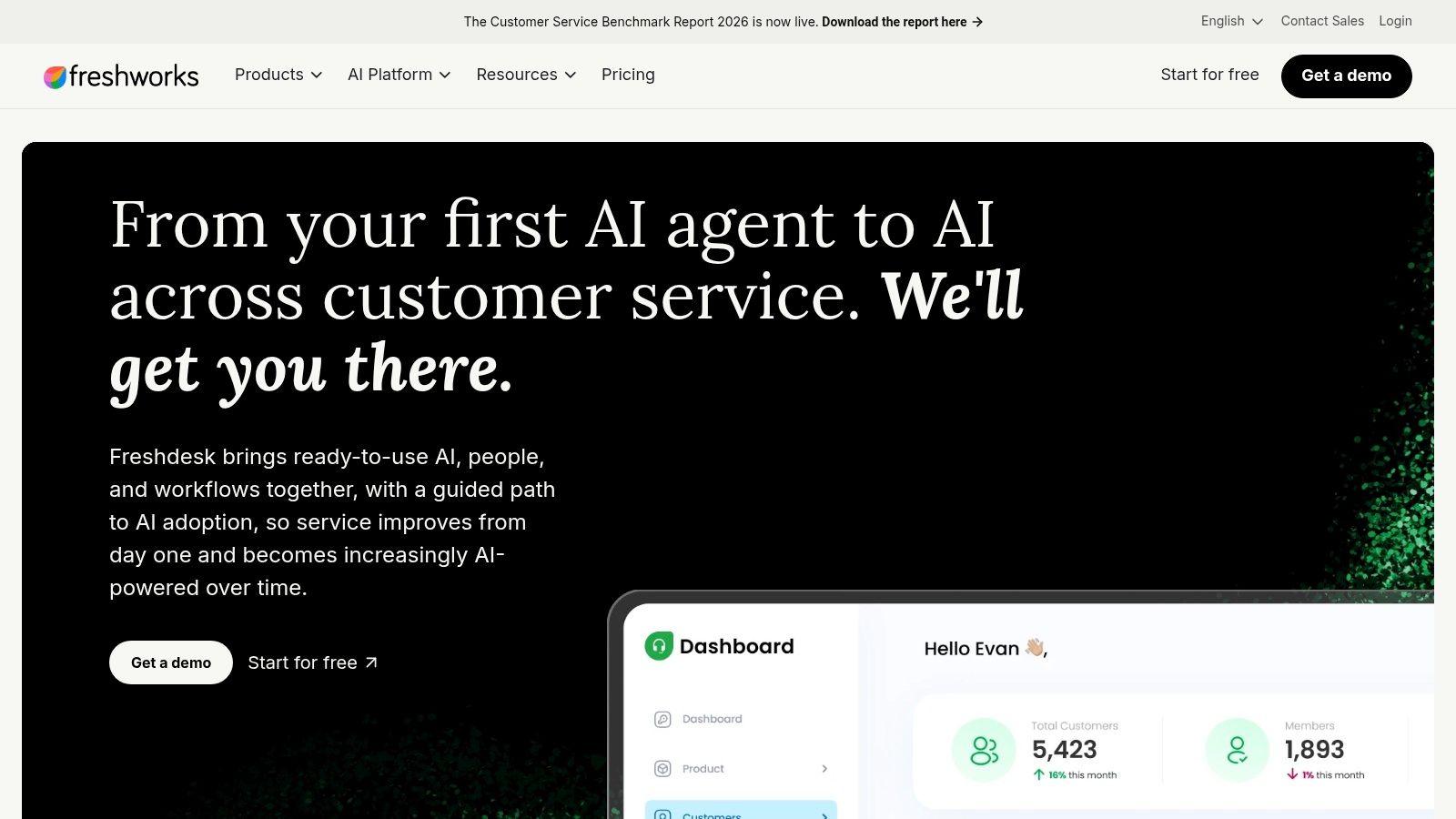
Freshdesk makes the most sense for merchants who already use it for support. Its Shopify connection brings customer, order, shipping, and order-status information into agent workflows.
That can reduce repeated store-admin lookups without forcing the team to migrate its helpdesk. Refund and cancellation actions require the appropriate configuration, so merchants should treat those as workflows to validate rather than assume.
The main trade-off is integration work. The Shopify connection requires additional configuration through the Shopify Dev Dashboard, rather than behaving like a simple storefront widget.
- Good fit: Teams keeping an existing Freshdesk operation while adding Shopify order context.
- Implementation priority: Assign someone to manage permissions, connection details, and testing.
- Decision check: Confirm the Freshdesk subscription and integration requirements before planning the rollout.
A merchant should test customer matching carefully, especially when shoppers use different email addresses across orders and support messages. Agents need confidence that the order shown belongs to the person requesting help.
Freshdesk is less compelling for a new store whose immediate problem is product discovery or on-site hesitation. Its stronger role is supporting an existing ticket-based operation, particularly when preserving established staff workflows matters more than adopting a Shopify-specialized interface.
Shopify customer support apps compared
| App | Best For | Free Plan | Starting Price | Shopify Rating |
|---|---|---|---|---|
| Carti | AI sales assistance and product recommendations | Yes, 50 AI conversations/month | $49/month | 5.0/5 |
| Gorgias | Ecommerce-focused support teams | Not specified | Not specified | 4.3/5 |
| Tidio | Small and midsize stores needing chat and AI support | Yes | Not specified | 4.8/5 |
| Shopify Inbox | Lean teams seeking native storefront chat | Yes | Free | 4.6/5 |
| Re:amaze | Small and midsize teams needing a broad support toolkit | Not specified | Not specified | Not provided |
| Richpanel | High-volume stores automating support tasks | Not specified | Not specified | 4.9/5 |
| DelightChat | Stores focused on WhatsApp and social messaging | Not specified | Not specified | 4.9/5 |
| Crisp | Small and midsize businesses needing omnichannel support | Yes | Not specified | 4.0/5 |
| Zendesk | Larger teams with established ticketing workflows | Not specified | Not specified | Not provided |
| Freshdesk | Teams already using Freshdesk for support | Not specified | Not specified | Not provided |
Pick the App That Matches Your Support Volume
Choose a storefront assistant when pre-purchase questions are the bottleneck. Sizing, compatibility, materials, delivery expectations, and product comparisons belong close to the shopping experience. The goal is to help customers make an informed choice, not merely produce an automated response.
Choose a helpdesk when post-purchase tickets dominate. Refunds, cancellations, delivery problems, and repeated follow-ups need ownership, order context, permissions, and a reliable escalation process. Gorgias, Re:amaze, and Richpanel deserve attention for ecommerce workflows, while Zendesk and Freshdesk can make sense for teams already invested in those systems.
A mixed setup can work, but merchants should avoid competing widgets and disconnected conversation histories. Customers need a clear entry point, and agents need the original question when a conversation escalates.
Verify the bill before committing
Every shortlisted vendor's pricing page should answer these questions:
- Billing unit: Does the subscription charge by agent, ticket, contact, conversation, resolution, or a combination?
- Included capacity: What allowance applies, when does it reset, and what happens when the store reaches it?
- AI costs: Are automated answers and completed actions included or charged separately?
- Channel access: Are the required social, messaging, voice, and email channels included?
- Commitment: Is the displayed rate monthly or tied to annual billing?
- Required features: Are reporting, integrations, permissions, and additional storefronts available in the intended subscription?
Conversation limits deserve explicit confirmation before purchase. A plan that fits routine demand may need a different allowance during a launch or promotion. Merchants should also check whether unsuccessful answers, reopened conversations, or human handoffs affect billing.
Test outcomes, not just activity
Start with a free plan or trial where available. Use real product questions, policy exceptions, and post-purchase requests, with test orders for actions that change store records.
Track answer accuracy, response speed, escalation reasons, and whether customers complete the intended task. For purchase assistance, examine add-to-cart behavior and assisted orders without assuming every subsequent sale was caused by chat.
A tool that handles more conversations isn't automatically better. The better choice gives shoppers accurate help, leaves agents with manageable work, and has a billing model the merchant understands before committing.
Carti offers Shopify merchants an AI shopping assistant that answers pre-purchase questions and recommends products from the store's catalog. Merchants comparing storefront support options can visit Carti to explore its plans and test how it handles their products and policies.
A weekly read of ten real transcripts teaches more than any dashboard. It shows where the catalog is thin, which policy wording confuses shoppers, and which questions should never have needed a person.

Written by
Daniel AndersonFounder of Carti. 10+ years building ecommerce brands in apparel and supplements. Still runs a Shopify store and built Carti to help merchants convert more browsers into buyers.